
Pricing Details
Magnific Pro: $39 per month. Includes 2,500 tokens, around 200 normal upscales, and 100 large upscales each month. Magnific Premium: $99 per month. Includes 6,500 tokens, around 550 normal upscales, and 250 large upscales each month. Magnific Enterprise: $299 per month. Includes 20,000 tokens, around 1,600 normal upscales, and 800 large upscales each month. Disclaimer: Please note that pricing information may not be up to date. For the most accurate and current pricing details, refer to the official Magnific AI website.
Product Visuals (1 images)
Strengths
- High-Resolution Output: Significantly improves image quality, making it ideal for professional use.
- Creative Control: Offers extensive customization options to tailor the upscaling process to specific needs.
- Wide Range of Applications: Suitable for various fields, including photography, digital art, and graphic design.
- Community Support: Provides tutorials and a supportive community for users to share tips and techniques.
Limitations
- Potential for Artifacts: Some users may experience artifacts in images, especially when creativity settings are too high.
- Learning Curve: While user-friendly, mastering advanced features may require some time and experimentation.
Building your AI toolkit?
Save Magnific AI and 1,000+ tools — free with Google, no spam
What You Get
Key Features
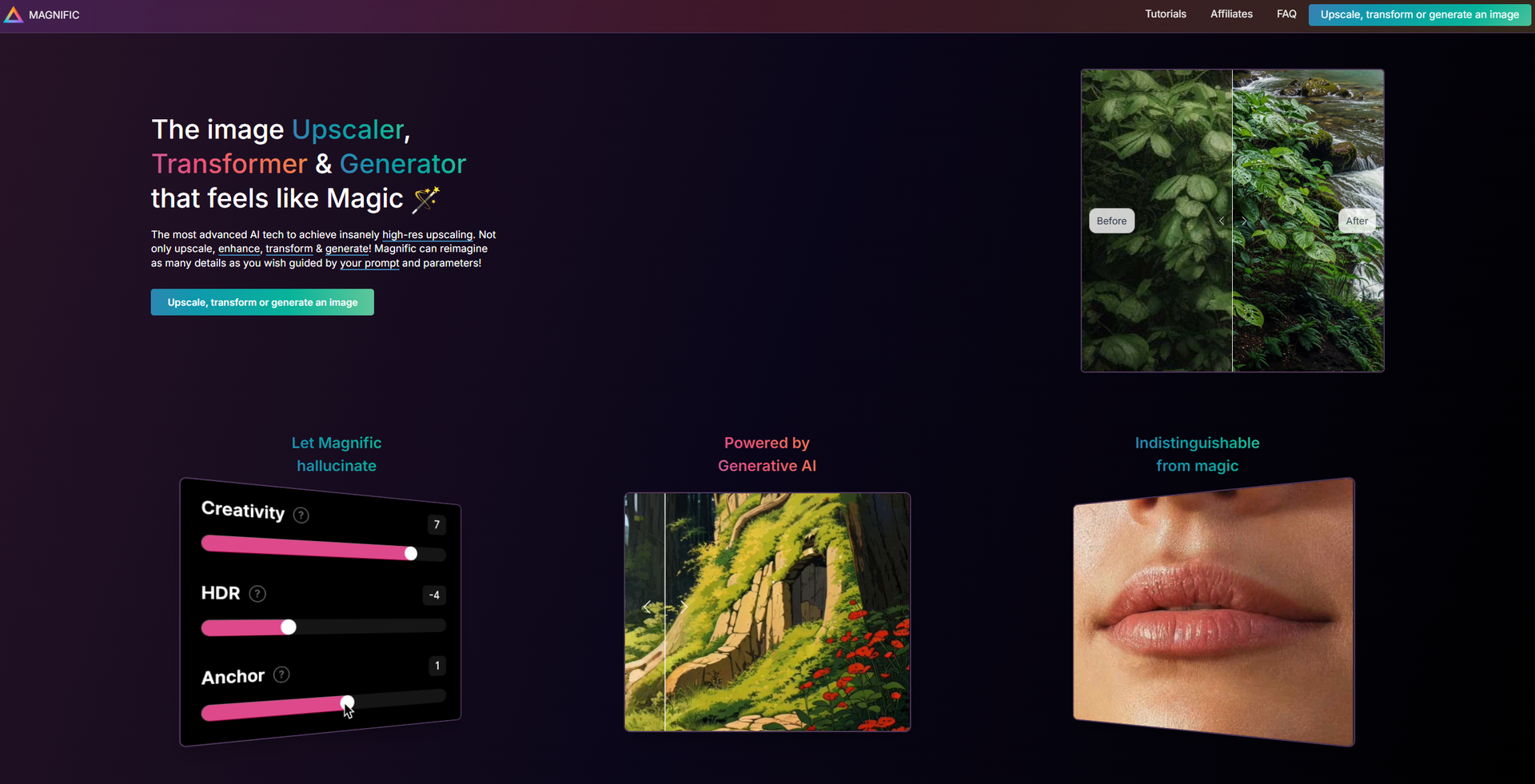
- Advanced Upscaling Technology: Magnific AI utilizes state-of-the-art AI algorithms to achieve high-resolution upscaling that enhances image quality beyond traditional methods.
- Customizable Creativity Slider: Users can adjust the level of creativity in the upscaling process, allowing for the addition of new details based on their prompts and parameters.
- Versatile Image Transformation: Beyond upscaling, the tool can transform and generate images, making it a versatile choice for various creative needs.
- User-Friendly Interface: Designed with simplicity in mind, Magnific AI offers an intuitive interface that caters to both beginners and experienced users.
- ProsHigh-Resolution Output: Significantly improves image quality, making it ideal for professional use.Creative Control: Offers extensive customization options to tailor the upscaling process to specific needs.Wide Range of Applications: Suitable for various fields, including photography, digital art, and graphic design.Community Support: Provides tutorials and a supportive community for users to share tips and techniques.ConsPotential for Artifacts: Some users may experience artifacts in images, especially when creativity settings are too high.Learning Curve: While user-friendly, mastering advanced features may require some time and experimentation.
Best For
- Photographers: Enhancing and upscaling images for professional portfolios and client work.
- Graphic Designers: Creating high-quality visual content for marketing and branding purposes.
- Digital Artists: Transforming and generating art with enhanced details and resolution.
- Marketing Professionals: Elevating the quality of images used in advertising campaigns.
- Uncommon Use Cases: Used by architects for high-resolution renderings; Employed by filmmakers for enhancing film stills.
Similar Tools



Design tools · weekly digest
The AI Weekly — free in your inbox
New AI tools, pricing changes, expert picks, and hidden gems — curated by Mr. Spark every week. Join 5,000+ readers who stay ahead of the AI curve.