
Pricing Details
Free Trial: Get started with MailMaestro without any upfront cost. Subscription Plans: Detailed pricing is available on the MailMaestro website. Disclaimer: For the most accurate and current pricing details, refer to the official MailMaestro website. Associated: Workflow Automations AI Translators Best AI Text Generators
Product Visuals (1 images)
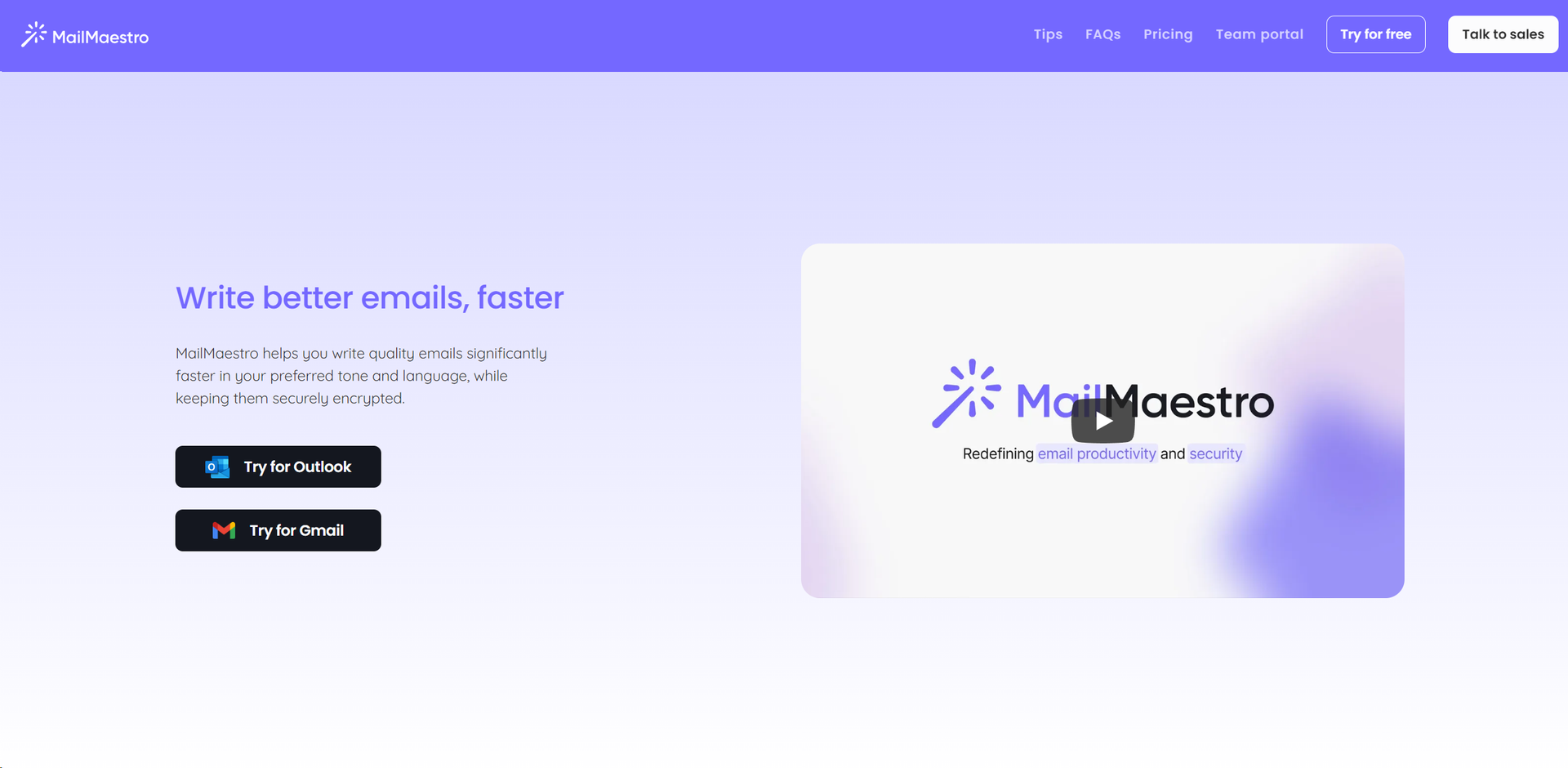
Strengths
- Increased Productivity: Significantly reduces the time required to draft quality emails.
- Enhanced Personalization: Crafts emails that sound like you, improving recipient engagement.
- Robust Security: Keeps your communications secure with state-of-the-art encryption.
- User-Friendly Interface: Simplifies the email writing process with intuitive design and features.
Limitations
- Learning Curve: Some users may need time to familiarize themselves with all features.
- Language Limitations: The effectiveness of language translation and customization may vary.
- Subscription Model: Ongoing costs could be a consideration for some users or organizations.
Building your AI toolkit?
Save MailMaestro and 1,000+ tools — free with Google, no spam
What You Get
Key Features
- AI-Driven Drafting: Transforms simple points into high-quality prose, saving you time and effort.
- Personalization Options: Adjusts to your preferred tone and language, learning your style over time for more personalized responses.
- Enterprise-Grade Security: Uses obfuscation and encryption to protect sensitive data, ensuring your emails remain confidential.
- Magic Templates: Provides ready-to-use templates for various scenarios, making email composition even faster.
- Language and Tone Customization: Tailors emails to match the expectations of different recipients, enhancing communication effectiveness.
- Efficient Email Management: Offers tools like text shortcuts and the ability to choose from AI-curated drafts, streamlining the email process.
- ProsIncreased Productivity: Significantly reduces the time required to draft quality emails.Enhanced Personalization: Crafts emails that sound like you, improving recipient engagement.Robust Security: Keeps your communications secure with state-of-the-art encryption.User-Friendly Interface: Simplifies the email writing process with intuitive design and features.ConsLearning Curve: Some users may need time to familiarize themselves with all features.Language Limitations: The effectiveness of language translation and customization may vary.Subscription Model: Ongoing costs could be a consideration for some users or organizations.
Best For
- Business Professionals: For crafting and managing email communication efficiently.
- Marketing Teams: Leveraging the tool to personalize campaign emails.
- Administrative Assistants: Utilizing the scheduling and email management features.
- Freelancers: Enhancing their email communication with clients for better clarity and professionalism.
- Uncommon Use Cases: Non-profits using it to secure donor communication; Educators for managing correspondence with students and parents.
Integrations
Outlook and Gmail Support: Seamlessly integrates with major email platforms for a unified experience. Calendar Integration: Detects meeting requests and suggests slots based on your schedule. Language Translation: Offers quick translation features to stay informed in your preferred language. Security Compliance: Adheres to strict security protocols, ensuring data protection.
Similar Tools



Weekly Issue
⚡
Personal Assistant tools · weekly digest
The AI Weekly — free in your inbox
New AI tools, pricing changes, expert picks, and hidden gems — curated by Mr. Spark every week. Join 5,000+ readers who stay ahead of the AI curve.
No spam, ever
Unsubscribe anytime
100% free