
Pricing Details
Free Tier: Start with basic features for free to revolutionize meetings. Subscription Plans: Various tiers available with additional features to suit different needs. Disclaimer: For the most accurate and current pricing details, please refer to the MeetGeek website.
Product Visuals (1 images)
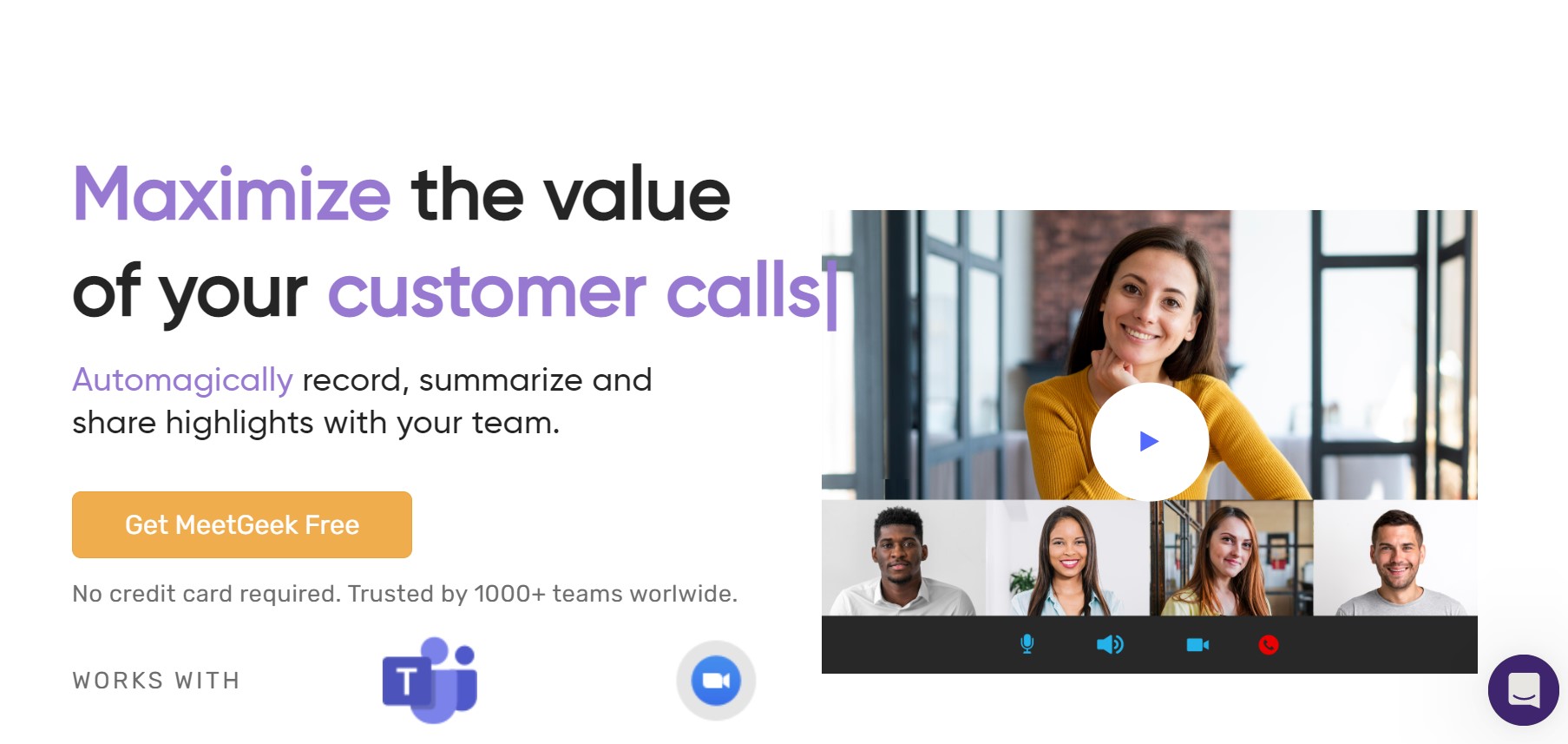
Strengths
- Enhanced Meeting Productivity: Frees participants from note-taking, allowing full engagement.
- Comprehensive Meeting Records: Maintains detailed records for accountability and compliance.
- Time-Saving Summaries: Provides instant access to meeting highlights, reducing review time.
- Easy Information Retrieval: Enables quick finding of specific discussions or decisions from past meetings.
Limitations
- Dependence on Audio Quality: Transcription accuracy may suffer in noisy environments or with poor audio input.
- Learning Curve: Users may need time to familiarize themselves with the platform's extensive features.
- Potential Overwhelm: The abundance of data and insights could overwhelm users without proper training.
What You Get
Key Features
- Auto-recording and Transcription: Captures meetings and provides reliable transcriptions for reference.
- Automatic Summaries: Delivers concise meeting summaries, saving time on reviewing recordings.
- Highlights and Keyword Detection: Identifies important moments and spoken keywords for easy sharing.
- Searchable Meeting Archive: Centralizes past meetings for quick retrieval through keyword searches.
- Team Collaboration: Facilitates sharing of meeting content within teams for improved knowledge sharing.
- Meeting Insights: Provides analytics to assess meeting performance and identify areas for improvement.
- Integration Ecosystem: Seamlessly connects with tools like Zoom, Google Meet, and various CRMs for streamlined workflows.
- ProsEnhanced Meeting Productivity: Frees participants from note-taking, allowing full engagement.Comprehensive Meeting Records: Maintains detailed records for accountability and compliance.Time-Saving Summaries: Provides instant access to meeting highlights, reducing review time.Easy Information Retrieval: Enables quick finding of specific discussions or decisions from past meetings.ConsDependence on Audio Quality: Transcription accuracy may suffer in noisy environments or with poor audio input.Learning Curve: Users may need time to familiarize themselves with the platform's extensive features.Potential Overwhelm: The abundance of data and insights could overwhelm users without proper training.
Best For
- Sales Teams: Utilize detailed meeting records to convert prospects into customers.
- HR Professionals: Streamline hiring processes and improve interview techniques with transcriptions and summaries.
- C-Level Executives: Enhance organizational productivity by optimizing meetings.
- Customer Success Managers: Capture customer feedback and turn it into actionable improvements.
- Uncommon Use Cases: Educators enrich teaching methods, while legal professionals maintain precise records of client consultations.
Integrations
Zoom and Google Meet Compatibility: Integrates for automated recording and summarization. CRM Integration: Syncs with platforms like HubSpot for streamlined customer relationship management. Collaboration Tools: Shares meeting content with Slack, Trello, and other team collaboration software. Calendar Integration: Works with Google Calendar and Microsoft Outlook for scheduling and summaries.
Similar Tools



Weekly Issue
⚡
Personal Assistant tools · weekly digest
The AI Weekly — free in your inbox
New AI tools, pricing changes, expert picks, and hidden gems — curated by Mr. Spark every week. Join 5,000+ readers who stay ahead of the AI curve.
No spam, ever
Unsubscribe anytime
100% free