
Pricing Details
Free Trial: Users can start with Meshy for free, exploring its core functionalities. Subscription Plans: Detailed pricing information is available on the Meshy website, offering different tiers based on usage needs. Disclaimer: For the latest and most accurate pricing, please visit the Meshy website. Discover: Cartoon Generator AI Best AI 3D Generators Fun AI Tools
Product Visuals (1 images)
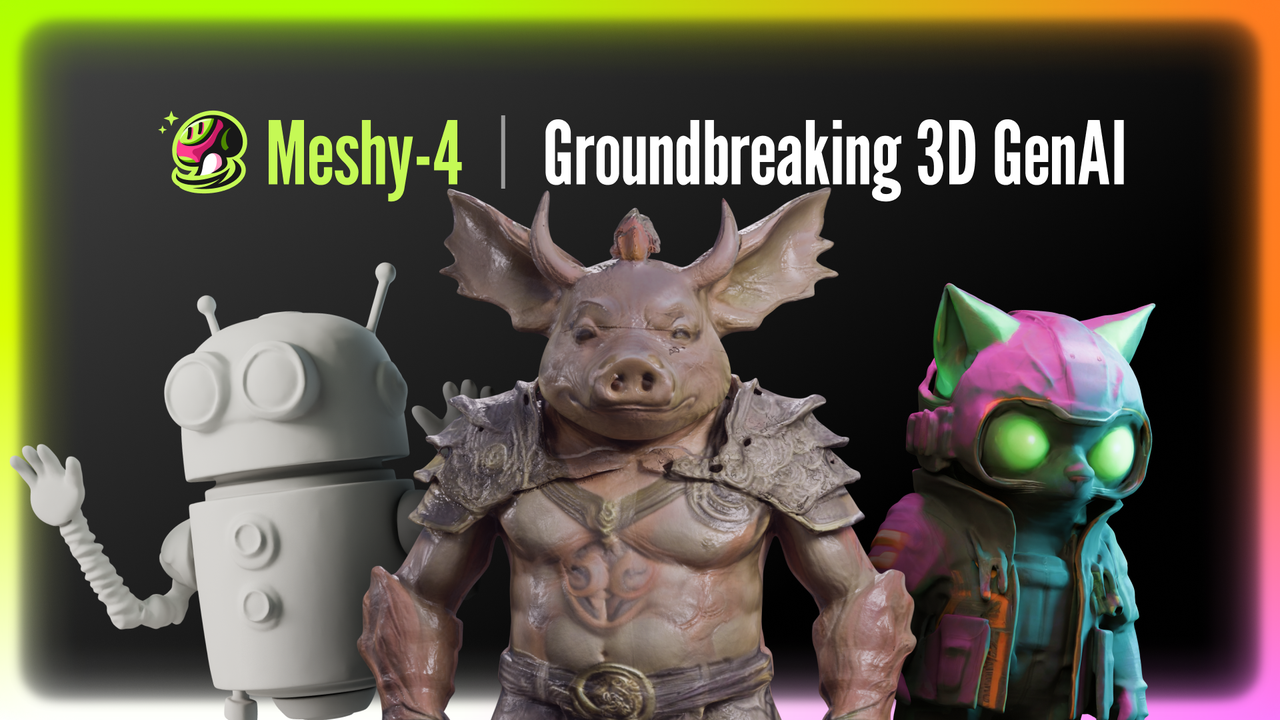
Strengths
- Efficiency Boost: Drastically reduces the time required for 3D modeling and texturing tasks.
- Ease of Use: Features an intuitive interface that simplifies the 3D creation process.
- Quality Output: Produces high-quality, customizable PBR textures and realistic 3D models.
- Versatility: Offers support for various art styles and export formats, ensuring broad usability.
- API Access: Allows for custom integrations, extending the utility of the tool beyond its standalone capabilities.
Limitations
- Learning Curve: Users may need time to get accustomed to the AI's capabilities and how to formulate effective prompts.
- Dependency on AI Interpretation: The quality of the output may vary depending on the AI's understanding of the user's input.
- Limited by Current Tech: While advanced, the tool's capabilities are still bound by the limitations of current AI technology.
What You Get
Key Features
- Text to 3D Conversion: Generate complex 3D models from simple text descriptions, opening up a world of creativity for users with no prior 3D experience.
- Image to 3D Capability: Turn 2D images into 3D models quickly, leveraging the AI's understanding of depth and form.
- AI Texturing: Create high-quality textures from text prompts or concept art, significantly reducing the time spent on texturing.
- Rapid Workflow Integration: Designed for lightning-fast performance, Meshy integrates smoothly with standard industry workflows.
- Diverse Art Styles: Supports a range of art styles, from voxel to photorealistic, catering to various creative needs.
- Intuitive User Interface: The tool offers a simple and user-friendly interface, making it accessible even to those who aren't 3D modeling experts.
- Multilingual Support: Users can write prompts in their native language, making the tool more accessible worldwide.
- API Integration: Developers can integrate Meshy's capabilities into their own applications, enhancing their software's functionality.
- Export Options: Models can be exported in formats like FBX, GLB, or USDZ for compatibility with other software.
- ProsEfficiency Boost: Drastically reduces the time required for 3D modeling and texturing tasks.Ease of Use: Features an intuitive interface that simplifies the 3D creation process.Quality Output: Produces high-quality, customizable PBR textures and realistic 3D models.Versatility: Offers support for various art styles and export formats, ensuring broad usability.API Access: Allows for custom integrations, extending the utility of the tool beyond its standalone capabilities.ConsLearning Curve: Users may need time to get accustomed to the AI's capabilities and how to formulate effective prompts.Dependency on AI Interpretation: The quality of the output may vary depending on the AI's understanding of the user's input.Limited by Current Tech: While advanced, the tool's capabilities are still bound by the limitations of current AI technology.
Best For
- Meshy has found its way into the toolkits of various business professionals and enthusiasts in the digital content space:
- Game Developers: Incorporating Meshy for rapid prototyping and asset creation.
- Architects and Interior Designers: Using AI to visualize concepts and designs in 3D.
- Educational Institutions: Applying Meshy as a teaching tool in courses on design and technology.
- Hobbyists: Exploring 3D modeling without the need for extensive learning or investment.
- Uncommon Use Cases: Meshy is also being used by fashion designers for virtual product mockups and by filmmakers for pre-visualization of sets and props.
Integrations
Standard 3D Formats: Export models in FBX, GLB, or USDZ formats for use in various 3D software. API for Custom Applications: Extend Meshy's capabilities to your custom applications with API access. Multilingual Interface: Supports prompts in multiple languages, catering to a global user base. Discord Community: A dedicated platform for support, sharing, and collaboration among Meshy users.
Similar Tools



Weekly Issue
⚡
Design tools · weekly digest
The AI Weekly — free in your inbox
New AI tools, pricing changes, expert picks, and hidden gems — curated by Mr. Spark every week. Join 5,000+ readers who stay ahead of the AI curve.
No spam, ever
Unsubscribe anytime
100% free