
Pricing Details
Basic Plan: Free forever, includes 10 AI meeting minutes and transcriptions per month. Pro Plan: $9 per month (billed annually), includes 360 AI-powered call processings per year. Business Plan: $24 per month (billed annually), includes 1200 AI-powered call processings per year. Disclaimer: Please note that pricing information may not be up to date. For the most accurate and current pricing details, refer to the official MinutesLink website.
Product Visuals (1 images)
Strengths
- Time Efficiency: Eliminates the need for manual note-taking, allowing you to focus on the meeting itself.
- Cost-Effective: Offers a free tier, with affordable upgrade options for more extensive usage.
- User-Friendly: Intuitive interface that requires minimal setup, enabling quick adoption.
- Data Security: Prioritizes user privacy with advanced encryption and compliance with global data protection standards.
Limitations
- Limited Integration: Currently optimized for Google Meet, which may limit users relying on other conferencing tools.
- Initial Setup Required: Users need to log in and authorize the AI Assistant to access their calendar for optimal performance.
Building your AI toolkit?
Save MinutesLink and 1,000+ tools — free with Google, no spam
What You Get
Key Features
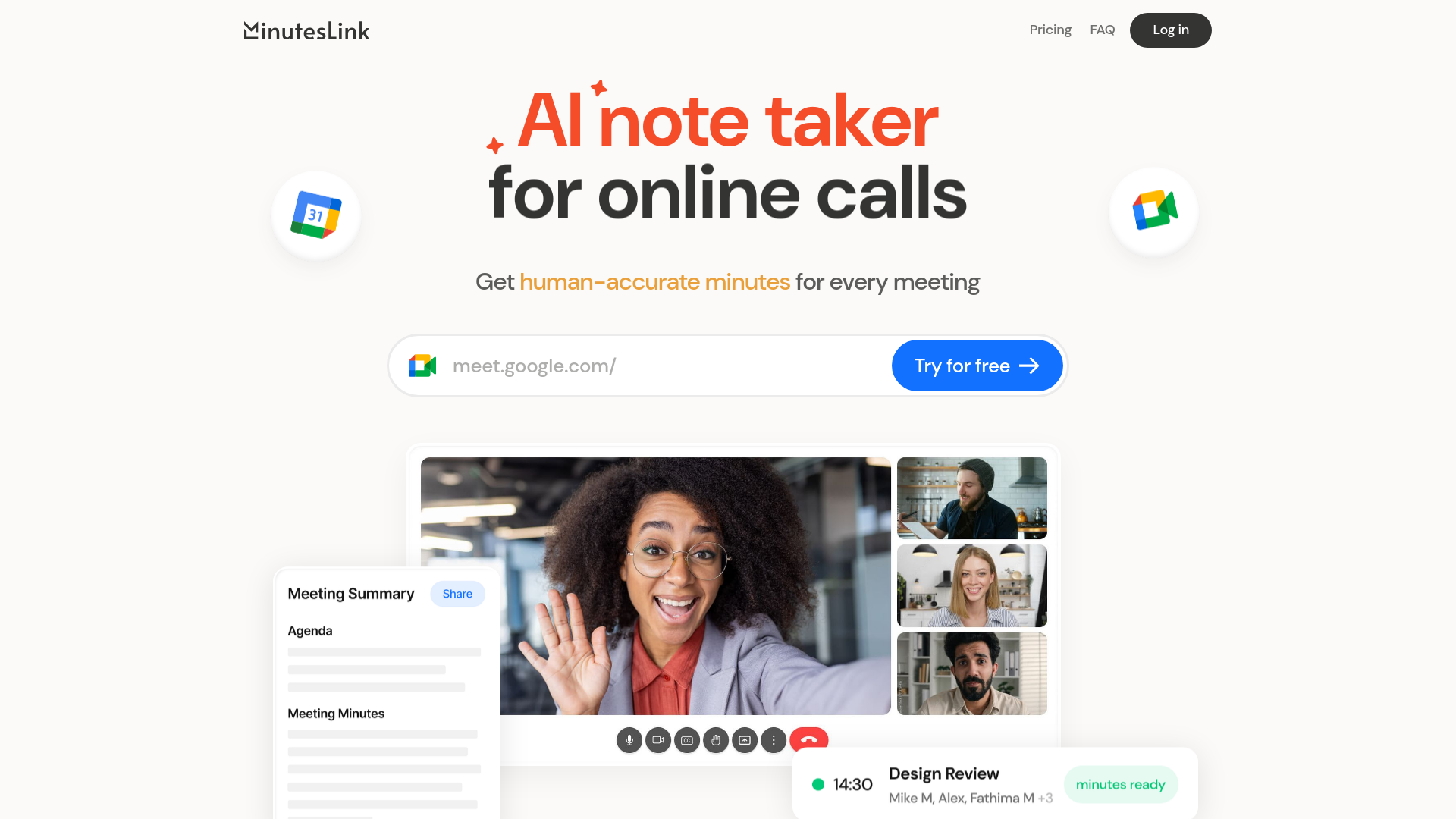
- Automated Meeting Attendance: MinutesLink’s AI Assistant seamlessly integrates with Google Meet, joining your scheduled calls to record, transcribe, and summarize the discussions.
- Human-Accurate Transcriptions: Delivers highly accurate transcripts and minutes, ensuring you never miss crucial details from your meetings.
- Actionable Insights: The tool not only provides summaries but also highlights key action items, keeping your team aligned and informed.
- Secure and Compliant: Ensures data privacy with end-to-end encryption and complies with GDPR and CCPA regulations, giving you control over your meeting data.
- ProsTime Efficiency: Eliminates the need for manual note-taking, allowing you to focus on the meeting itself.Cost-Effective: Offers a free tier, with affordable upgrade options for more extensive usage.User-Friendly: Intuitive interface that requires minimal setup, enabling quick adoption.Data Security: Prioritizes user privacy with advanced encryption and compliance with global data protection standards.ConsLimited Integration: Currently optimized for Google Meet, which may limit users relying on other conferencing tools.Initial Setup Required: Users need to log in and authorize the AI Assistant to access their calendar for optimal performance.
Best For
- Remote Teams: Ideal for teams spread across different locations, ensuring everyone stays informed with accurate meeting notes.
- HR and Recruiting: Facilitates organized interview processes and staff reviews with reliable transcripts.
- Sales Teams: Captures all client interactions and agreements, making it easier to follow up and close deals.
- Consultants and Educators: Perfect for maintaining detailed lesson notes and client meeting summaries.
- Uncommon Use Cases: Adopted by legal professionals for precise case meeting records; utilized by event planners to manage and review client consultations.
Similar Tools



Personal Assistant tools · weekly digest
The AI Weekly — free in your inbox
New AI tools, pricing changes, expert picks, and hidden gems — curated by Mr. Spark every week. Join 5,000+ readers who stay ahead of the AI curve.