
Pricing Details
Free Tier: Explore mymind with a limited storage option. Personal Tier: Starts at $12 per month for comprehensive features and storage capabilities. Disclaimer: For the most accurate and current pricing details, refer to the official mymind website.
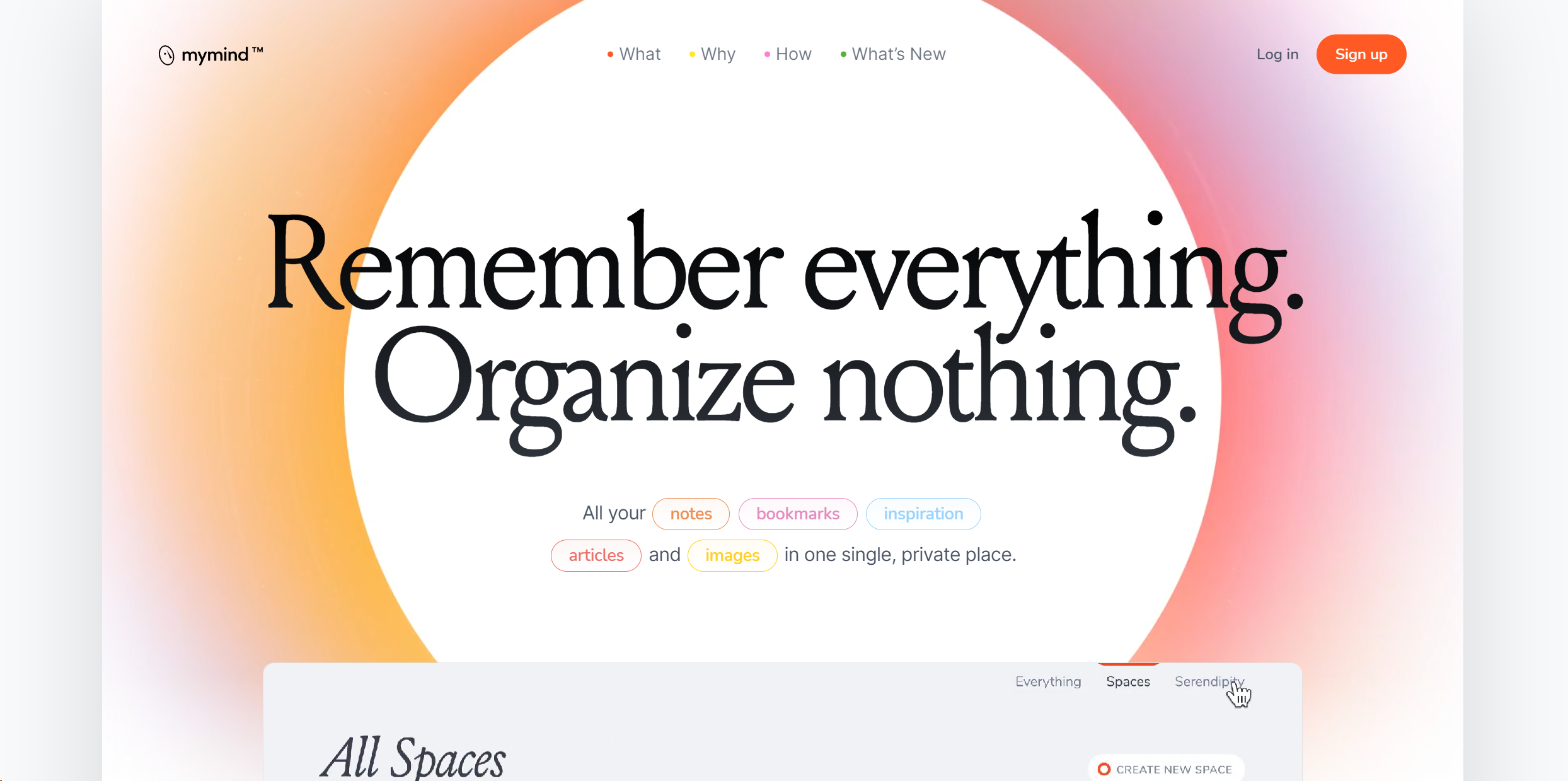
Product Visuals (1 images)
Strengths
- Enhanced Productivity: Significantly reduces the time spent searching for files or notes.
- Intuitive Organization: AI-driven categorization eliminates the need for manual sorting.
- Secure and Private: Strong encryption and a privacy-centric approach provide peace of mind.
- User-Friendly Interface: A clean and minimalist design makes it easy for anyone to use.
Limitations
- Initial Setup Time: Getting all your existing data into mymind can take some time.
- Learning Curve: Maximizing the AI features requires some initial learning and adjustment.
- Subscription-Based: While offering powerful features, it is a paid service, which might be a drawback for some users.
What You Get
Key Features
- Instant Recall: mymind uses AI to categorize and tag your saved items, making them instantly retrievable with a simple search.
- Visual Memory: It recognizes images and text within photos, allowing you to search for notes or ideas based on visuals.
- Privacy First: Your data is encrypted and kept private, ensuring that your mind's contents are for your eyes only.
- Cross-Platform Syncing: Seamlessly syncs across devices, ensuring your digital memory is always accessible, whether you're on your phone, tablet, or computer.
- ProsEnhanced Productivity: Significantly reduces the time spent searching for files or notes.Intuitive Organization: AI-driven categorization eliminates the need for manual sorting.Secure and Private: Strong encryption and a privacy-centric approach provide peace of mind.User-Friendly Interface: A clean and minimalist design makes it easy for anyone to use.ConsInitial Setup Time: Getting all your existing data into mymind can take some time.Learning Curve: Maximizing the AI features requires some initial learning and adjustment.Subscription-Based: While offering powerful features, it is a paid service, which might be a drawback for some users.
Best For
- Writers and Researchers: For organizing notes and sources.
- Students: Managing study materials and notes.
- Designers: Keeping track of inspiration and project assets.
- Project Managers: Organizing project documents and communications.
- Uncommon Use Cases: Chefs use it to organize recipes and food presentation ideas; Psychologists use it for note-taking during sessions without breaking client confidentiality.
Integrations
Browser Extensions: Offers extensions for Chrome and Firefox for easy saving of web content. Mobile Apps: Available on iOS and Android for capturing thoughts and images on the go. Cloud Integration: Syncs with popular cloud storage services for backup and extra storage. API Access: Developers can integrate mymind's capabilities into custom applications.
Similar Tools



Weekly Issue
⚡
Personal Assistant tools · weekly digest
The AI Weekly — free in your inbox
New AI tools, pricing changes, expert picks, and hidden gems — curated by Mr. Spark every week. Join 5,000+ readers who stay ahead of the AI curve.
No spam, ever
Unsubscribe anytime
100% free