
Pricing Details
Free Tier: Offers a 1-month free trial to explore NeuBird’s features. Pro Tier: Priced at $29.99 per month for advanced features and extended usage. Disclaimer: Pricing information may change. For the most current details, please visit the official NeuBird website.
Product Visuals (1 images)
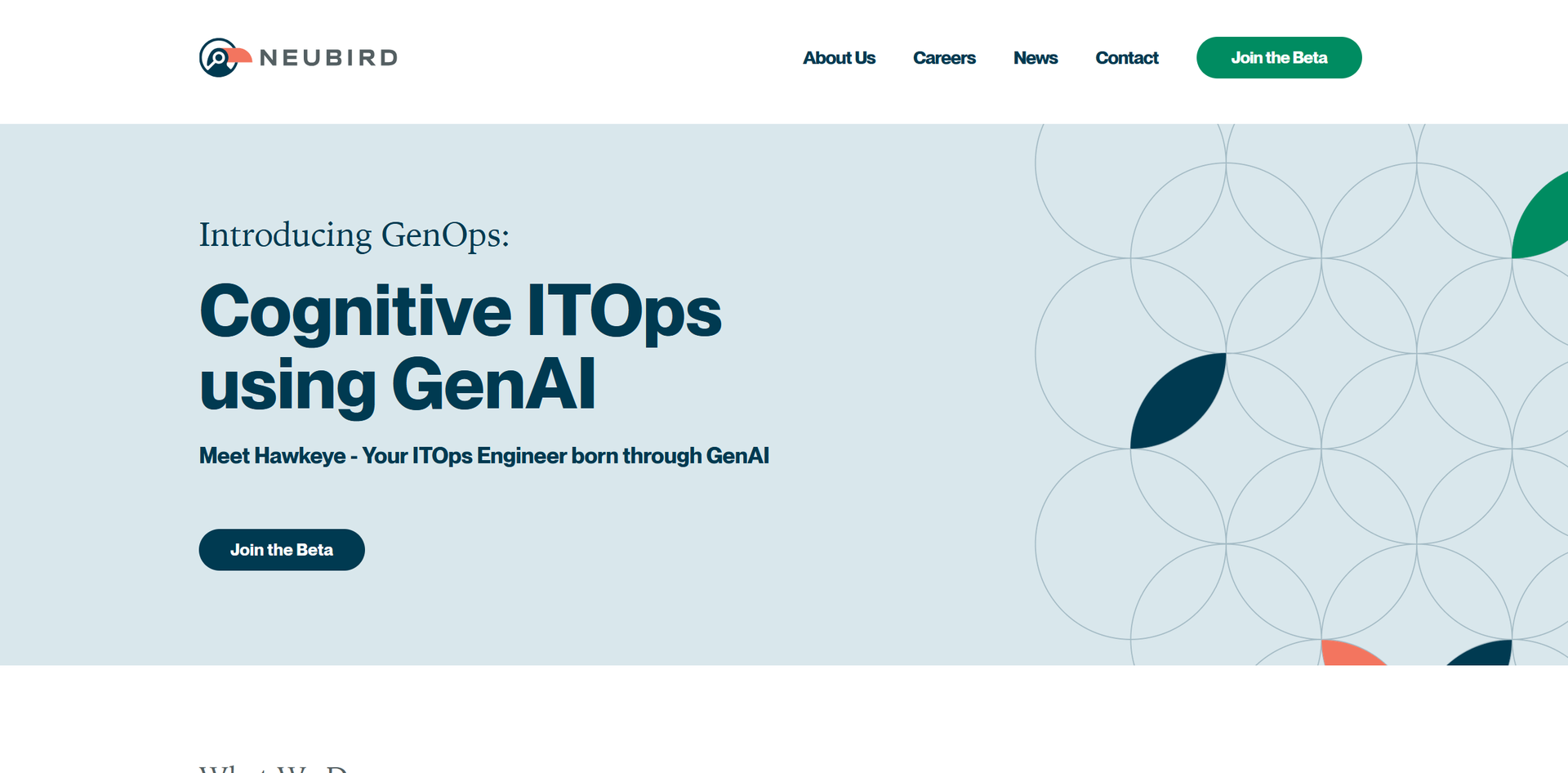
Strengths
- Efficiency Boost: Reduces manual editing time by up to 70%, accelerating the production process.
- High-Quality Outputs: Produces professional-grade results with minimal user input.
- Scalability: Handles large volumes of digital assets effectively without compromising performance.
- User-Friendly Interface: Features a clean and intuitive interface suitable for both novice and experienced users.
Limitations
- Internet Dependency: Requires a stable internet connection to fully utilize all features.
- Learning Curve: New users may need time to become familiar with the advanced functionalities.
- Subscription-Based: The cost may be prohibitive for freelancers or small startups on a tight budget.
What You Get
Key Features
- AI-Powered Editing Tools: Utilizes advanced artificial intelligence to automatically enhance the quality of images and videos, making edits faster and more efficient.
- Batch Processing: Allows users to edit multiple files simultaneously, saving time and improving workflow efficiency.
- Customizable Workflows: Provides the ability to personalize editing workflows to match specific project requirements, offering flexibility.
- Cloud-Based Platform: Supports remote work by enabling access and collaboration from anywhere with an internet connection.
- ProsEfficiency Boost: Reduces manual editing time by up to 70%, accelerating the production process.High-Quality Outputs: Produces professional-grade results with minimal user input.Scalability: Handles large volumes of digital assets effectively without compromising performance.User-Friendly Interface: Features a clean and intuitive interface suitable for both novice and experienced users.ConsInternet Dependency: Requires a stable internet connection to fully utilize all features.Learning Curve: New users may need time to become familiar with the advanced functionalities.Subscription-Based: The cost may be prohibitive for freelancers or small startups on a tight budget.
Best For
- Digital Marketing Agencies: Utilize NeuBird to create visually appealing and effective campaign content.
- Social Media Managers: Leverage the tool for efficient production and management of high-quality social media content.
- Graphic Designers: Use NeuBird to accelerate complex design tasks and enhance visual outputs.
- Film and Video Editors: Benefit from automated video enhancements and edits to streamline their workflows.
- Uncommon Use Cases: Applied by real estate agencies to enhance property images; used by educational institutions for developing instructional content.
Integrations
Adobe Creative Suite Compatibility: Works well with Adobe products to enhance creative workflows. Social Media Platforms: Direct integration facilitates easy publishing to platforms such as Instagram and Facebook. Cloud Storage Services: Compatible with services like Dropbox and Google Drive for efficient file management. API Access: Provides APIs for developers to integrate NeuBird’s capabilities into custom applications.
Similar Tools



Weekly Issue
⚡
Video Editing tools · weekly digest
The AI Weekly — free in your inbox
New AI tools, pricing changes, expert picks, and hidden gems — curated by Mr. Spark every week. Join 5,000+ readers who stay ahead of the AI curve.
No spam, ever
Unsubscribe anytime
100% free