
Pricing Details
Free: $0 per month. Ideal for individuals exploring AI-assisted research. Includes up to 100 notebooks, each with 50 sources (up to 500,000 words per source), 50 daily chat queries, 3 daily Audio Overviews, and support for PDFs, Google Docs, websites, and YouTube transcripts. NotebookLM Plus: $19.99 per month (first month free). Offers 5x higher limits: up to 500 notebooks with 300 sources each, 500 daily chat queries, and 20 daily Audio Overviews. Adds tone customization, response length control, notebook sharing, and usage analytics. Included with the Google One AI Premium plan, which also provides Gemini Advanced, Gemini in Gmail and Docs, and 2 TB of storage. Student Discount: $9.99 per month for 12 months. Available to U.S. students aged 18 and older, offering full access to NotebookLM Plus and other AI Premium features. Disclaimer: Please note that pricing information may not be up to date. For the most accurate and current pricing details, refer to the official NotebookLM website.
Product Visuals (1 images)
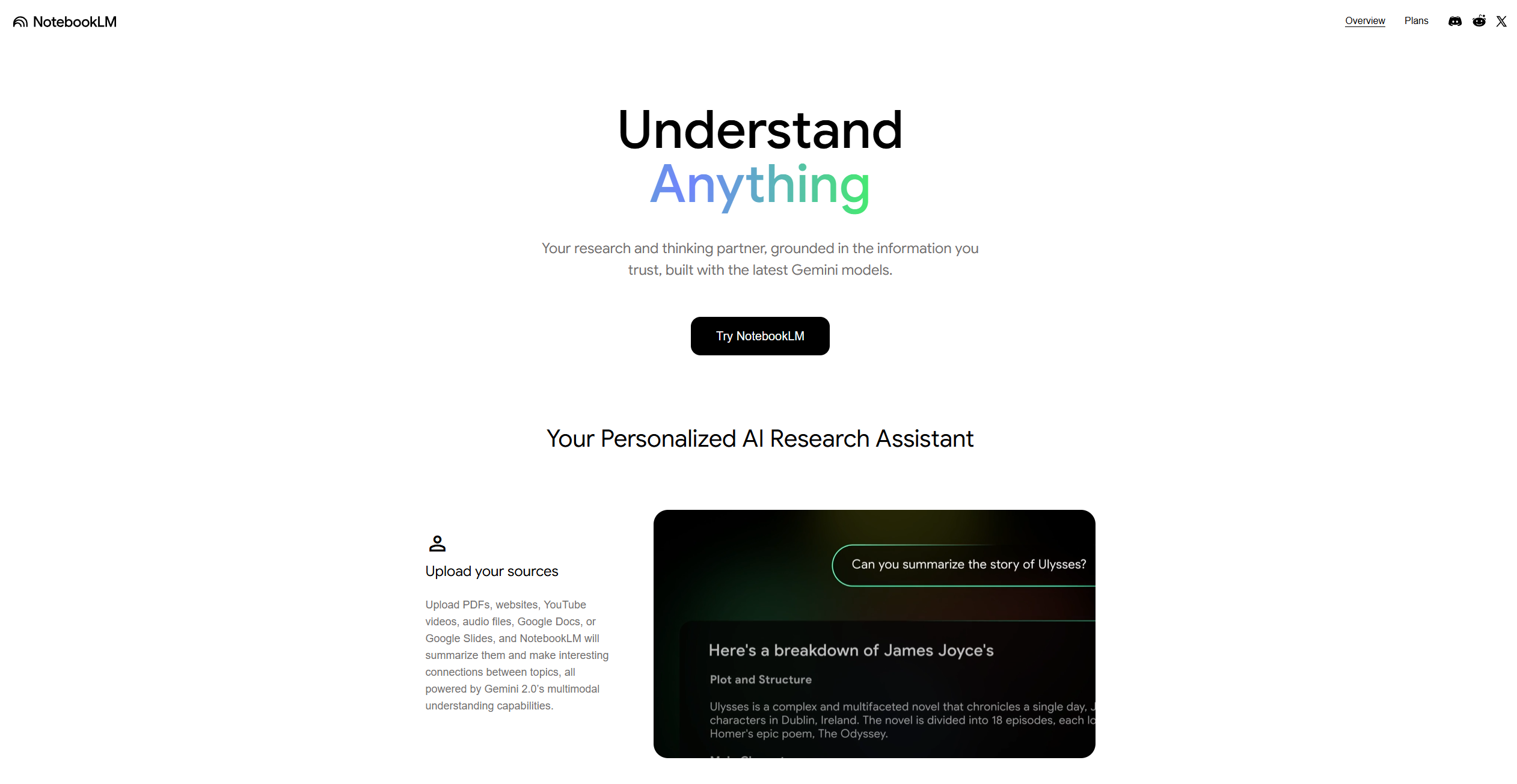
Strengths
- Enhanced Productivity: Streamlines the note-taking process, allowing users to focus on critical analysis rather than administrative tasks.
- User-Friendly Interface: Offers a clean and intuitive design that is easy to navigate, even for beginners.
- Real-Time Collaboration: Facilitates collaboration with team members, boosting collective efficiency and creativity.
- Customizable Organization: Users can tailor the structure of their notes to fit their specific needs and preferences.
Limitations
- Initial Learning Curve: Some users may require time to fully grasp the advanced features and functionalities.
Building your AI toolkit?
Save NotebookLM and 1,000+ tools — free with Google, no spam
What You Get
Key Features
- AI-Powered Summarization: Effortlessly condense lengthy documents into concise summaries, saving valuable time and effort.
- Smart Search Functionality: Quickly locate specific information within your notes using advanced search algorithms.
- Seamless Integration: Connect with other Google Workspace tools for a streamlined workflow.
- Collaborative Features: Share notes and collaborate with peers in real-time, enhancing teamwork and communication.
- ProsEnhanced Productivity: Streamlines the note-taking process, allowing users to focus on critical analysis rather than administrative tasks.User-Friendly Interface: Offers a clean and intuitive design that is easy to navigate, even for beginners.Real-Time Collaboration: Facilitates collaboration with team members, boosting collective efficiency and creativity.Customizable Organization: Users can tailor the structure of their notes to fit their specific needs and preferences.ConsInitial Learning Curve: Some users may require time to fully grasp the advanced features and functionalities.
Best For
- Students and Academics: Leveraging the tool for efficient note-taking and study material organization.
- Research Professionals: Utilizing AI capabilities to streamline data analysis and information retrieval.
- Corporate Teams: Employing the platform for collaborative project management and documentation.
- Freelancers and Writers: Using the tool to organize research and draft content seamlessly.
- Uncommon Use Cases: Adopted by legal professionals for case study organization; utilized by healthcare researchers for consolidating medical literature.
Similar Tools



Personal Assistant tools · weekly digest
The AI Weekly — free in your inbox
New AI tools, pricing changes, expert picks, and hidden gems — curated by Mr. Spark every week. Join 5,000+ readers who stay ahead of the AI curve.