
Pricing Details
Standard Edition: Purchase ON1 Photo RAW 2024.5 for a one-time price, which includes all minor updates for the version. Subscription Options: Subscribe to ON1 Everything for additional features, cloud syncing, and future updates. Disclaimer: Pricing details are subject to change. Check the ON1 website for the most current information.
Product Visuals (1 images)
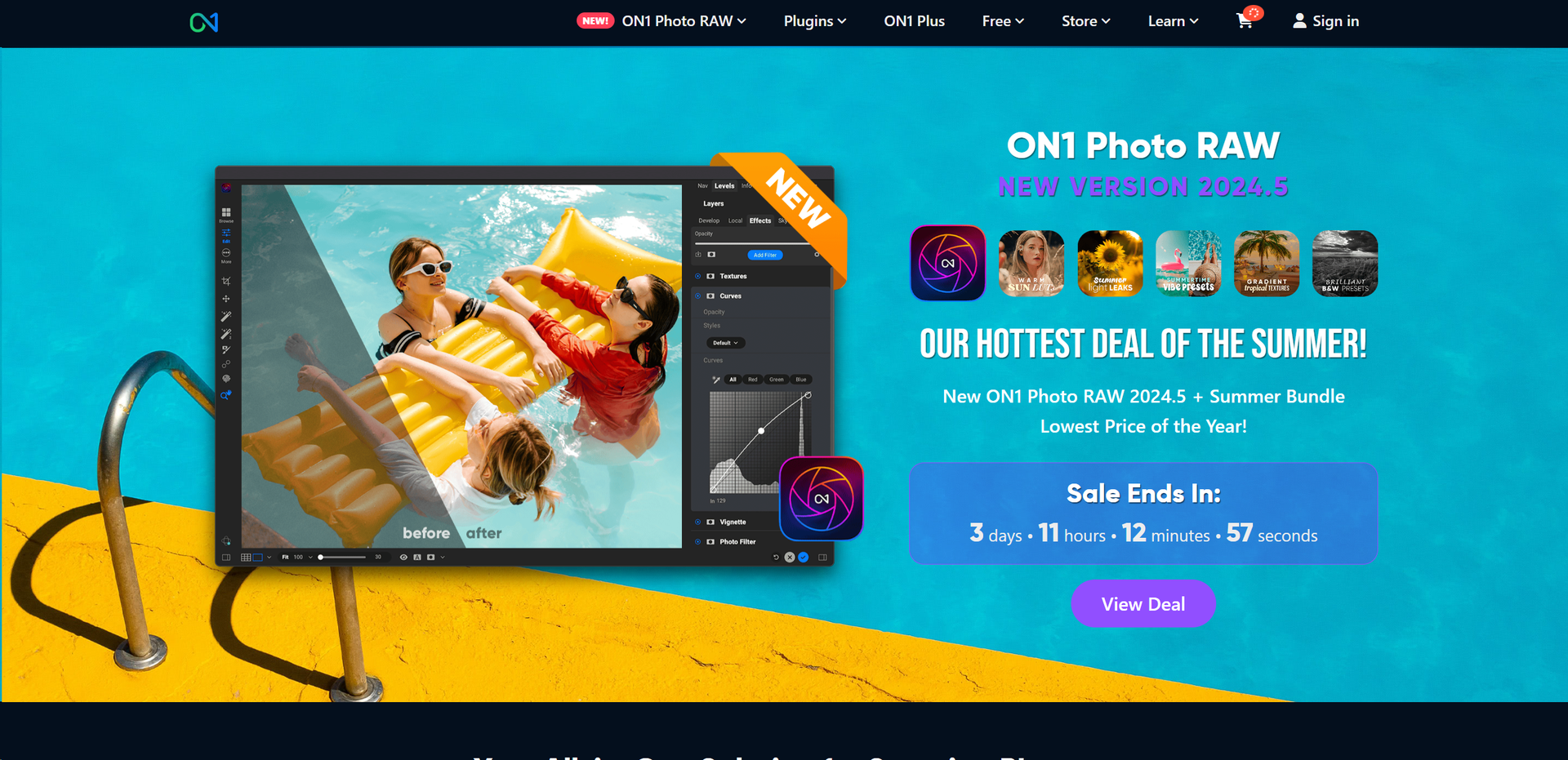
Strengths
- All-in-One Solution: Integrates multiple functions into one application, reducing the need for multiple software tools.
- AI Enhancements: AI features like Sky Replacement and NoNoise AI simplify complex editing tasks.
- User-Friendly Interface: Designed with an intuitive layout that caters to both beginners and professionals.
- Regular Updates: Continuously updated with new features and enhancements to improve performance and capabilities.
Limitations
- Learning Curve: New users may require some time to fully grasp the extensive features.
- System Requirements: Demands a relatively modern computer system for optimal performance.
- No Subscription Required: While beneficial for some, others might miss out on the constant updates provided by subscription models.
Building your AI toolkit?
Save ON1 Photo RAW and 1,000+ tools — free with Google, no spam
What You Get
Key Features
- Non-destructive Editing: Modify your images without overwriting the original file, preserving your original data.
- AI-powered Adjustments: Tools like Brilliance AI and AI Masking offer smart edits that save time and enhance quality.
- Comprehensive Photo Management: Organize, keyword, and search your photo library with ease using the integrated management tools.
- Cross-platform Compatibility: Works seamlessly on both Windows and macOS, with support for mobile platforms to edit on the go.
- Extensive File Support: Accepts a wide range of file types and raw formats from numerous camera manufacturers.
- ProsAll-in-One Solution: Integrates multiple functions into one application, reducing the need for multiple software tools.AI Enhancements: AI features like Sky Replacement and NoNoise AI simplify complex editing tasks.User-Friendly Interface: Designed with an intuitive layout that caters to both beginners and professionals.Regular Updates: Continuously updated with new features and enhancements to improve performance and capabilities.ConsLearning Curve: New users may require some time to fully grasp the extensive features.System Requirements: Demands a relatively modern computer system for optimal performance.No Subscription Required: While beneficial for some, others might miss out on the constant updates provided by subscription models.
Best For
- Professional Photographers: Utilizing the tool for detailed editing and photo management.
- Amateur Photographers: Benefiting from user-friendly features to enhance their photography skills.
- Graphic Designers: Employing the tool for composite and high-quality image creation.
- Photo Enthusiasts: Using the software to organize and improve their personal photo collections.
- Uncommon Use Cases: Used in academic settings for teaching photo editing techniques; utilized by real estate agents to enhance property photos for listings.
Integrations
Plugin Support: Works as a plugin with Adobe Photoshop and Lightroom, among others. Mobile Integration: Available on iOS and Android for editing on the move. Cloud Syncing: Integrates with ON1 Cloud for seamless synchronization across devices. Extensive Camera Support: Compatible with over 800 camera profiles.
Similar Tools



Weekly Issue
⚡
Design tools · weekly digest
The AI Weekly — free in your inbox
New AI tools, pricing changes, expert picks, and hidden gems — curated by Mr. Spark every week. Join 5,000+ readers who stay ahead of the AI curve.
No spam, ever
Unsubscribe anytime
100% free