
Pricing Details
Free: $0 per month. Includes visual code editor access, 5 projects, 5 AI chat messages per day (15 per month), unlimited styling and code editing, and 1 screenshot per chat. Pro: $25 per month. Includes unlimited projects and everything in Free, plus 100 messages per month, custom domain deployment, team collaboration, and project templates. Enterprise: Custom pricing. Includes everything in Pro, plus custom integrations, on-premise deployment options, usage analytics, branching, 24/7 premium support, and a custom SLA. Disclaimer: Please note that pricing information may not be up to date. For the most accurate and current pricing details, refer to the official Onlook website.
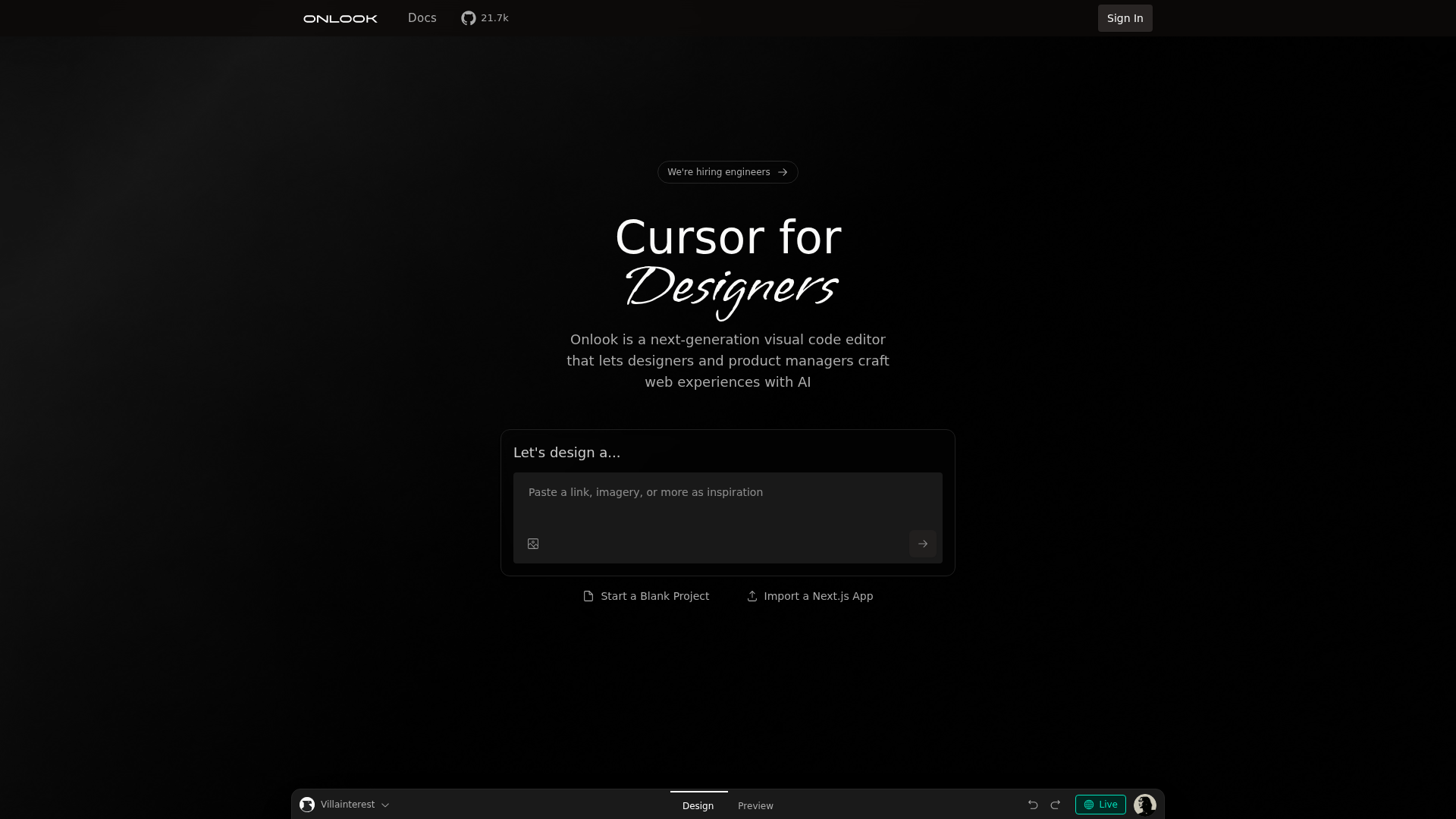
Product Visuals (1 images)
Strengths
- User-Friendly for Non-Coders: Enables designers to work with code without deep programming knowledge.
- Real-Time Design Feedback: AI-driven feedback accelerates the design process, allowing for quick iterations.
- Flexible Integration Options: Supports various codebases, enhancing its adaptability to different projects.
- Collaborative Environment: Open-source nature encourages community involvement and shared innovation.
Limitations
- Not Mobile-Friendly: Currently not optimized for mobile devices, limiting its use on smaller screens.
- Learning Curve for Advanced Features: Some users might find the advanced capabilities require time to master.
What You Get
Key Features
- Visual Code Editing: Onlook offers a cutting-edge visual editor that allows users to manipulate code visually, making it easier for designers to create and iterate on web designs.
- AI-Powered Design Assistance: The tool leverages AI to provide instant design help and feedback, streamlining the creative process and enhancing productivity.
- Integration with Existing Codebases: Users can import their React, Next.js, or Tailwind codebases, making it easy to integrate Onlook into existing projects.
- Open-Source Community: Onlook is open-source, fostering collaboration and transparency among developers and designers who contribute to its ongoing development.
- ProsUser-Friendly for Non-Coders: Enables designers to work with code without deep programming knowledge.Real-Time Design Feedback: AI-driven feedback accelerates the design process, allowing for quick iterations.Flexible Integration Options: Supports various codebases, enhancing its adaptability to different projects.Collaborative Environment: Open-source nature encourages community involvement and shared innovation.ConsNot Mobile-Friendly: Currently not optimized for mobile devices, limiting its use on smaller screens.Learning Curve for Advanced Features: Some users might find the advanced capabilities require time to master.
Best For
- Web Designers: Utilizing Onlook for creating visually compelling and code-accurate web designs.
- Product Managers: Employing the tool to streamline the design-to-development handoff process.
- Front-End Developers: Leveraging Onlook to enhance their coding efficiency and visual design capabilities.
- Freelancers: Using Onlook to offer comprehensive design and coding solutions to clients.
- Uncommon Use Cases: Adopted by educational institutions for teaching web design; Used by hobbyist developers for personal projects.
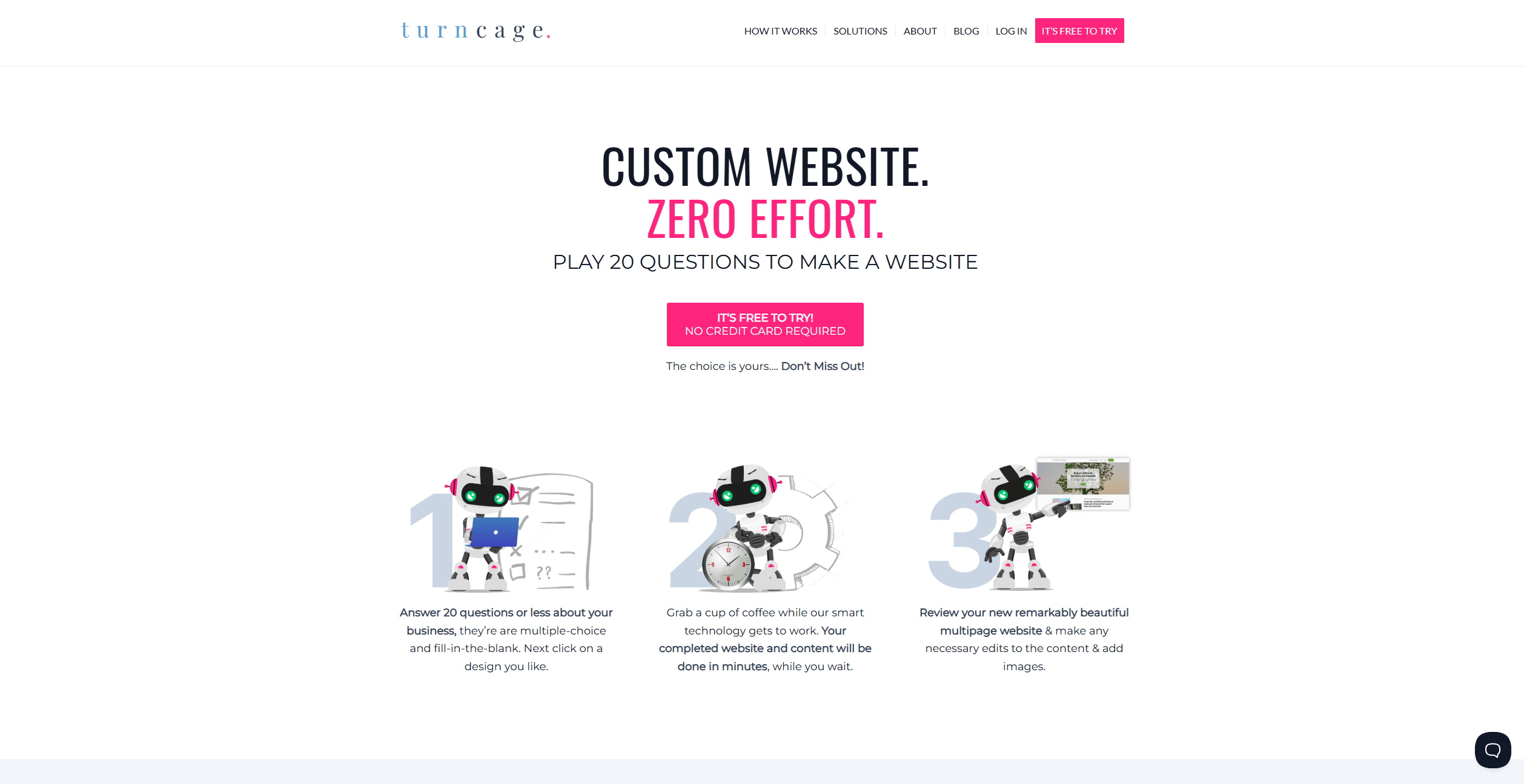
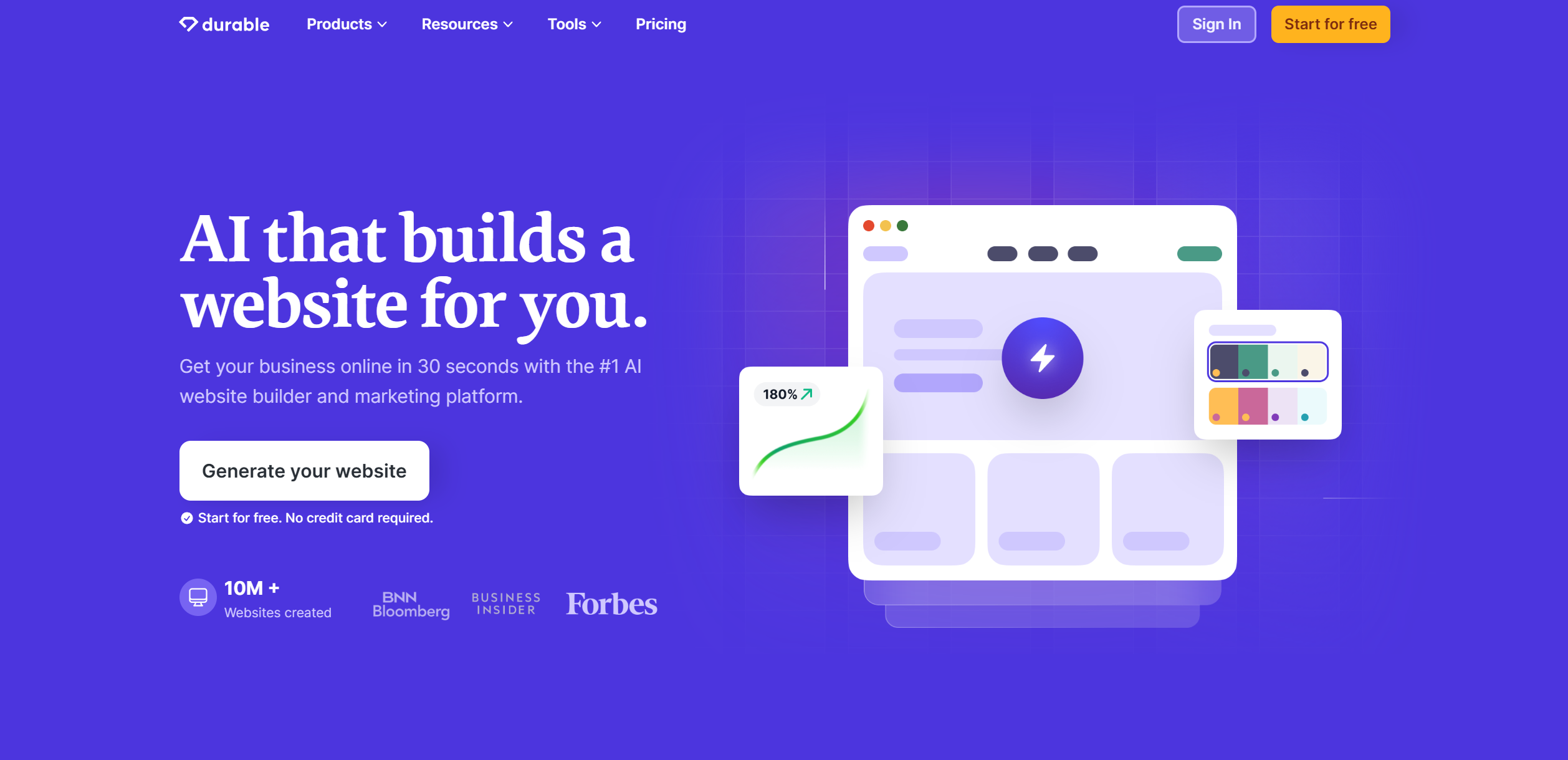
Similar Tools

Website Builders tools · weekly digest
The AI Weekly — free in your inbox
New AI tools, pricing changes, expert picks, and hidden gems — curated by Mr. Spark every week. Join 5,000+ readers who stay ahead of the AI curve.