
Pricing Details
Free Tier: Opus Clip offers a 7-day free trial of the Pro Plan, providing 90 minutes of video processing time. Pro Plan: Details on pricing after the trial period are available on the Opus Clip website, with options for monthly and yearly subscriptions. Disclaimer: For the most accurate and current pricing details, refer to the official Opus Clip website.
Product Visuals (1 images)
Strengths
- Efficiency Boost: Dramatically reduces the time needed to create short, engaging video content.
- High-Quality Outputs: Produces professionally styled clips with high resolution and dynamic editing.
- Versatility: Supports a wide array of video sources and languages, making it suitable for a global user base.
- Ease of Use: Designed with a user-friendly interface that requires no professional editing skills to navigate.
Limitations
- Initial Learning Curve: New users may need time to fully grasp all the features and functionalities.
- Language Limitations: While it supports many languages, there might be nuances in dialects or slang that are less accurately captured.
- Dependency on Original Video Quality: The effectiveness of the output heavily relies on the quality of the input video.
Building your AI toolkit?
Save Opus Clip and 1,000+ tools — free with Google, no spam
What You Get
Key Features
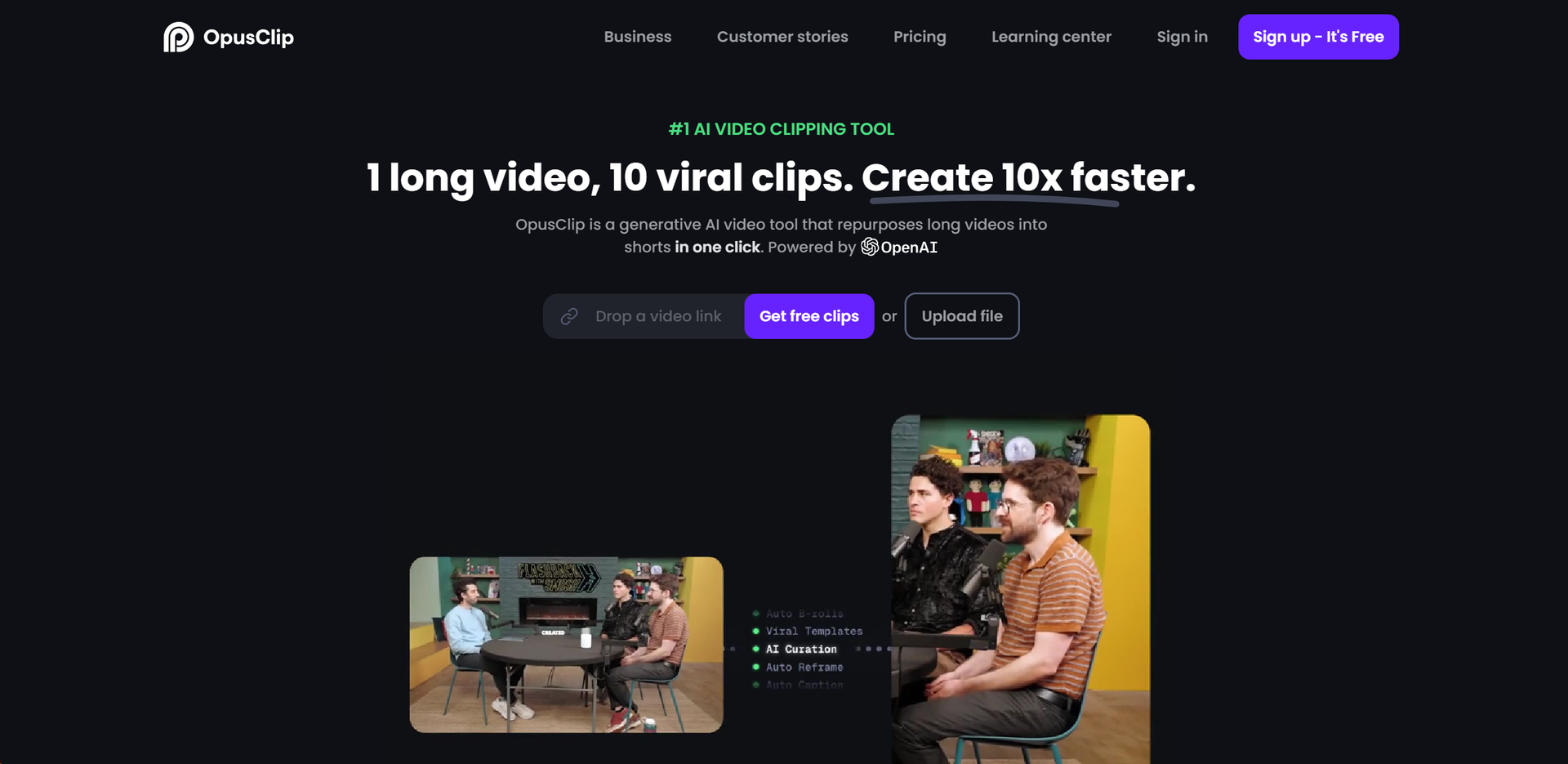
- AI Curation: Analyzes your video to identify and extract the most engaging hooks and highlights, rearranging them into viral short videos.
- AI Virality Score: Generates a score for each clip, predicting its potential virality based on the analysis of thousands of successful videos.
- AI Co-Pilot: Offers precise clip selection based on specific timeframes or keywords, giving creators more control over the output.
- AI B-roll Addition: Enhances clips with contextually relevant b-rolls to improve storytelling and visual appeal.
- Dynamic Layout Adjustments: Automatically adjusts screen layouts to highlight speakers and visuals effectively.
- Active Speaker Detection: Ensures the speaker's face is always centered, thanks to predictive moving face analysis.
- ProsEfficiency Boost: Dramatically reduces the time needed to create short, engaging video content.High-Quality Outputs: Produces professionally styled clips with high resolution and dynamic editing.Versatility: Supports a wide array of video sources and languages, making it suitable for a global user base.Ease of Use: Designed with a user-friendly interface that requires no professional editing skills to navigate.ConsInitial Learning Curve: New users may need time to fully grasp all the features and functionalities.Language Limitations: While it supports many languages, there might be nuances in dialects or slang that are less accurately captured.Dependency on Original Video Quality: The effectiveness of the output heavily relies on the quality of the input video.
Best For
- Opus Clip serves a diverse range of users, leveraging its powerful AI capabilities to meet various content creation needs. Its primary users include:
- Social Media Marketers: For creating daily engaging posts that drive views and interactions.
- Content Creators: To repurpose long-form content into short clips suitable for platforms like Instagram, TikTok, and Twitter.
- Digital Agencies: For enhancing client video content with minimal effort and time investment.
- E-commerce Brands: To generate product videos that capture consumer attention quickly.
- Uncommon Use Cases: Educational institutions use it to create engaging learning materials; Podcasters repurpose episodes into short, shareable clips.
Integrations
Video Source Support: Compatible with videos from YouTube, Vimeo, Zoom, Facebook, LinkedIn, Twitter, StreamYard, and more. Language Support: Offers extensive language support, catering to a global audience with over 20 languages. Export Options: Provides the ability to export edited clips to Adobe Premier Pro for further refinement.
Similar Tools



Weekly Issue
⚡
Video Editing tools · weekly digest
The AI Weekly — free in your inbox
New AI tools, pricing changes, expert picks, and hidden gems — curated by Mr. Spark every week. Join 5,000+ readers who stay ahead of the AI curve.
No spam, ever
Unsubscribe anytime
100% free