
Pricing Details
Basic: $0 per month. Includes 300 transcription minutes (30 minutes per conversation), real-time meeting summaries in English, French, or Spanish, Otter AI Chat, and Zoom/Meet integration for automatic note-taking. Pro: $16.99 per month per user. Offers 1,200 monthly transcription minutes (90 minutes per conversation), advanced search and playback, team collaboration features, and import support for up to 10 audio/video files each month. Business: $30 per month per user. Unlocks 6,000 monthly transcription minutes (4 hours per conversation), admin insights, priority support, and unlimited file imports, plus connects up to 3 concurrent meetings for live transcription. Enterprise: Custom pricing. Designed for organizations needing SSO, deployment controls, domain capture, OtterPilot for Sales, video replay, and advanced security. Requires scheduling a demo for access. Disclaimer: Please note that pricing information may not be up to date. For the most accurate and current pricing details, refer to the official Otter.ai website.
Product Visuals (1 images)
Strengths
- Time Efficiency: Significantly reduces time spent on manual note-taking, allowing users to focus more on the meeting content.
- Enhanced Collaboration: By automatically sharing notes and summaries, it keeps all team members aligned and informed.
- Increased Productivity: Automates the assignment of action items, streamlining project management tasks.
- Versatile Applications: Suitable for a wide range of users, from corporate teams to educational institutions, enhancing meeting productivity across various sectors.
Limitations
- Initial Learning Curve: New users may need time to fully utilize all advanced features.
- Limited Offline Functionality: Requires internet connectivity for most of its features to function effectively.
What You Get
Key Features
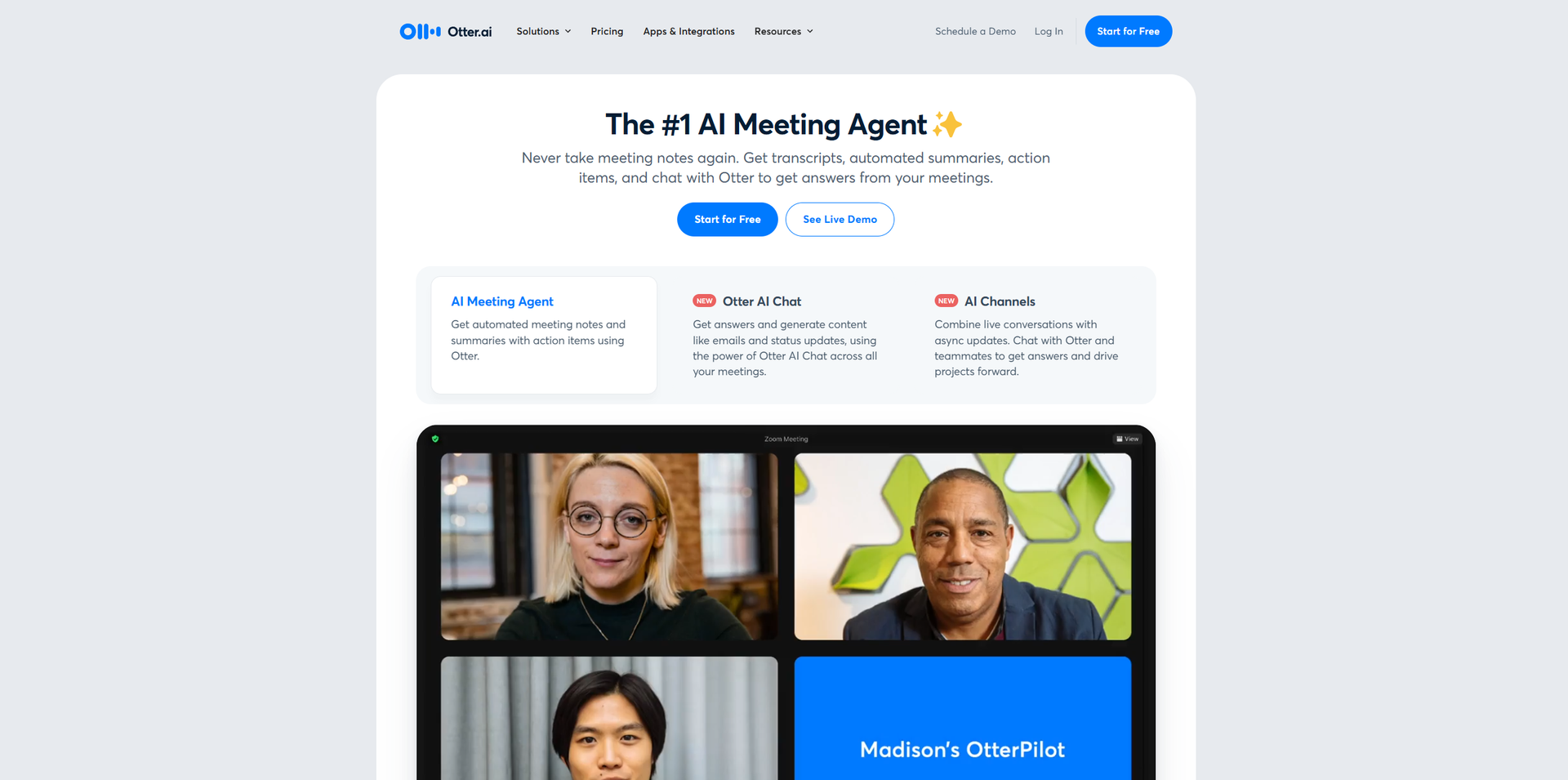
- AI Meeting Agent: Automatically captures meeting notes and generates summaries, action items, and even allows users to chat with Otter for meeting insights.
- Real-Time Transcription: Provides live transcription during meetings, compatible with platforms like Zoom, Google Meet, and Microsoft Teams.
- Automated Summaries: Condenses lengthy meetings into concise summaries, enabling quick information retrieval.
- Seamless Integrations: Integrates with popular tools such as Salesforce, HubSpot, Slack, and more, enhancing workflow efficiency.
- ProsTime Efficiency: Significantly reduces time spent on manual note-taking, allowing users to focus more on the meeting content.Enhanced Collaboration: By automatically sharing notes and summaries, it keeps all team members aligned and informed.Increased Productivity: Automates the assignment of action items, streamlining project management tasks.Versatile Applications: Suitable for a wide range of users, from corporate teams to educational institutions, enhancing meeting productivity across various sectors.ConsInitial Learning Curve: New users may need time to fully utilize all advanced features.Limited Offline Functionality: Requires internet connectivity for most of its features to function effectively.
Best For
- Sales Teams: Utilizing Otter for extracting sales insights, drafting follow-up emails, and integrating call notes into CRM platforms.
- Business Professionals: Empowering teams to engage more effectively in meetings with real-time notes and action items.
- Marketing Teams: Automating the assignment of action items in cross-functional meetings to maintain alignment.
- Education Sector: Providing real-time captions and notes for lectures and meetings, aiding both faculty and students.
- Uncommon Use Cases: Adopted by healthcare professionals for transcribing patient consultations; Used by legal firms for documenting client meetings.
Similar Tools



Personal Assistant tools · weekly digest
The AI Weekly — free in your inbox
New AI tools, pricing changes, expert picks, and hidden gems — curated by Mr. Spark every week. Join 5,000+ readers who stay ahead of the AI curve.