
Pricing Details
Free Tier: Experience PackPack with a free plan that allows unlimited saves and supports all content types. Paid Tier: Organize your content much easier with tags and full search on the paid plan starting at $9.99 per month. Disclaimer: Please note that pricing information may not be up to date. For the most accurate and current pricing details, refer to the official PackPack website.
Product Visuals (1 images)
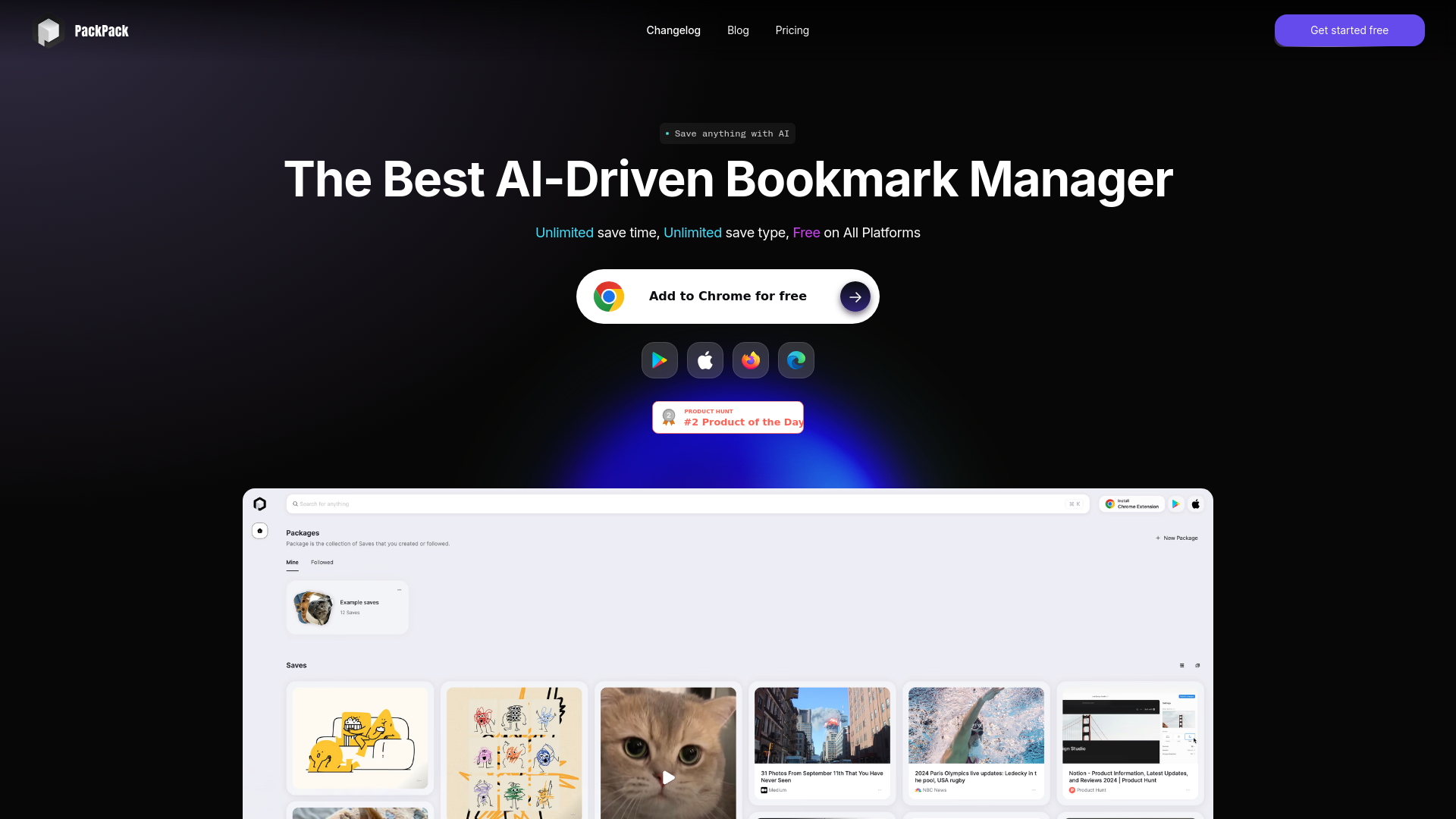
Strengths
- Cross-Platform Compatibility: PackPack works seamlessly across different devices and browsers, ensuring access to saved content anywhere.
- User-Friendly Interface: Its intuitive design makes it easy for users to start saving and organizing content immediately.
- Enhanced Productivity: By saving time on searching and reading through content, users can focus on more important tasks.
- Versatile Content Support: From articles and images to videos and social media posts, PackPack supports a wide range of content types.
Limitations
- Initial Setup Requirements: Users may need to spend some time setting up the tool and integrating it with their preferred browsers.
- Limited Mobile Functionality: While mobile saving is a feature in development, current options are limited compared to desktop capabilities.
- Learning Curve for Advanced Features: Some users may find the advanced features require a bit of time to master.
What You Get
Key Features
- AI-Powered Saving: PackPack allows users to save content with a single click, utilizing AI to ensure compatibility with thousands of websites, including articles, images, videos, and social media posts.
- Distraction-Free Reading: The tool provides a clean reading experience by removing ads and pop-ups, helping users stay focused on the content.
- Advanced Search Capabilities: With AI, users can search for content based on relevance rather than precise keyword matches, making finding saved items more efficient.
- Content Summarization: The AI-driven TL;DR feature quickly summarizes saved content, allowing users to grasp the main ideas without having to read the entire text.
- ProsCross-Platform Compatibility: PackPack works seamlessly across different devices and browsers, ensuring access to saved content anywhere.User-Friendly Interface: Its intuitive design makes it easy for users to start saving and organizing content immediately.Enhanced Productivity: By saving time on searching and reading through content, users can focus on more important tasks.Versatile Content Support: From articles and images to videos and social media posts, PackPack supports a wide range of content types.ConsInitial Setup Requirements: Users may need to spend some time setting up the tool and integrating it with their preferred browsers.Limited Mobile Functionality: While mobile saving is a feature in development, current options are limited compared to desktop capabilities.Learning Curve for Advanced Features: Some users may find the advanced features require a bit of time to master.
Best For
- Researchers: Utilizing PackPack for organizing and reviewing crucial documents and articles.
- Artists: Employing the AI features to tag and find visual inspiration easily.
- Project Managers: Using it to efficiently store and synchronize project documents across devices.
- Educators: Saving educational materials and articles to enhance class preparation.
- Uncommon Use Cases: Freelance photographers using it to streamline editing processes; culinary bloggers saving and categorizing recipes and cooking videos.
Similar Tools



Weekly Issue
⚡
Personal Assistant tools · weekly digest
The AI Weekly — free in your inbox
New AI tools, pricing changes, expert picks, and hidden gems — curated by Mr. Spark every week. Join 5,000+ readers who stay ahead of the AI curve.
No spam, ever
Unsubscribe anytime
100% free