
Pricing Details
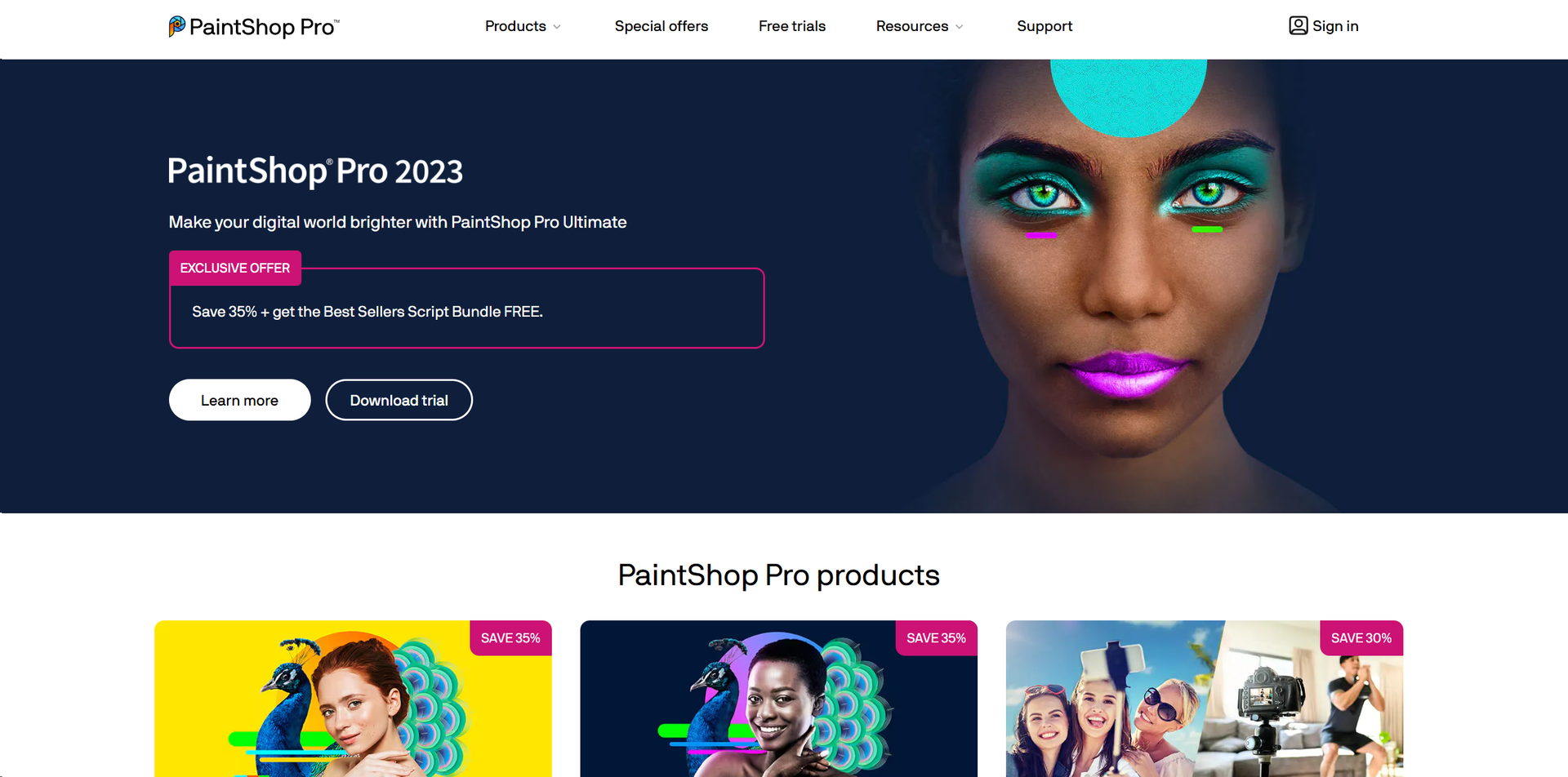
PaintShop Pro 2023 Standard: Starts at $79.99 as a one-time purchase. PaintShop Pro 2023 Ultimate: Priced at $99.99, offering additional features and bundled software. Photo Video Bundle Ultimate: Available for $159.99, combining the power of PaintShop Pro and VideoStudio. Disclaimer: Please note that pricing information may not be up to date. For the most accurate and current pricing details, refer to the official PaintShop Pro website.
Product Visuals (1 images)
Strengths
- Cost-Effective: Compared to other professional photo editing software, PaintShop Pro is relatively affordable, offering a powerful toolset without the hefty price tag.
- Comprehensive Toolset: With tools for photo editing, graphic design, and even video editing in the Ultimate bundle, it's a versatile software suitable for a wide range of creative tasks.
- Customization: Users can customize the interface and toolbars, which makes it adaptable to different workflows and user preferences.
- Support for Plugins: Extends its functionality with support for third-party plugins, particularly those designed for Adobe Photoshop, enhancing its versatility.
Limitations
- Windows Only: Currently, PaintShop Pro is available only for Windows users, limiting its accessibility for Mac users.
- Learning Curve: While it is user-friendly, the vast range of features can be overwhelming for beginners.
- Performance Issues: Some users report slow performance, especially when handling large files or complex edits on less powerful PCs.
Building your AI toolkit?
Save PaintShop Pro and 1,000+ tools — free with Google, no spam
What You Get
Key Features
- Advanced Editing Tools: PaintShop Pro includes a wide array of editing tools from basic adjustments to advanced photo manipulation. This allows users to perform tasks such as retouching, color grading, and composite editing with precision.
- Graphic Design Features: Beyond photo editing, it provides extensive graphic design tools that help in creating logos, web graphics, and print layouts.
- AI-Powered Solutions: Utilizing artificial intelligence, the software offers features like AI Upsampling, AI Artifact Removal, and AI Style Transfer, which significantly enhance image quality and artistic expression.
- Layer-Based Editing: It supports complex, layer-based editing which is crucial for professional-grade photo composites, allowing for intricate adjustments and effects.
- 360° Photo Editing: PaintShop Pro supports editing 360-degree photos, enabling photographers to work with this modern format in innovative ways.
- ProsCost-Effective: Compared to other professional photo editing software, PaintShop Pro is relatively affordable, offering a powerful toolset without the hefty price tag.Comprehensive Toolset: With tools for photo editing, graphic design, and even video editing in the Ultimate bundle, it's a versatile software suitable for a wide range of creative tasks.Customization: Users can customize the interface and toolbars, which makes it adaptable to different workflows and user preferences.Support for Plugins: Extends its functionality with support for third-party plugins, particularly those designed for Adobe Photoshop, enhancing its versatility.ConsWindows Only: Currently, PaintShop Pro is available only for Windows users, limiting its accessibility for Mac users.Learning Curve: While it is user-friendly, the vast range of features can be overwhelming for beginners.Performance Issues: Some users report slow performance, especially when handling large files or complex edits on less powerful PCs.
Best For
- Professional Photographers: Utilizing the tool for high-quality photo editing and preparing images for publication.
- Graphic Designers: Employing the tool for creating graphics, logos, and marketing materials.
- Hobbyists: Enthusiasts using the software to enhance their personal photo projects or start learning graphic design.
- Small Business Owners: Leveraging the software to create promotional materials and content for social media.
- Uncommon Use Cases: Used in academic settings for teaching digital media courses; utilized by real estate agents to enhance property photos for listings.
Integrations
Plugin Compatibility: Supports a broad range of third-party plugins, enhancing its functionality. Extensive File Support: Opens and edits a variety of file formats including RAW images, which is essential for professional photography. Integration with Corel Software: Seamlessly works with other Corel applications, providing a cohesive workflow for users of Corel's product ecosystem. Social Media Integration: Directly export images to social media platforms, streamlining the workflow for digital marketers and content creators.
Similar Tools



Weekly Issue
⚡
Social Media tools · weekly digest
The AI Weekly — free in your inbox
New AI tools, pricing changes, expert picks, and hidden gems — curated by Mr. Spark every week. Join 5,000+ readers who stay ahead of the AI curve.
No spam, ever
Unsubscribe anytime
100% free