
Pricing Details
Web Monthly: $6 per month for access to PDF Editor with no hourly limits and increased file size per task. Desktop + Web Yearly: $4 per month (billed annually) for both desktop and web access with high-priority processing. Desktop + Web Lifetime: $99 one-time payment for lifetime access to both desktop and web services. Disclaimer: Please note that pricing information may not be up to date. For the most accurate and current pricing details, refer to the official PDF Editor website.
Product Visuals (1 images)
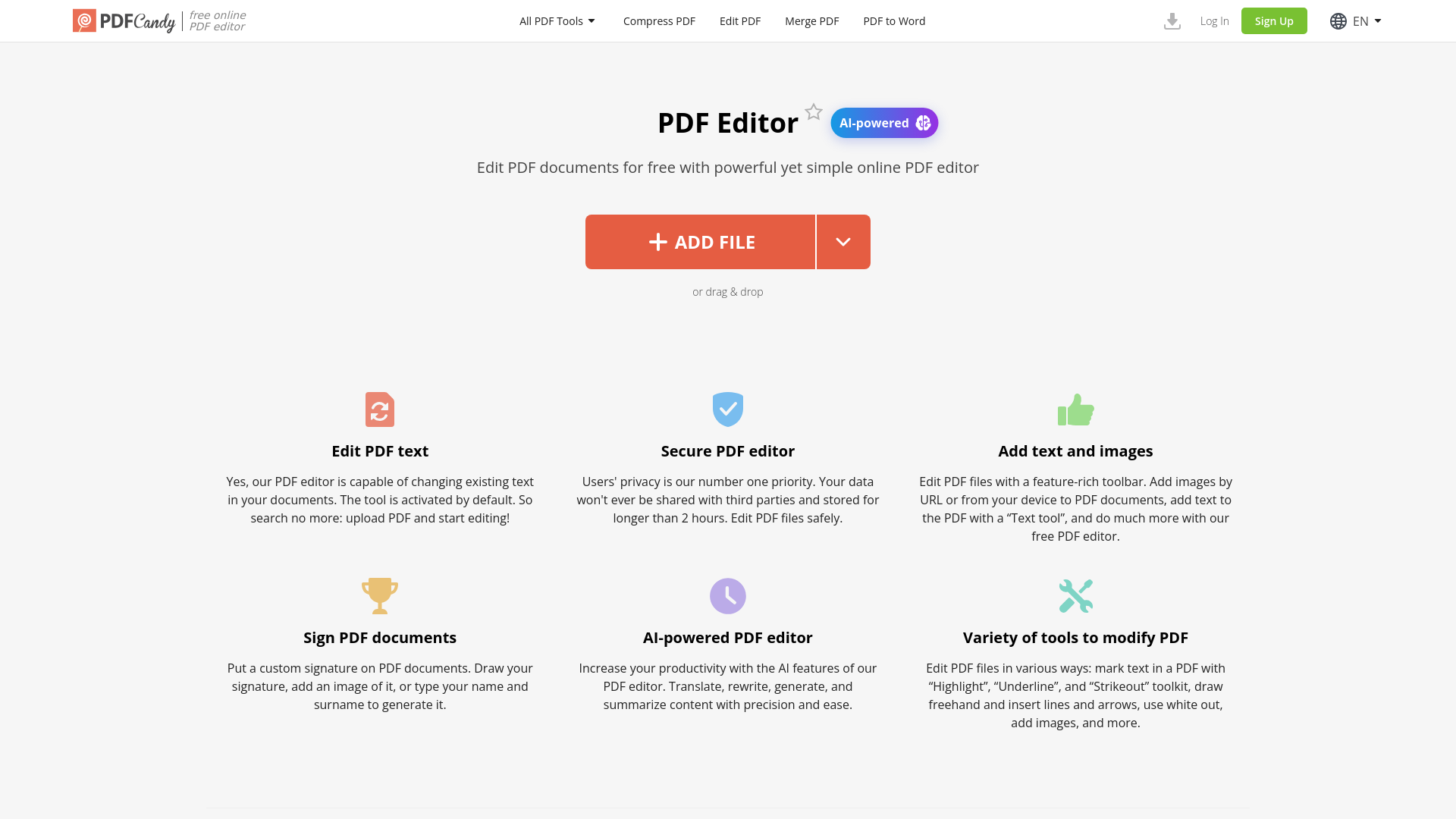
Strengths
- Time Efficiency: Quickly edit and save PDFs without the need for complex software installations.
- Cost-Effective: Offers a free tier with powerful features, making it accessible for budget-conscious users.
- Cross-Platform Access: Available online, allowing access from any device with internet connectivity.
- No Watermarks: Edits are clean and professional, with no added watermarks on the final documents.
Limitations
- Limited Integration: Currently, there are limited options for integrating with third-party applications.
- Processing Limits: File size for tasks is capped, which may require upgrades for larger documents.
Building your AI toolkit?
Save PDF Editor and 1,000+ tools — free with Google, no spam
What You Get
Key Features
- AI-Powered Editing: Leverage AI technology to translate, rewrite, generate, and summarize content with precision.
- Comprehensive Editing Tools: Includes features like text editing, image insertion, highlighting, and annotation.
- Secure Processing: Ensures user privacy with data not shared with third parties and files deleted after two hours.
- User-Friendly Interface: Navigate easily with a simple and intuitive design that accommodates both novice and advanced users.
- ProsTime Efficiency: Quickly edit and save PDFs without the need for complex software installations.Cost-Effective: Offers a free tier with powerful features, making it accessible for budget-conscious users.Cross-Platform Access: Available online, allowing access from any device with internet connectivity.No Watermarks: Edits are clean and professional, with no added watermarks on the final documents.ConsLimited Integration: Currently, there are limited options for integrating with third-party applications.Processing Limits: File size for tasks is capped, which may require upgrades for larger documents.
Best For
- Small Business Owners: Utilizing the tool for managing and editing business documents efficiently.
- Freelancers: Employing the editor for quick and easy document modifications without additional software.
- Students and Educators: Leveraging the tool for academic purposes such as annotating and editing research papers.
- Legal Professionals: Using the editor for secure document handling and editing in legal settings.
- Uncommon Use Cases: Adopted by artists for creating digital portfolios; used by archivists for preserving and annotating digital documents.
Similar Tools
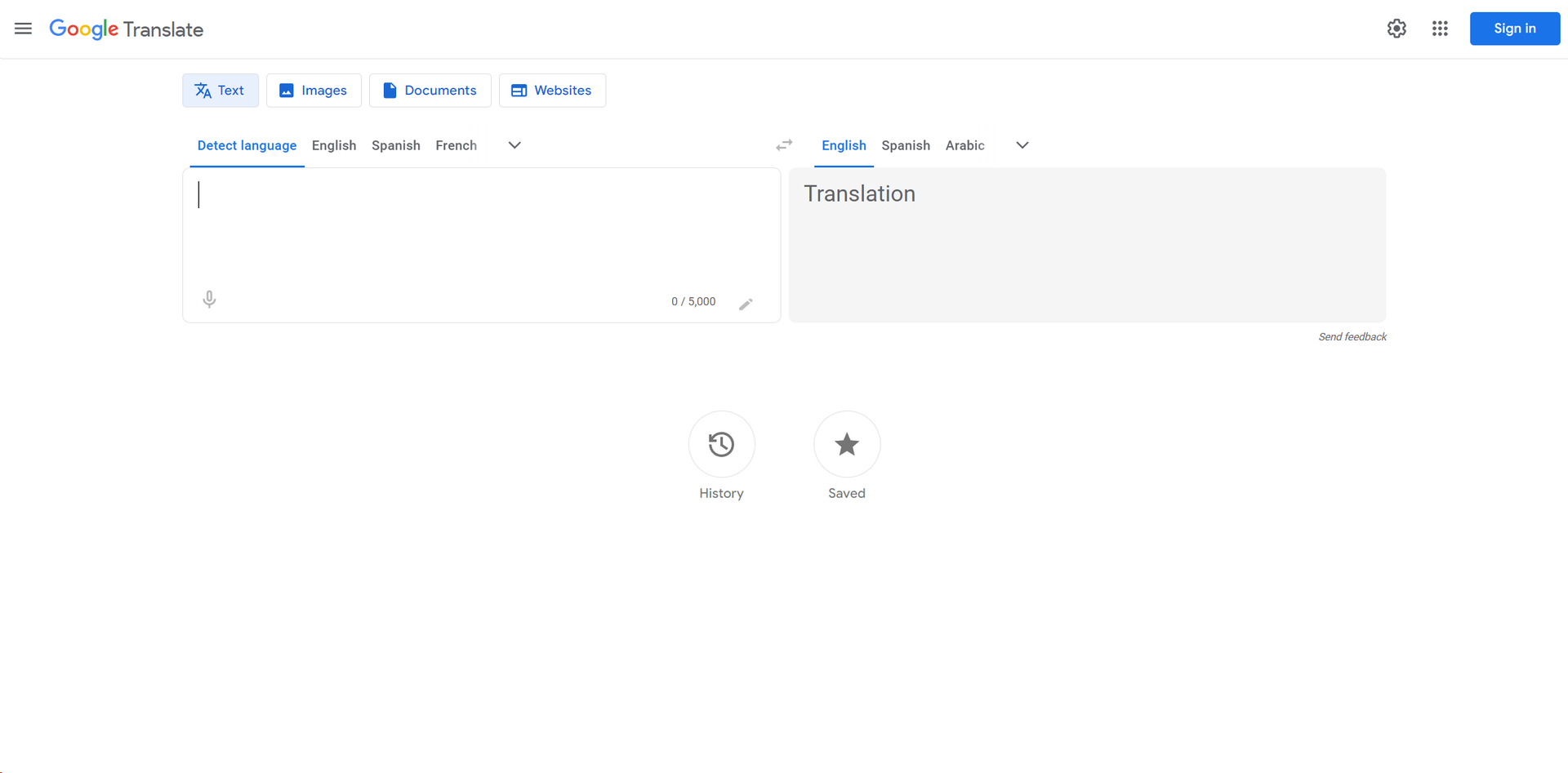
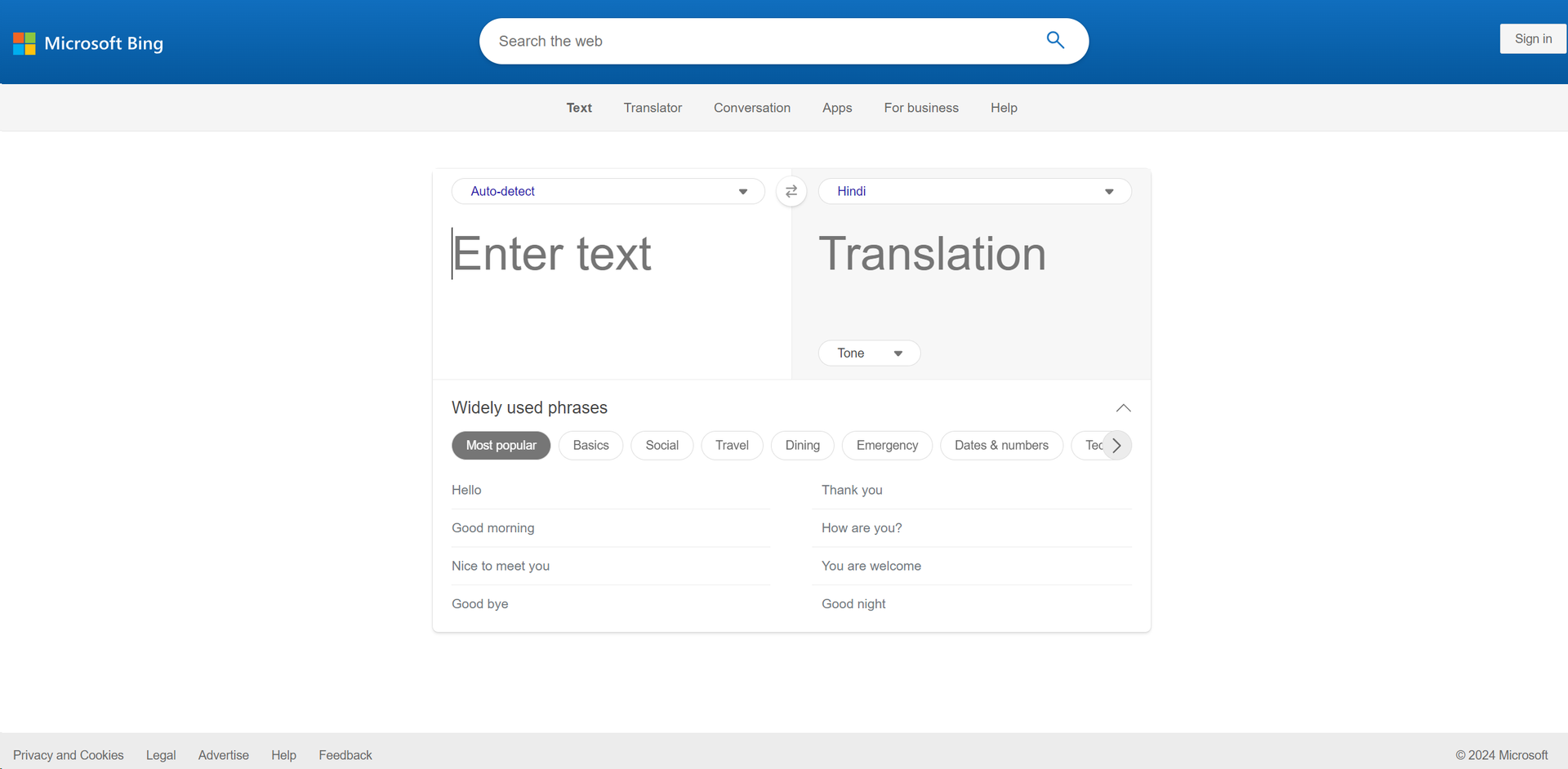
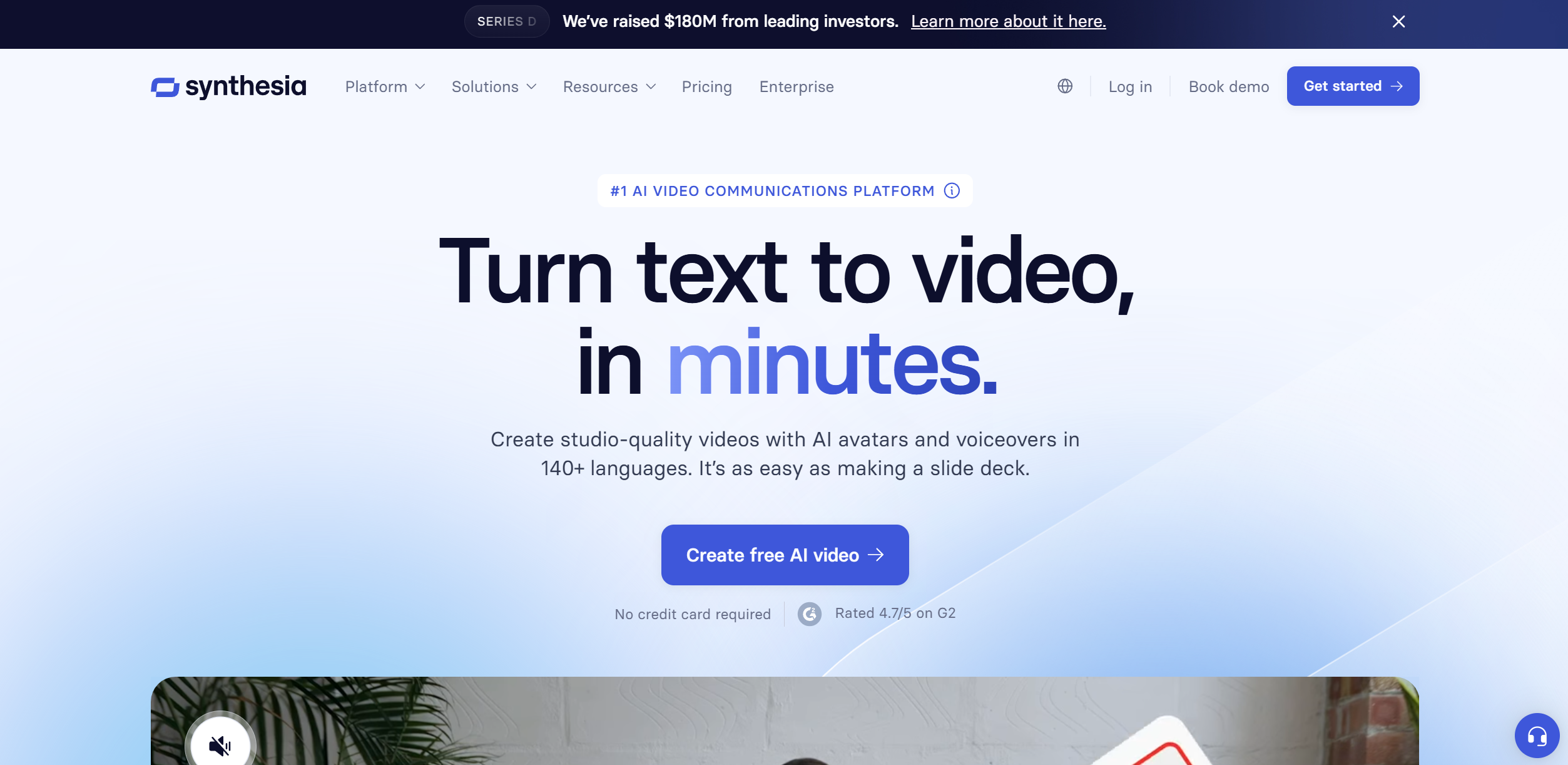
Translator tools · weekly digest
The AI Weekly — free in your inbox
New AI tools, pricing changes, expert picks, and hidden gems — curated by Mr. Spark every week. Join 5,000+ readers who stay ahead of the AI curve.