
Pricing Details
Free Tier: PDFGPT offers basic functionalities with its free tier, allowing users to get a taste of what the tool can do. Pro Tier: Starts at $9.99 per month, unlocking all advanced features and capabilities. Disclaimer: For the most accurate and current pricing details, refer to the official PDFGPT website.
Video Walkthrough
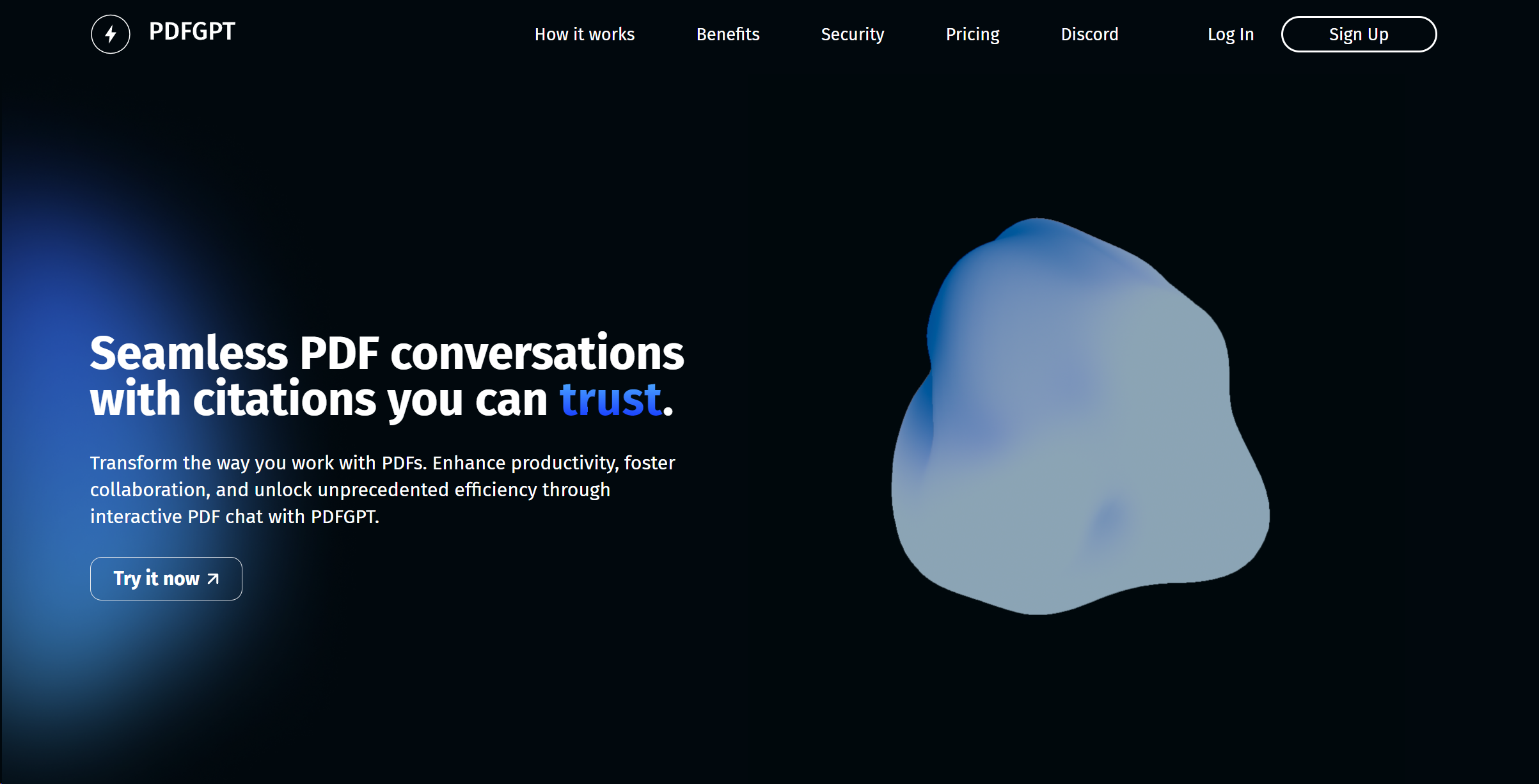
Product Visuals (1 images)
Strengths
- Enhanced Productivity: Streamlines document management tasks, significantly saving time for users.
- High-Quality Output: Maintains the integrity of original formatting and quality in conversions and edits.
- User-Friendly Interface: Simplifies navigation and operation, making it accessible to users of all skill levels.
- Secure Processing: Ensures the privacy and security of documents with advanced encryption and data protection measures.
Limitations
- Internet Dependency: Requires a stable internet connection for optimal functionality.
- Learning Curve: New users may need time to fully explore and utilize all features.
- Subscription Model: Full access to advanced features necessitates a subscription, which might be a barrier for some users.
What You Get
Key Features
- AI-Powered Editing: Offers intuitive editing capabilities, allowing users to modify text, images, and layouts within PDF documents effortlessly.
- Conversion Excellence: Converts PDFs to and from various formats including Word, Excel, and PowerPoint without compromising quality.
- Merge and Split Functions: Enables users to merge multiple PDFs into one document or split a single PDF into multiple files with precision.
- Advanced Compression: Reduces file sizes significantly while maintaining clarity and readability, facilitating easier sharing and storage.
- ProsEnhanced Productivity: Streamlines document management tasks, significantly saving time for users.High-Quality Output: Maintains the integrity of original formatting and quality in conversions and edits.User-Friendly Interface: Simplifies navigation and operation, making it accessible to users of all skill levels.Secure Processing: Ensures the privacy and security of documents with advanced encryption and data protection measures.ConsInternet Dependency: Requires a stable internet connection for optimal functionality.Learning Curve: New users may need time to fully explore and utilize all features.Subscription Model: Full access to advanced features necessitates a subscription, which might be a barrier for some users.
Best For
- PDFGPT's versatility makes it a favorite among a wide spectrum of users, including:
- Legal Professionals: Utilizing the tool for managing case files and legal documents.
- Academics and Researchers: Employing it for organizing and editing research papers and academic materials.
- Business Analysts: Leveraging the tool to compile reports and presentations.
- Graphic Designers: Using it to adjust and finalize project files.
- Uncommon Use Cases: It's being used by archivists for digitizing historical documents; Non-profit organizations adopt it for creating and managing brochures and fundraising materials.
Integrations
Cloud Storage Integration: PDFGPT seamlessly integrates with popular cloud storage services, enabling easy access and storage of documents. Cross-Platform Accessibility: Accessible across various devices and operating systems, ensuring flexibility in how and where it can be used. Email Integration: Simplifies the process of sharing edited or converted PDFs directly via email. API Access: Offers API access for businesses and developers looking to customize and integrate PDFGPT's functionalities into their systems.
Similar Tools

Weekly Issue
⚡
Research tools · weekly digest
The AI Weekly — free in your inbox
New AI tools, pricing changes, expert picks, and hidden gems — curated by Mr. Spark every week. Join 5,000+ readers who stay ahead of the AI curve.
No spam, ever
Unsubscribe anytime
100% free