
Pricing Details
Free Tier: Experience Photor AI's basic features at no cost. Pro Tier: For more advanced capabilities, the Pro Tier starts at a competitive price point. Disclaimer: Please note that pricing information may not be up to date. For the most accurate and current pricing details, refer to the official Photor AI website. Relevant: Best AI Image Generators AI Text-to-Image Tools AI Tools for Sales
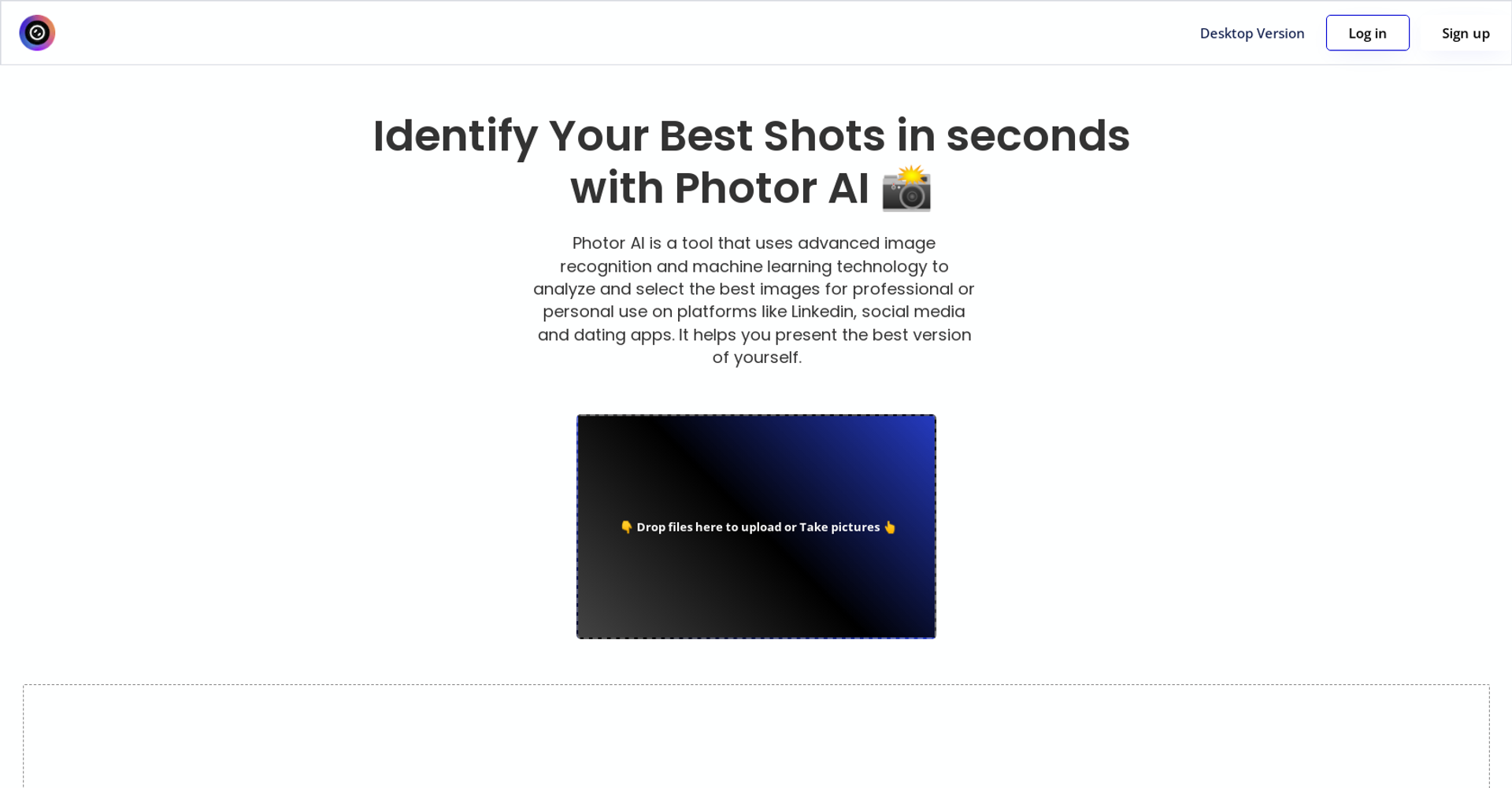
Product Visuals (1 images)
Strengths
- Time Efficiency: Dramatically reduces the time required for photo editing and enhancement.
- High-Quality Results: Delivers professional-level outcomes without the need for extensive manual adjustments.
- Ease of Use: Intuitive design and automated features make it accessible to users of all skill levels.
- Cost-Effective: Offers a powerful editing solution without the hefty price tag of traditional software.
Limitations
- Dependence on Internet Connectivity: Being cloud-based, a stable internet connection is crucial for uninterrupted access.
- Limited Customization: While automation is a key strength, it may not satisfy those looking for deep, manual editing controls.
- Learning Curve for Advanced Features: New users may require some time to fully leverage the more sophisticated functionalities.
Building your AI toolkit?
Save Photor AI and 1,000+ tools — free with Google, no spam
What You Get
Key Features
- AI-Driven Analysis: Photor AI uses advanced algorithms to assess the quality and composition of photos, providing insightful feedback and suggestions for improvements.
- Automated Enhancements: With just a few clicks, users can apply AI-recommended adjustments to improve lighting, color balance, and overall image quality.
- User-Friendly Interface: The platform is designed with simplicity in mind, ensuring that even those with minimal editing experience can navigate and utilize its features effectively.
- Cloud-Based Accessibility: Access your projects and edits from anywhere, at any time, thanks to Photor AI's cloud integration, making it incredibly convenient for on-the-go adjustments.
- ProsTime Efficiency: Dramatically reduces the time required for photo editing and enhancement.High-Quality Results: Delivers professional-level outcomes without the need for extensive manual adjustments.Ease of Use: Intuitive design and automated features make it accessible to users of all skill levels.Cost-Effective: Offers a powerful editing solution without the hefty price tag of traditional software.ConsDependence on Internet Connectivity: Being cloud-based, a stable internet connection is crucial for uninterrupted access.Limited Customization: While automation is a key strength, it may not satisfy those looking for deep, manual editing controls.Learning Curve for Advanced Features: New users may require some time to fully leverage the more sophisticated functionalities.
Best For
- Professional Photographers: Streamlining their editing workflow while maintaining high-quality outputs.
- Digital Marketing Agencies: Quickly enhancing imagery for campaigns and social media content.
- Social Media Managers: Creating visually appealing posts with minimal effort.
- Graphic Designers: Incorporating it into their design processes for faster turnaround times.
- Uncommon Use Cases: Educational institutions are using it to introduce students to photo editing concepts; real estate agents employ it to improve property photos for listings.
Similar Tools

Weekly Issue
⚡
Marketing tools · weekly digest
The AI Weekly — free in your inbox
New AI tools, pricing changes, expert picks, and hidden gems — curated by Mr. Spark every week. Join 5,000+ readers who stay ahead of the AI curve.
No spam, ever
Unsubscribe anytime
100% free