
Pricing Details
Free Plan: $0 per month. Includes 10 credits and access to all image features—great for getting started at no cost. Basic Plan: $14.99 per month. Includes 40 credits per week, no watermark, and all image features. Cancel anytime. Pro Plan: $24.99 per month. Offers unlimited image features, 5 video enhancements per week, no watermark, cancel-anytime flexibility, and bulk upload/download. Disclaimer: Please note that pricing information may not be up to date. For the most accurate and current pricing details, refer to the official PicMa Studio website.
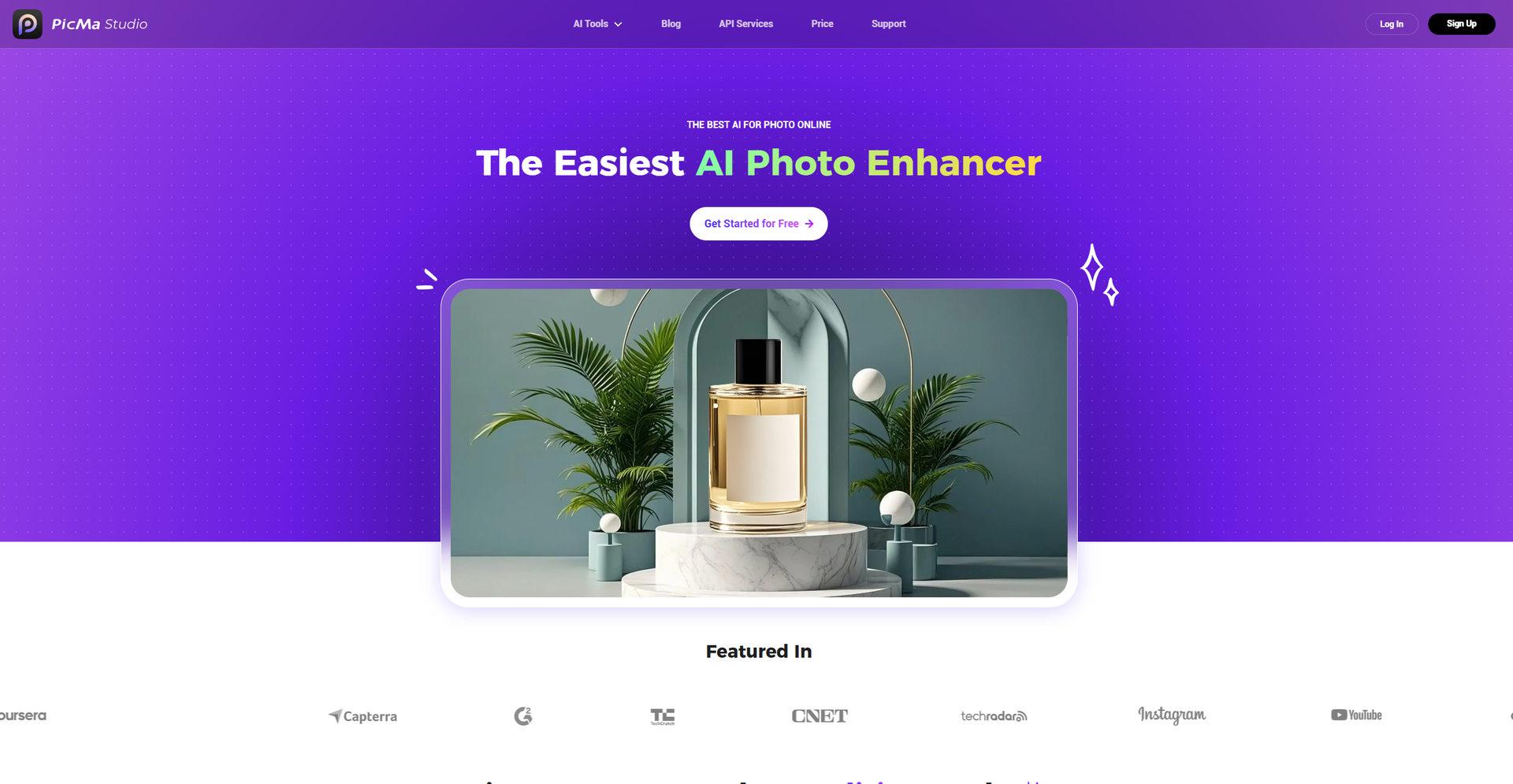
Product Visuals (1 images)
Strengths
- User-Friendly Interface: Intuitive design makes it accessible for users of all skill levels.
- Versatile Toolset: Offers a wide array of tools for various photo editing needs.
- Time-Saving: Automates complex photo editing tasks, reducing time spent on manual adjustments.
- High-Quality Output: Maintains image quality even after significant enhancements.
Limitations
- Initial Learning Curve: Some users might need time to explore the full range of features.
- Limited Free Features: While there's a free tier, advanced features may require a subscription.
Building your AI toolkit?
Save PicMa Studio and 1,000+ tools — free with Google, no spam
What You Get
Key Features
- AI Photo Enhancer: Enhances image clarity and detail, suitable for portraits, old photos, and various types of photography.
- Background and Object Removal: Quickly removes unwanted backgrounds and objects, streamlining the editing process.
- Color Master: Transforms black and white photos into vibrant colorized images.
- Text Enhancer: Sharpens and clarifies text within images, perfect for documents and web design.
- ProsUser-Friendly Interface: Intuitive design makes it accessible for users of all skill levels.Versatile Toolset: Offers a wide array of tools for various photo editing needs.Time-Saving: Automates complex photo editing tasks, reducing time spent on manual adjustments.High-Quality Output: Maintains image quality even after significant enhancements.ConsInitial Learning Curve: Some users might need time to explore the full range of features.Limited Free Features: While there's a free tier, advanced features may require a subscription.
Best For
- E-commerce Businesses: Utilizing the tool for enhancing online product imagery.
- Digital Marketing Agencies: Employing the tool for creating visually appealing campaign content.
- Social Media Managers: Using the tool to create engaging social media posts.
- Graphic Designers: Leveraging the tool for efficient design workflows.
- Uncommon Use Cases: Adopted by educational institutions for teaching digital art courses; Used by freelance photographers for streamlining editing processes.
Similar Tools

Social Media tools · weekly digest
The AI Weekly — free in your inbox
New AI tools, pricing changes, expert picks, and hidden gems — curated by Mr. Spark every week. Join 5,000+ readers who stay ahead of the AI curve.