
Pricing Details
Free Tier: Explore basic features with the free version of Picsart. Gold Subscription: Starts at $4.66 per month when billed annually for more advanced features and content. Disclaimer: For the most accurate and current pricing details, please refer to the official Picsart website.
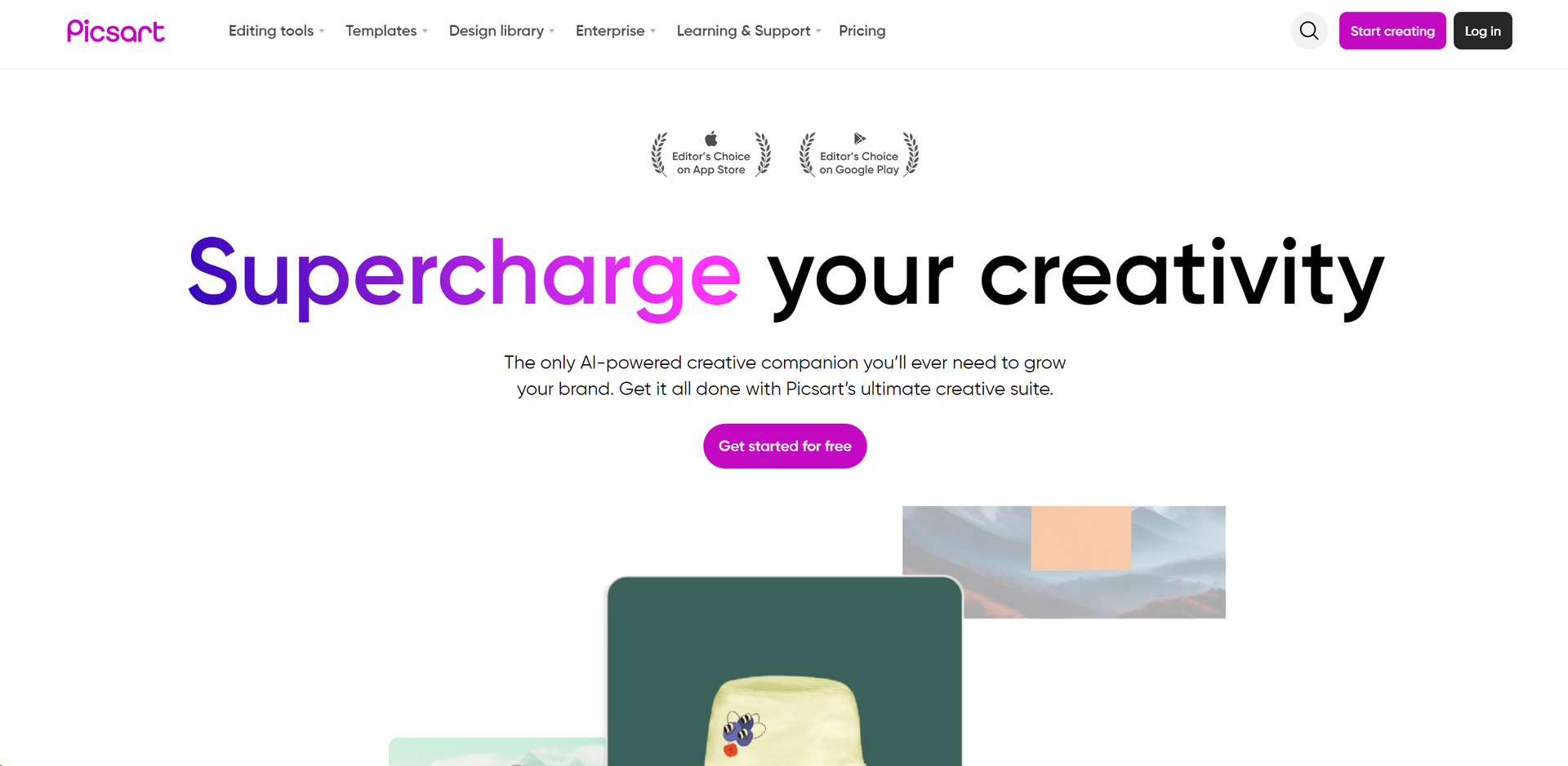
Product Visuals (1 images)
Strengths
- Versatility: Suitable for both novice users and professional designers.
- Cross-Platform Availability: Available on iOS, Android, and web platforms.
- Regular Updates: Continuously updated with new features and improvements.
- Collaborative Features: Share and collaborate on projects with others directly within the app.
Limitations
- Subscription Model: Premium features require a subscription, which might be a barrier for some users.
- Resource Intensive: Can be demanding on older devices, potentially leading to slower performance.
- Complexity for Beginners: The sheer number of features can be overwhelming for new users at first.
What You Get
Key Features
- AI-Powered Photo Effects: Transform your photos with advanced AI effects that can analyze and apply enhancements automatically.
- Video Editor: A full-featured video editor that allows users to cut, trim, and merge clips, add music, and apply video effects.
- Layer-Based Editing: Work with multiple layers to create complex images and graphics with precision.
- Huge Library of Templates: Access thousands of templates for quick and easy design creation tailored to various needs and occasions.
- Customizable Brushes: Paint and draw with customizable brushes for detailed artistic touches.
- Community-Powered: Engage with a vibrant community of creatives, participate in challenges, and gain inspiration.
- ProsVersatility: Suitable for both novice users and professional designers.Cross-Platform Availability: Available on iOS, Android, and web platforms.Regular Updates: Continuously updated with new features and improvements.Collaborative Features: Share and collaborate on projects with others directly within the app.ConsSubscription Model: Premium features require a subscription, which might be a barrier for some users.Resource Intensive: Can be demanding on older devices, potentially leading to slower performance.Complexity for Beginners: The sheer number of features can be overwhelming for new users at first.
Best For
- Social Media Enthusiasts: Enhancing personal and professional social media posts with high-quality visuals.
- Graphic Designers: Creating complex designs and artwork efficiently.
- Small Business Owners: Producing marketing materials and advertisements.
- Educators and Students: Utilized in digital art and media courses to teach design principles.
- Uncommon Use Cases: Non-profits use it for creating impactful visuals for campaigns; bloggers use it to design featured images and infographics.
Integrations
Multi-Platform Support: Works seamlessly across various devices and operating systems. Extensive File Support: Supports a wide range of image and video file formats for import and export. Cloud Storage Integration: Easily integrate with cloud storage services for efficient workflow. Social Media Integration: Directly share your creations to social media platforms.
Similar Tools
Weekly Issue
⚡
Social Media tools · weekly digest
The AI Weekly — free in your inbox
New AI tools, pricing changes, expert picks, and hidden gems — curated by Mr. Spark every week. Join 5,000+ readers who stay ahead of the AI curve.
No spam, ever
Unsubscribe anytime
100% free