
Pricing Details
7-day Free Trial: Users can get started at no cost and explore all Pro features for a full week before committing. Pro Plan: $29.99 per month. Includes unlimited connected accounts, unlimited posts, unlimited scheduled posts, and priority customer support. Disclaimer: Please note that pricing information may not be up to date. For the most accurate and current pricing details, refer to the official Post-Boost website.
Product Visuals (1 images)
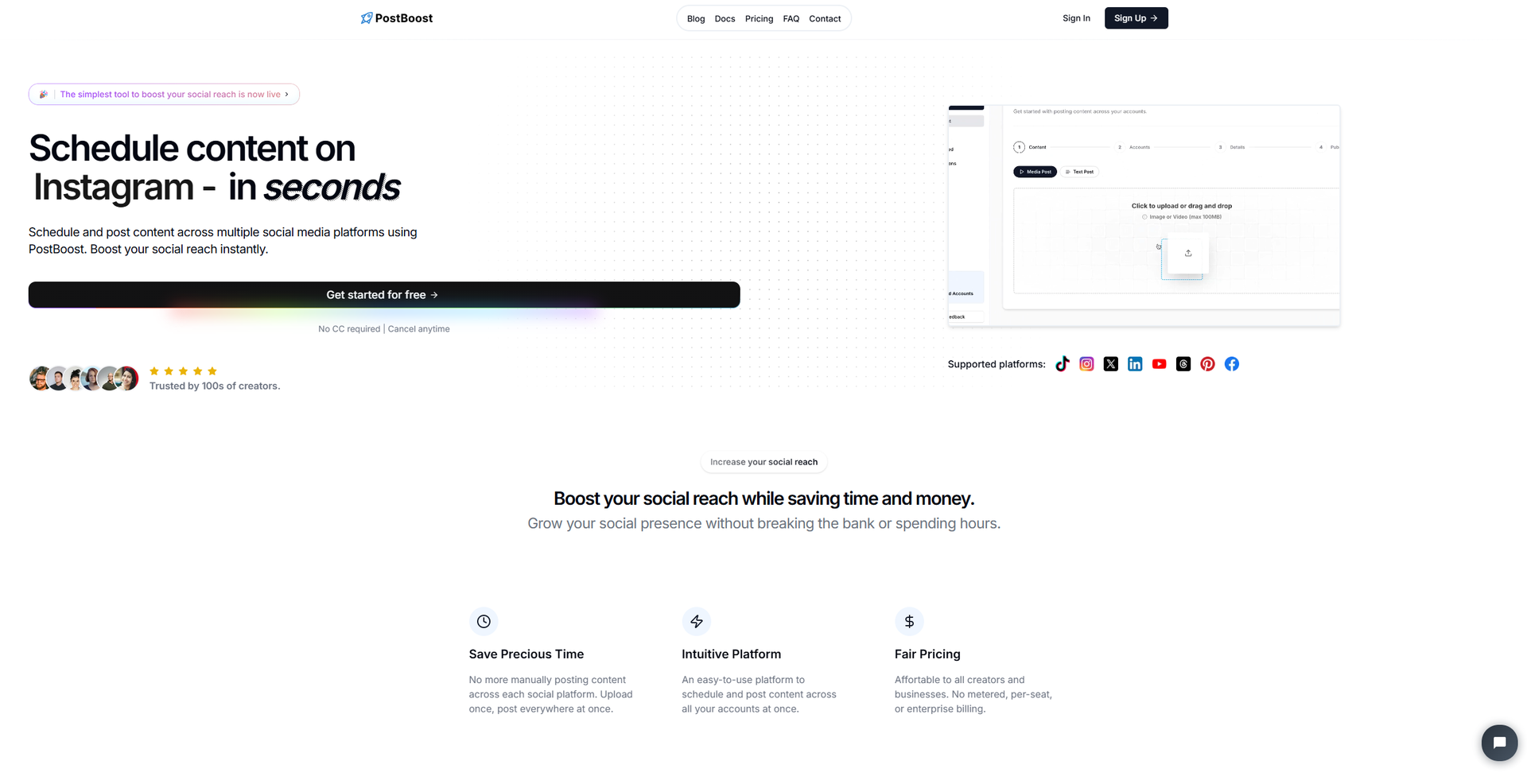
Strengths
- Time Efficiency: Automates the posting process, reducing the need for manual updates across platforms.
- Cost-Effective: Offers a fair pricing model without complex billing structures, making it accessible for creators and businesses of all sizes.
- User-Friendly: The simple interface ensures even beginners can navigate and manage their social media presence with ease.
- Flexibility: Allows for customization of post details for different platforms, enhancing engagement with platform-specific audiences.
Limitations
- Initial Learning Curve: While the interface is intuitive, users may need a brief period to familiarize themselves with all features.
- Limited Free Tier: The free tier allows for only a limited number of posts per month, which may not be sufficient for high-volume users.
Building your AI toolkit?
Save Post-Boost and 1,000+ tools — free with Google, no spam
What You Get
Key Features
- Cross-Platform Posting: Post-Boost supports posting on Instagram, TikTok, X/Twitter, LinkedIn, YouTube, Threads, Pinterest, and Facebook, allowing you to manage all your accounts in one place.
- Post Scheduling: Schedule your posts up to three months in advance, ensuring your content is timely and consistent across all platforms.
- Intuitive Interface: The user-friendly design makes it easy to upload content, select social accounts, customize post details, and schedule or publish posts.
- Account Management: Easily connect and manage multiple social media accounts with just one click, streamlining your workflow.
- ProsTime Efficiency: Automates the posting process, reducing the need for manual updates across platforms.Cost-Effective: Offers a fair pricing model without complex billing structures, making it accessible for creators and businesses of all sizes.User-Friendly: The simple interface ensures even beginners can navigate and manage their social media presence with ease.Flexibility: Allows for customization of post details for different platforms, enhancing engagement with platform-specific audiences.ConsInitial Learning Curve: While the interface is intuitive, users may need a brief period to familiarize themselves with all features.Limited Free Tier: The free tier allows for only a limited number of posts per month, which may not be sufficient for high-volume users.
Best For
- Social Media Managers: Managing multiple client accounts efficiently and effectively.
- Digital Marketing Agencies: Streamlining campaign management across various platforms.
- Content Creators: Maximizing reach by posting content consistently across multiple channels.
- Small Businesses: Enhancing online presence without the need for a dedicated social media team.
- Uncommon Use Cases: Used by educational institutions to manage official communications; adopted by event planners for promoting events across social media.
Similar Tools



Weekly Issue
⚡
Personal Assistant tools · weekly digest
The AI Weekly — free in your inbox
New AI tools, pricing changes, expert picks, and hidden gems — curated by Mr. Spark every week. Join 5,000+ readers who stay ahead of the AI curve.
No spam, ever
Unsubscribe anytime
100% free