
Pricing Details
Free Trial: Get your first 500 generations at no cost. Basic Tier: Starts at $9 per month for 5000 product ideas and 3D visualizations. Custom Tier: Tailored for design teams requiring unlimited ideas and visualizations, with enterprise compliance. Disclaimer: Pricing details may have changed since this review. Visit the Product Design Studio website for the latest information.
Product Visuals (1 images)
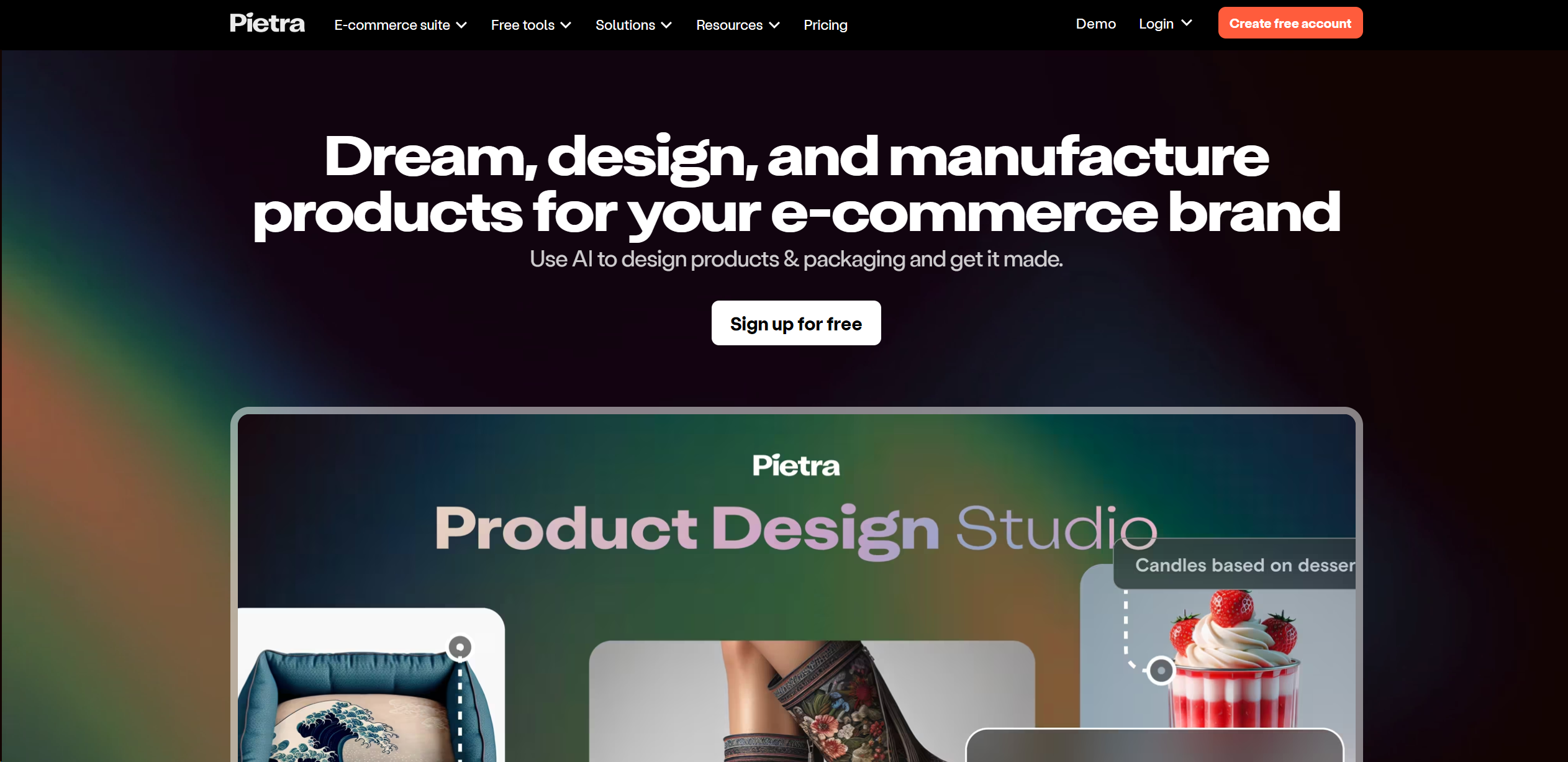
Strengths
- Time-Saving: Accelerates the design phase, enabling a faster path from ideation to production.
- Cost-Efficiency: Offers affordable pricing tiers, including a free trial, making it accessible for various budget ranges.
- User-Friendly: Intuitive interface that simplifies the design process for both seasoned designers and novices.
- Versatility: Suitable for a wide range of product categories, enhancing its utility across diverse e-commerce sectors.
Limitations
- Learning Curve: New users may need time to fully harness the AI's capabilities and navigate the platform.
- Design Complexity: While AI is powerful, it may not capture the nuance of highly complex design requirements without human input.
- Integration Limitations: As a specialized tool, it might not integrate with certain external platforms or services out-of-the-box.
Building your AI toolkit?
Save Product Design Studio and 1,000+ tools — free with Google, no spam
What You Get
Key Features
- AI-Driven Design Generation: Create compelling product designs and variations within seconds, starting from reference images or sketches.
- 3D Visualization: Turn basic concept sketches into detailed 3D designs, allowing for a more immersive design experience.
- Collaborative Platform: Invite vendors to the platform, share annotated designs, and communicate effectively to ensure quicker sampling.
- Extensive Template Library: Access thousands of templates that provide inspiration and assurance that designs can be manufactured with ease.
- ProsTime-Saving: Accelerates the design phase, enabling a faster path from ideation to production.Cost-Efficiency: Offers affordable pricing tiers, including a free trial, making it accessible for various budget ranges.User-Friendly: Intuitive interface that simplifies the design process for both seasoned designers and novices.Versatility: Suitable for a wide range of product categories, enhancing its utility across diverse e-commerce sectors.ConsLearning Curve: New users may need time to fully harness the AI's capabilities and navigate the platform.Design Complexity: While AI is powerful, it may not capture the nuance of highly complex design requirements without human input.Integration Limitations: As a specialized tool, it might not integrate with certain external platforms or services out-of-the-box.
Best For
- E-commerce Entrepreneurs: For quickly developing product lines and testing market viability.
- Design Agencies: To provide a broader array of design options to clients with efficiency.
- Manufacturers: To visualize end products and streamline the communication process.
- Freelancers: To enhance their service offerings with rapid prototyping capabilities.
- Uncommon Use Cases: Educational institutions could use it for design courses; Non-profits might utilize it for creating promotional materials.
Integrations
In-Platform Collaboration: Allows teams to work together within the platform, reducing the need for external communication tools. Supplier Integration: Users can directly connect with their suppliers, sharing detailed designs and specifications. Scalability: The platform is designed to scale with businesses, from startups to large enterprises. Custom Solutions: The Custom tier provides options for bespoke integrations and enterprise compliance.
Similar Tools



Weekly Issue
⚡
Design tools · weekly digest
The AI Weekly — free in your inbox
New AI tools, pricing changes, expert picks, and hidden gems — curated by Mr. Spark every week. Join 5,000+ readers who stay ahead of the AI curve.
No spam, ever
Unsubscribe anytime
100% free