
Pricing Details
Free Trial: Qonqur offers users the opportunity to try the platform for free, experiencing its unique features firsthand. Subscription Plans: Pricing details for various tiers are available on the Qonqur website. Disclaimer: Please note that pricing information is subject to change. For the most accurate and current pricing details, refer to the official Qonqur website.
Product Visuals (1 images)
Strengths
- Engagement: Keeps audiences captivated during presentations with interactive elements.
- Ease of Setup: No need for expensive equipment or VR headsets, making it accessible.
- Adaptability: Suitable for various environments, from classrooms to conference halls.
- User-Friendly: Straightforward launching process and user interface for hassle-free navigation.
Limitations
- Learning Curve: Some users may need time to get accustomed to gesture controls.
- Device Dependency: Relies on the quality of the webcam or connected camera for optimal performance.
- Limited Awareness: As a relatively new tool, it may not yet be widely recognized or adopted.
What You Get
Key Features
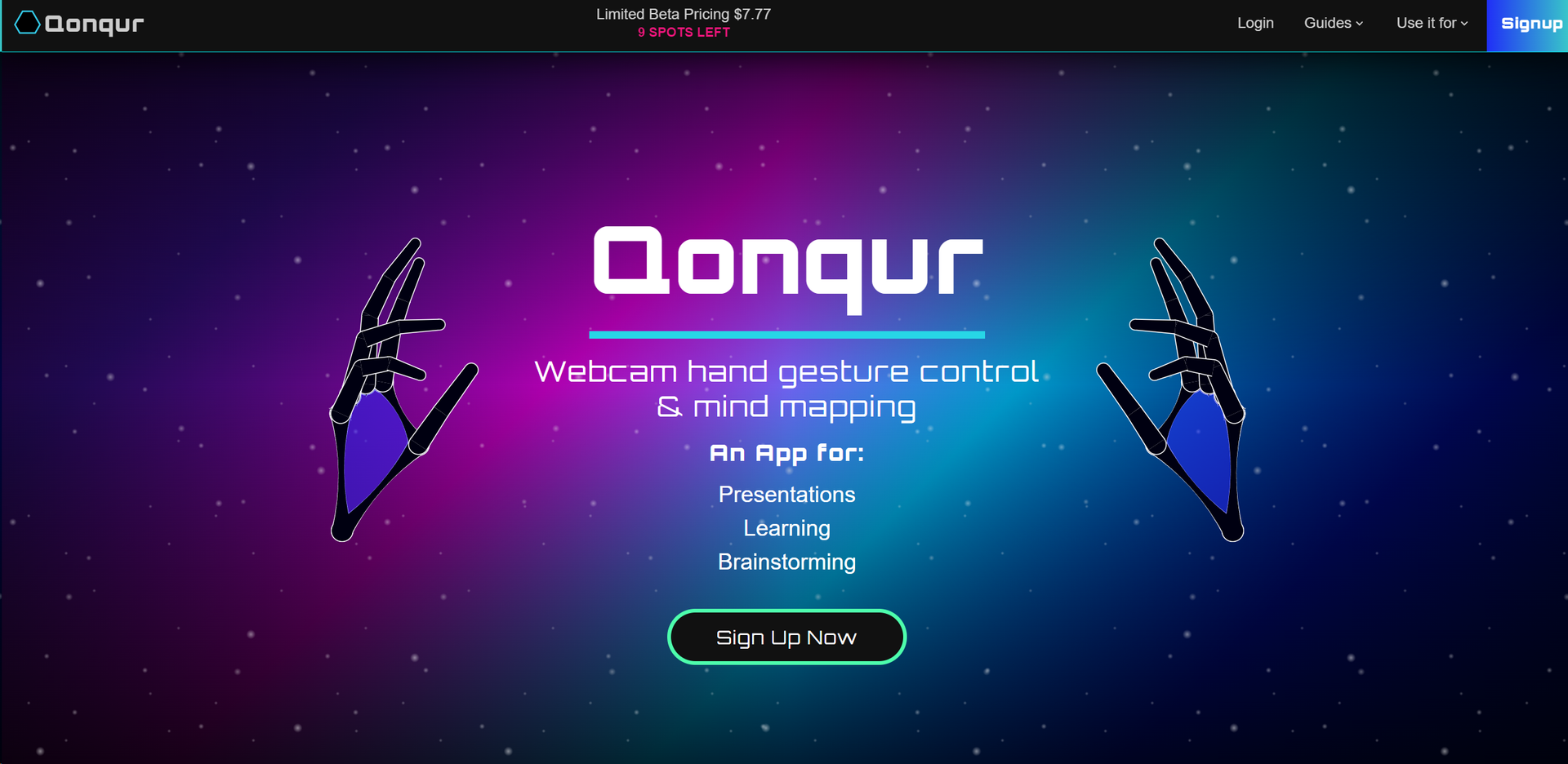
- Gesture Control: Navigate your presentations and projects with intuitive hand movements.
- No Special Hardware Required: Works with standard webcams, smartphones, or USB cameras.
- Versatile Display Compatibility: Connects to various display types, from TVs to projectors.
- Simple App Launch: Quick setup and easy start to get you exploring and presenting in no time.
- Learning and Brainstorming Tools: Enhance teaching methods and idea generation with innovative AI support.
- ProsEngagement: Keeps audiences captivated during presentations with interactive elements.Ease of Setup: No need for expensive equipment or VR headsets, making it accessible.Adaptability: Suitable for various environments, from classrooms to conference halls.User-Friendly: Straightforward launching process and user interface for hassle-free navigation.ConsLearning Curve: Some users may need time to get accustomed to gesture controls.Device Dependency: Relies on the quality of the webcam or connected camera for optimal performance.Limited Awareness: As a relatively new tool, it may not yet be widely recognized or adopted.
Best For
- Educators: Incorporating Qonqur into classrooms for a more interactive learning experience.
- Corporate Professionals: Using the tool to deliver impactful and memorable presentations.
- Creative Teams: Employing Qonqur for brainstorming sessions and collaborative workflows.
- Researchers: Leveraging the tool to navigate and manage extensive data sets with ease.
- Uncommon Use Cases: Implemented by event organizers for interactive displays; utilized by artists for digital exhibitions.
Integrations
Webcam Compatibility: Qonqur integrates with any standard webcam, smartphone, or USB camera. Display Versatility: Compatible with various display outputs, from monitors to projectors. Operating Systems: Runs smoothly on multiple operating systems, ensuring broad accessibility. Browser-Based: Accessible through web browsers, eliminating the need for dedicated software installation.
Similar Tools
Weekly Issue
⚡
Research tools · weekly digest
The AI Weekly — free in your inbox
New AI tools, pricing changes, expert picks, and hidden gems — curated by Mr. Spark every week. Join 5,000+ readers who stay ahead of the AI curve.
No spam, ever
Unsubscribe anytime
100% free