
Pricing Details
Starter Plan: $9.9 per month for essential motion capture features. Pro Plan: $49.99 per month for advanced features and higher data storage. Enterprise Plan: Custom pricing for large-scale projects and specialized needs. Disclaimer: Please note that pricing information may not be up to date. For the most accurate and current pricing details, refer to the official QuickMagic website.
Product Visuals (1 images)
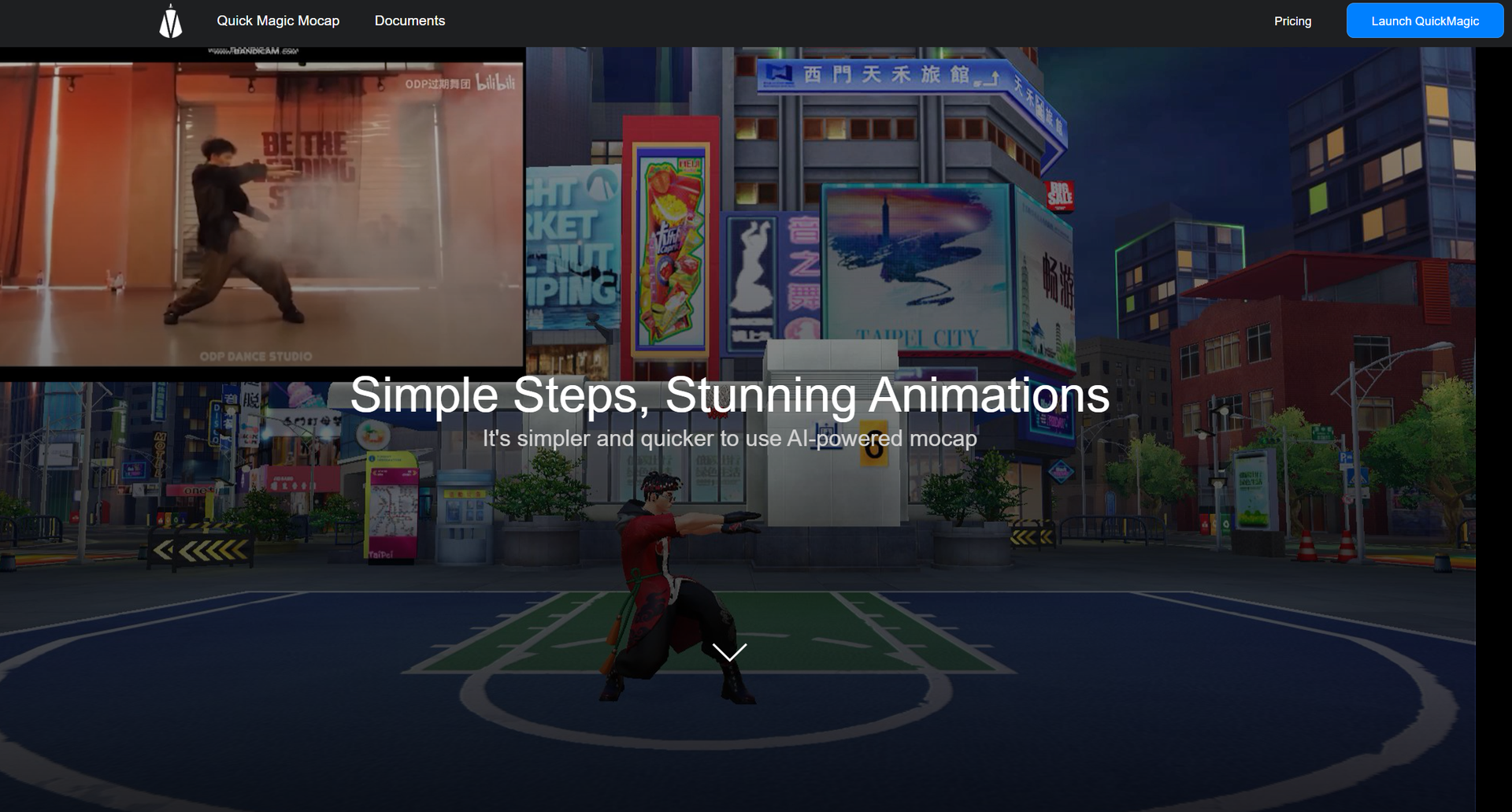
Strengths
- Time Efficiency: Significantly reduces the time required for motion capture, enabling quicker project turnarounds.
- Cost-Effective: Eliminates the need for expensive hardware and studio setups, lowering overall production costs.
- Scalability: Easily scalable to accommodate projects of varying sizes and complexities.
- Integration Friendly: Compatible with various animation and game development software, enhancing workflow integration.
Limitations
- Initial Learning Curve: Requires some time to get acquainted with the full range of features.
- Internet Dependency: Cloud-based functionalities require a stable internet connection for optimal performance.
Building your AI toolkit?
Save QuickMagic and 1,000+ tools — free with Google, no spam
What You Get
Key Features
- AI-Powered Motion Tracking: Utilizes advanced AI algorithms to accurately track and record human movements in real-time.
- User-Friendly Interface: Intuitive design ensures that users of all skill levels can navigate and utilize the tool effectively.
- High Precision: Capable of capturing minute details in motion, ensuring high fidelity and realistic animations.
- Cloud Storage: Offers secure cloud storage for all captured data, allowing easy access and collaboration.
- ProsTime Efficiency: Significantly reduces the time required for motion capture, enabling quicker project turnarounds.Cost-Effective: Eliminates the need for expensive hardware and studio setups, lowering overall production costs.Scalability: Easily scalable to accommodate projects of varying sizes and complexities.Integration Friendly: Compatible with various animation and game development software, enhancing workflow integration.ConsInitial Learning Curve: Requires some time to get acquainted with the full range of features.Internet Dependency: Cloud-based functionalities require a stable internet connection for optimal performance.
Best For
- Animators: Leveraging the tool for creating detailed and lifelike animations.
- Game Developers: Utilizing the tool for realistic character movements in video games.
- Film Studios: Employing the tool for special effects and CGI in movies.
- Virtual Reality Creators: Using the tool for immersive VR experiences.
- Uncommon Use Cases: Adopted by sports scientists for analyzing athletic performance; utilized by medical researchers for studying human biomechanics.
Integrations
Unity Integration: Seamlessly integrates with Unity for game development. Unreal Engine Support: Compatible with Unreal Engine, enhancing animation workflows. Blender Compatibility: Works well with Blender for creating detailed animations. API Access: Developers can utilize API for custom integrations with other software.
Similar Tools



Weekly Issue
⚡
Video Editing tools · weekly digest
The AI Weekly — free in your inbox
New AI tools, pricing changes, expert picks, and hidden gems — curated by Mr. Spark every week. Join 5,000+ readers who stay ahead of the AI curve.
No spam, ever
Unsubscribe anytime
100% free