
Pricing Details
Free Tier: Available at no cost during its open beta phase. Future Pricing Plans: Details on future pricing are yet to be announced. Disclaimer: For the most current and accurate pricing information, visit the official Quilter website.
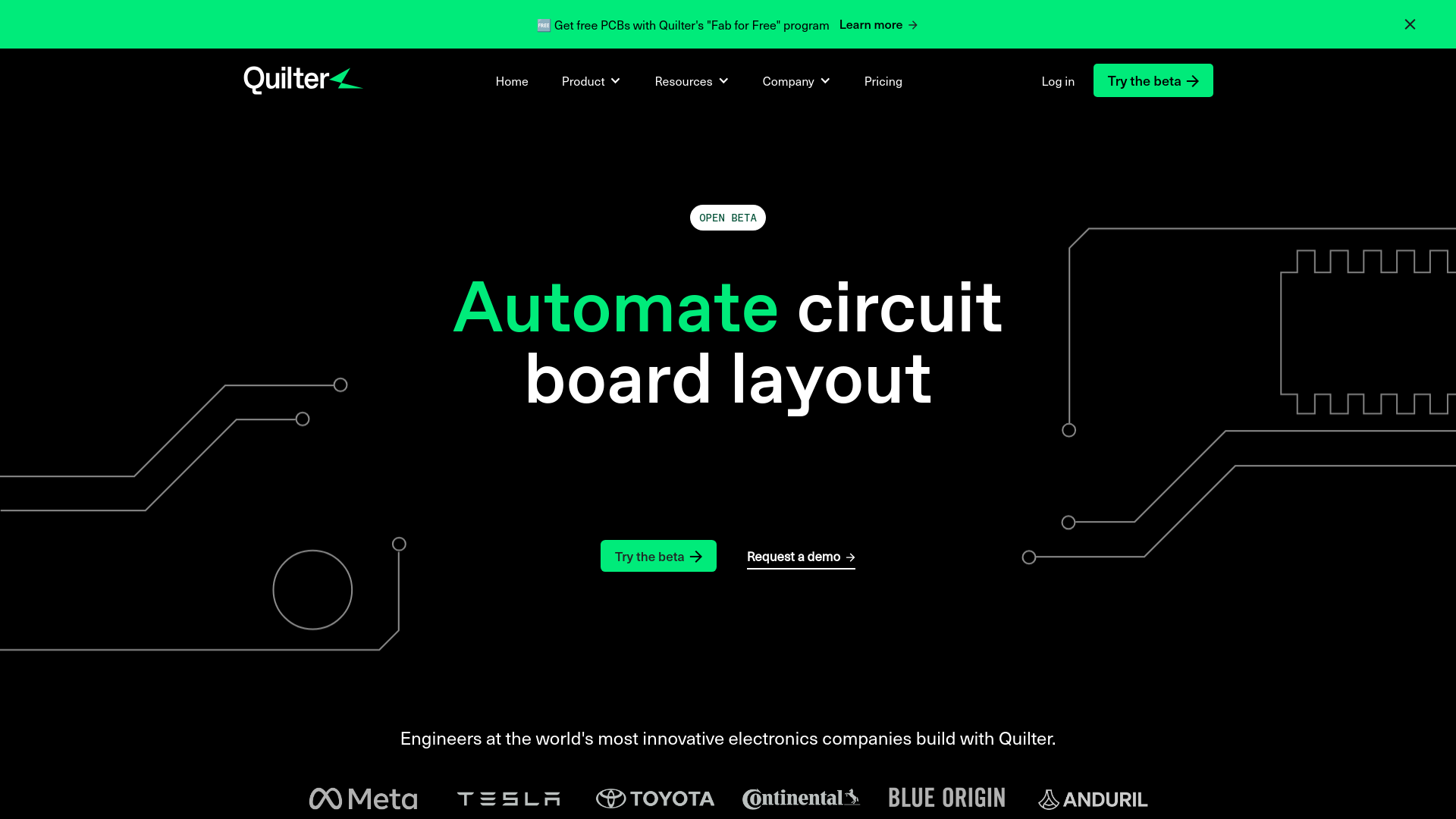
Product Visuals (1 images)
Strengths
- Speed of Design: Cuts the time required for PCB design from weeks to hours.
- High-Quality Outputs: Produces designs that pass DRC checks with zero errors, ready for fabrication.
- Ease of Integration: Compatible with existing design files and libraries, minimizing the learning curve.
- Cost-Effectiveness: Free during its open beta phase, offering significant cost savings.
Limitations
- Limited to Certain Complexities: Best suited for designs with fewer than 1000 pins and 100 components.
- Learning Curve: New users may need time to adjust to Quilter’s specific project setup requirements.
- Beta Limitations: As it is in beta, there may be occasional bugs or unsupported features.
What You Get
Key Features
- Automated PCB Design: Automates the placement of components, routing of traces, and definition of board stackups, optimizing the entire design process.
- Generative AI: Uses generative AI to explore various design options, ensuring the best layout while adhering to manufacturing constraints.
- Compatibility with Existing Tools: Integrates smoothly with popular ECAD applications like Altium and KiCAD, fitting easily into current workflows.
- Real-time Optimization: Continuously evaluates and enhances PCB designs for EMI performance and manufacturing viability.
- ProsSpeed of Design: Cuts the time required for PCB design from weeks to hours.High-Quality Outputs: Produces designs that pass DRC checks with zero errors, ready for fabrication.Ease of Integration: Compatible with existing design files and libraries, minimizing the learning curve.Cost-Effectiveness: Free during its open beta phase, offering significant cost savings.ConsLimited to Certain Complexities: Best suited for designs with fewer than 1000 pins and 100 components.Learning Curve: New users may need time to adjust to Quilter’s specific project setup requirements.Beta Limitations: As it is in beta, there may be occasional bugs or unsupported features.
Best For
- Electronics Manufacturers: Using Quilter for rapid prototyping and production.
- Hardware Startups: Speeding up their development cycles with the tool.
- Educational Institutions: Implementing Quilter in engineering courses for PCB design instruction.
- Freelance Electronics Engineers: Managing multiple client projects efficiently with Quilter.
- Uncommon Use Cases: Researchers experimenting with innovative PCB designs; drone manufacturers creating compact and efficient boards.
Integrations
ECAD Tool Integration: Supports Altium and KiCAD for seamless design import and export. Manufacturing Standards Compliance: Validates designs against standards from PCB manufacturers like JLPCB and OSHPark. File Format Compatibility: Ensures designs are returned in standard file formats for easy integration.
Similar Tools



Weekly Issue
⚡
Design tools · weekly digest
The AI Weekly — free in your inbox
New AI tools, pricing changes, expert picks, and hidden gems — curated by Mr. Spark every week. Join 5,000+ readers who stay ahead of the AI curve.
No spam, ever
Unsubscribe anytime
100% free