
Pricing Details
Lite: Free forever. Includes 1 user team, 1 scheduling link, 1 smart meeting, 3 habits, 1 calendar sync, limited integrations, unlimited time tracking and tasks, and a 3-week scheduling range. Starter: $10/seat per month. Supports up to 10 seats, 3 scheduling links, 3 smart meetings, unlimited habits and calendar sync, full integrations, time tracking and analytics, unlimited tasks, and an 8-week scheduling range. Business: $15/seat per month. Expands to 100 seats with unlimited scheduling links, smart meetings, habits, calendar sync, integrations, and tasks. Adds delegated access, webhook support, analytics, and a 12-week scheduling range. Enterprise: Custom pricing. Includes everything in Business plus support for over 100 seats, SSO and SCIM provisioning, and enterprise-grade onboarding and access controls. Disclaimer: Please note that pricing information may not be up to date. For the most accurate and current pricing details, refer to the official Reclaim website.
Product Visuals (1 images)
Strengths
- Time Efficiency: Significantly reduces time spent manually scheduling meetings and tasks.
- Enhanced Productivity: Automatically defends focus time, ensuring more productive work hours.
- Seamless Integration: Works smoothly with popular tools like Slack, Asana, and Zoom.
- Improved Work-Life Balance: Helps prevent burnout by auto-scheduling breaks and personal time.
Limitations
- Initial Setup Complexity: Some users may find the initial setup and customization process time-consuming.
- Learning Curve: Users unfamiliar with AI-driven tools may require time to adapt to its features.
What You Get
Key Features
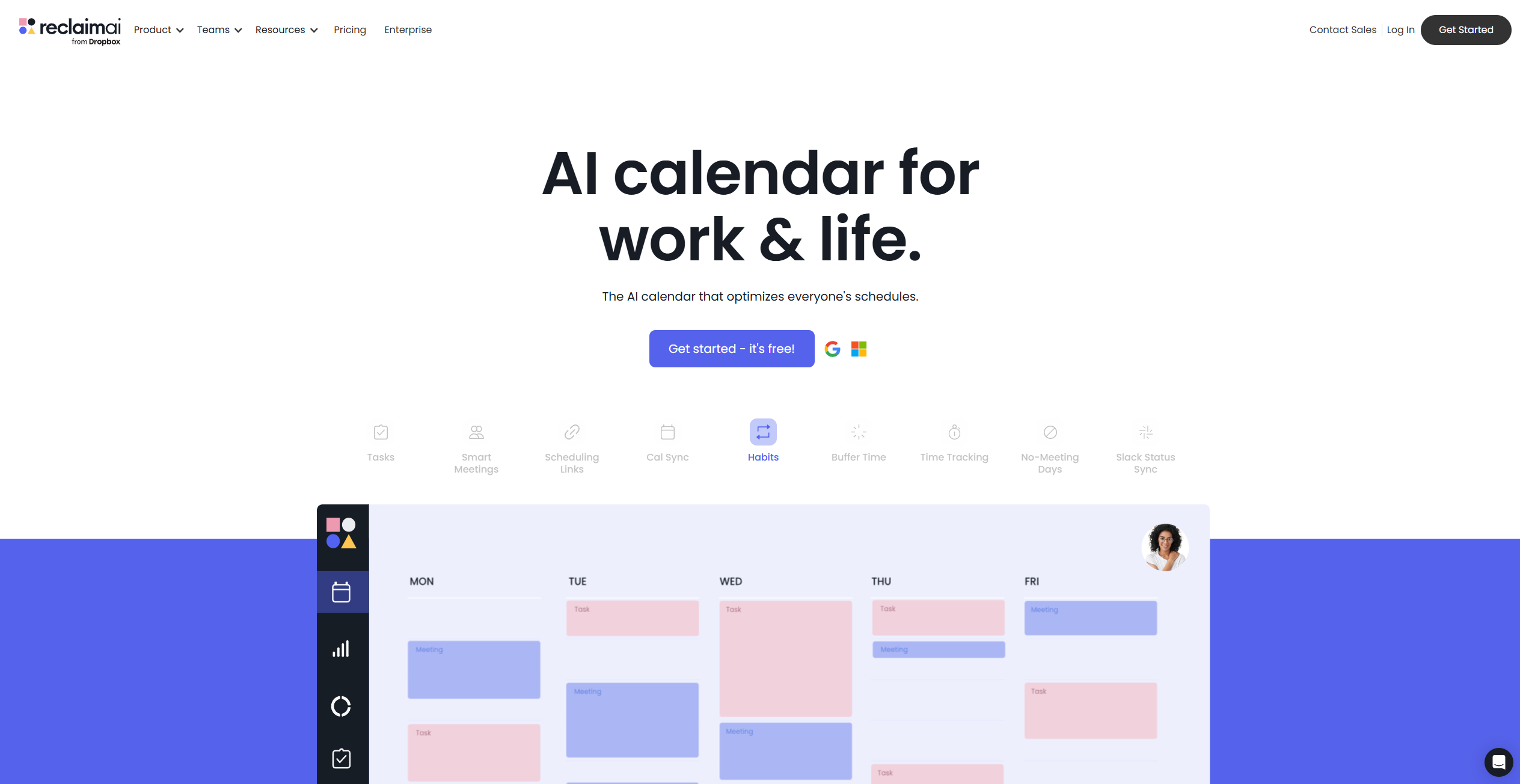
- Smart Meetings: Automatically schedules meetings at the most convenient times for all attendees using advanced prioritization controls.
- Calendar Sync: Integrates multiple calendars to ensure all commitments are visible and conflicts are minimized.
- Task Management: Allows users to flexibly schedule tasks directly into their calendars, ensuring that no task is overlooked.
- People Analytics: Provides insights into team productivity and work-life balance without infringing on privacy.
- ProsTime Efficiency: Significantly reduces time spent manually scheduling meetings and tasks.Enhanced Productivity: Automatically defends focus time, ensuring more productive work hours.Seamless Integration: Works smoothly with popular tools like Slack, Asana, and Zoom.Improved Work-Life Balance: Helps prevent burnout by auto-scheduling breaks and personal time.ConsInitial Setup Complexity: Some users may find the initial setup and customization process time-consuming.Learning Curve: Users unfamiliar with AI-driven tools may require time to adapt to its features.
Best For
- Corporate Teams: Utilize Reclaim to manage complex schedules and improve team collaboration.
- Freelancers: Benefit from automated task scheduling, freeing up time for client work.
- Project Managers: Employ Reclaim to keep projects on track with dynamic scheduling.
- HR Departments: Use the tool to optimize recruitment planning and maintain employee work-life balance.
- Uncommon Use Cases: Educational institutions incorporate Reclaim for teaching time management; Nonprofits use it to coordinate volunteer schedules efficiently.
Similar Tools



Personal Assistant tools · weekly digest
The AI Weekly — free in your inbox
New AI tools, pricing changes, expert picks, and hidden gems — curated by Mr. Spark every week. Join 5,000+ readers who stay ahead of the AI curve.