
Pricing Details
Free Plan: $0 per month. Ideal for quick creation. Includes 2 hours of multi-track recordings, full editing tools, up to 720p video, 44.1 kHz audio, Magic Clips, unlimited single track recording/editing, and video calls with Riverside watermark. Standard Plan: $19 per month. Great for essentials. Includes 5 hours of multi-track recording, full editing suite, up to 4K video, no watermark, 48kHz audio, smooth speech and pacing, and image/text overlays—plus everything in Free. Pro Plan: $29 per month. Most popular option for full studio use. Offers 15 hours of multi-track recording, all Pro editing tools, AI-generated show notes, 100+ language transcriptions, Magic Clips control, teleprompter (host), voice cloning, video overlays, custom virtual backgrounds, full brand kit, and live chat support. Business Plan: Custom pricing. Built for professional teams. Includes unlimited multi-track recording, production workspaces, advanced editing, live streaming, team collaboration, presenter/teleprompter tools, async recording, custom frame rates, role management, priority support, SSO, SOC2/ISO27001 compliance, and a dedicated success manager. Disclaimer: Please note that pricing information may not be up to date. For the most accurate and current pricing details, refer to the official Riverside website.
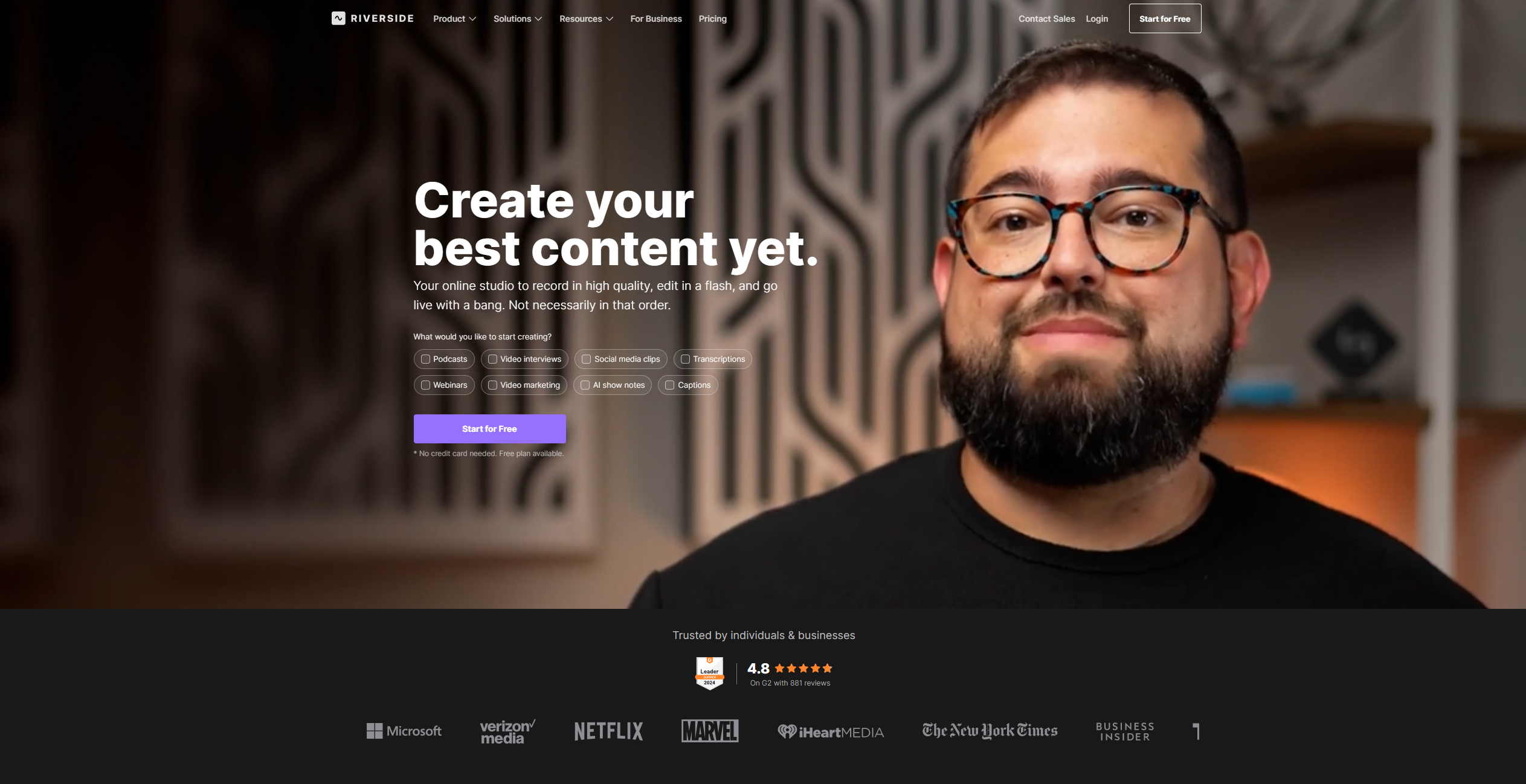
Product Visuals (1 images)
Strengths
- High-Quality Recording: Offers 4K video and separate audio tracks for each participant, ensuring professional-grade output.
- Time-Saving Editing: The text-based editor and AI tools significantly reduce editing time without compromising quality.
- Versatile Use Cases: Suitable for various content types, including podcasts, webinars, and video marketing.
- User-Friendly Interface: Designed for ease of use, making it accessible to users of all skill levels.
Limitations
- Initial Setup Complexity: Some users may find the initial setup and navigation of advanced features a bit challenging.
- Limited Third-Party Integrations: Currently, the platform supports a limited range of third-party integrations.
Building your AI toolkit?
Save Riverside and 1,000+ tools — free with Google, no spam
What You Get
Key Features
- 4K Video and Audio Recorder: Capture studio-quality audio and video with local recording technology that ensures each participant's track is recorded separately, maintaining high fidelity.
- AI, Text-Based Video Editor: Edit your recordings with a text-based editor that allows you to search, delete, copy, and paste just like editing a document, making the process intuitive and quick.
- Magic Audio: Enhance your audio quality to sound as if it was recorded in a professional studio, eliminating unwanted noise and improving clarity.
- AI Show Notes: Automatically generate titles, descriptions, chapters, and keywords with AI, streamlining the process of preparing your content for publication.
- ProsHigh-Quality Recording: Offers 4K video and separate audio tracks for each participant, ensuring professional-grade output.Time-Saving Editing: The text-based editor and AI tools significantly reduce editing time without compromising quality.Versatile Use Cases: Suitable for various content types, including podcasts, webinars, and video marketing.User-Friendly Interface: Designed for ease of use, making it accessible to users of all skill levels.ConsInitial Setup Complexity: Some users may find the initial setup and navigation of advanced features a bit challenging.Limited Third-Party Integrations: Currently, the platform supports a limited range of third-party integrations.
Best For
- Podcasters: Leveraging Riverside for high-quality audio and video podcast production.
- Video Marketers: Utilizing the platform to create engaging marketing content that stands out.
- Educators: Employing Riverside for virtual lectures and webinars, enhancing remote learning experiences.
- Corporate Trainers: Using the tool for internal communications and training sessions.
- Uncommon Use Cases: Adopted by community organizations for virtual events; Used by independent filmmakers for remote video production.
Similar Tools



Video Editing tools · weekly digest
The AI Weekly — free in your inbox
New AI tools, pricing changes, expert picks, and hidden gems — curated by Mr. Spark every week. Join 5,000+ readers who stay ahead of the AI curve.