
Pricing Details
Free Plan: $0 per month. Great for hobbyists just getting started—includes 100 credits per month, limited usage, and up to 100 design and asset generations. Full platform access with basic email support. Pro Plan: $10 per month. Best for freelancers and solo creators—300 credits monthly, no daily limits, around 300 design and asset generations, plus unlimited AI chat help. Includes priority email support. Business Plan: $25 per month. Built for teams needing higher limits—900 monthly credits, full-speed usage, and up to 900 generations of both designs and assets. Also comes with unlimited AI chat and priority support. Disclaimer: Please note that pricing information may not be up to date. For the most accurate and current pricing details, refer to the official Rustic AI website.
Product Visuals (1 images)
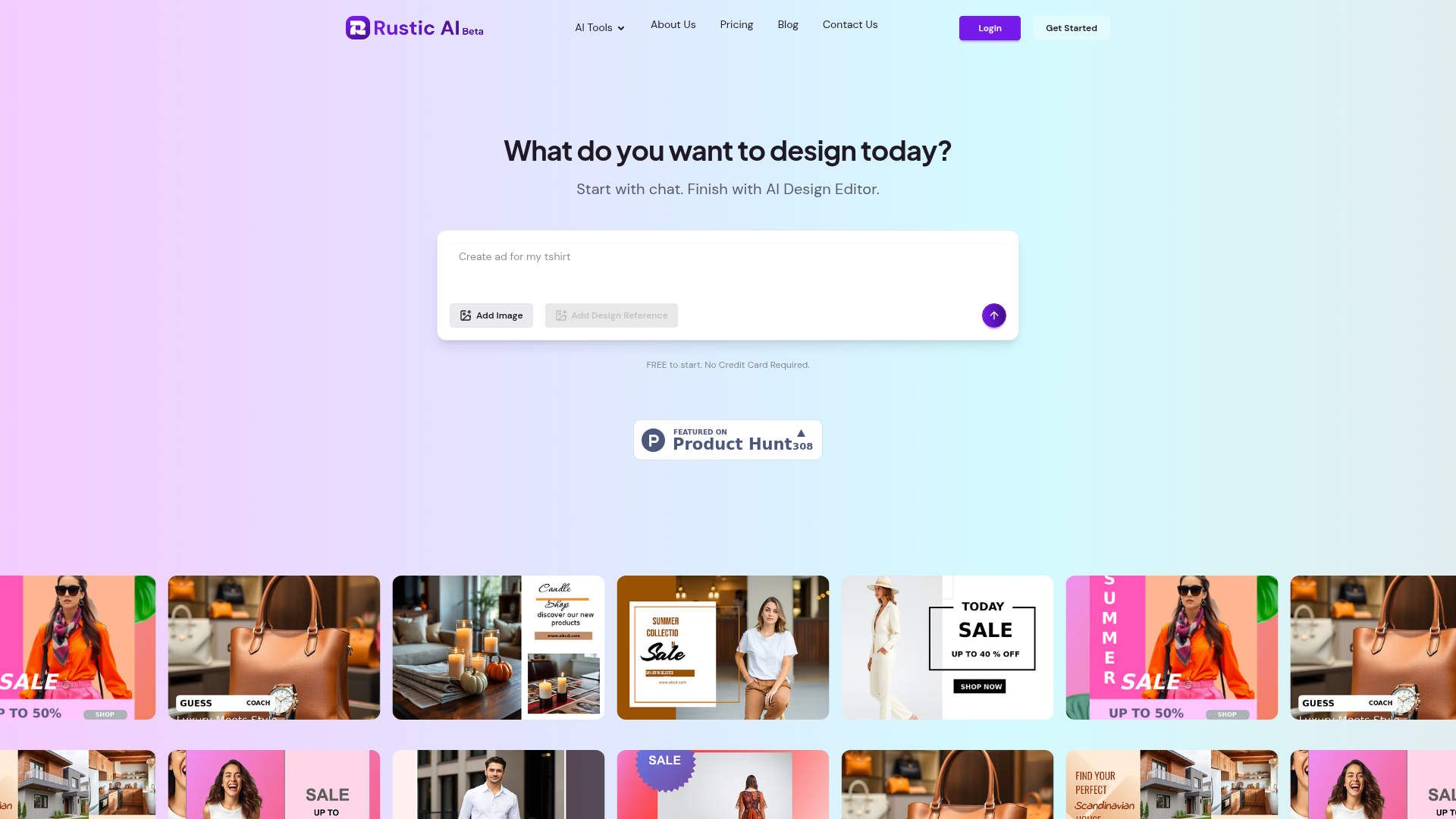
Strengths
- User-Friendly Interface: The design editor is simple to navigate, making it accessible for both beginners and seasoned designers.
- Time-Saving Templates: Pre-made templates reduce the time needed to start a project, allowing users to focus on creativity.
- Collaboration Tools: Real-time collaboration features foster teamwork and improve project outcomes.
- Flexible Design Options: Offers a wide array of customization options to fit diverse design needs.
Limitations
- Limited Advanced Features: While great for basic design tasks, it may lack some advanced features sought by professional designers.
- Internet Dependency: As a cloud-based tool, it requires a stable internet connection for optimal performance.
Building your AI toolkit?
Save Rustic AI and 1,000+ tools — free with Google, no spam
What You Get
Key Features
- AI Design Editor: This intuitive editor allows users to craft beautiful designs quickly, leveraging AI technology to simplify the design process.
- Customizable Templates: Choose from a wide range of pre-made templates that can be tailored to fit your specific needs, saving time and effort.
- Real-Time Collaboration: Work together with team members in real-time, ensuring everyone is on the same page and enhancing productivity.
- Cloud-Based Storage: Access your projects from anywhere with cloud storage, ensuring your designs are always at your fingertips.
- ProsUser-Friendly Interface: The design editor is simple to navigate, making it accessible for both beginners and seasoned designers.Time-Saving Templates: Pre-made templates reduce the time needed to start a project, allowing users to focus on creativity.Collaboration Tools: Real-time collaboration features foster teamwork and improve project outcomes.Flexible Design Options: Offers a wide array of customization options to fit diverse design needs.ConsLimited Advanced Features: While great for basic design tasks, it may lack some advanced features sought by professional designers.Internet Dependency: As a cloud-based tool, it requires a stable internet connection for optimal performance.
Best For
- Content Creators: Utilizing the tool to enhance video and image content for various platforms.
- Marketing Teams: Employing the tool to create compelling marketing materials and campaigns.
- Small Businesses: Using the tool to develop brand visuals and promotional content efficiently.
- Freelancers: Leveraging the tool for quick and high-quality design projects.
- Uncommon Use Cases: Adopted by educational institutions for teaching digital design courses; Used by event planners for crafting event branding materials.
Similar Tools



Design tools · weekly digest
The AI Weekly — free in your inbox
New AI tools, pricing changes, expert picks, and hidden gems — curated by Mr. Spark every week. Join 5,000+ readers who stay ahead of the AI curve.