
Pricing Details
Free Tier: Offers a basic version with limited features to get a feel of the platform. Standard Plan: Priced at $19 per month, providing full access to all features and integrations. Pro Plan: Tailored for larger teams and businesses, with pricing available upon request. Disclaimer: Please note that pricing information may not be up to date. For the most accurate and current pricing details, refer to the official SaveMyLeads website.
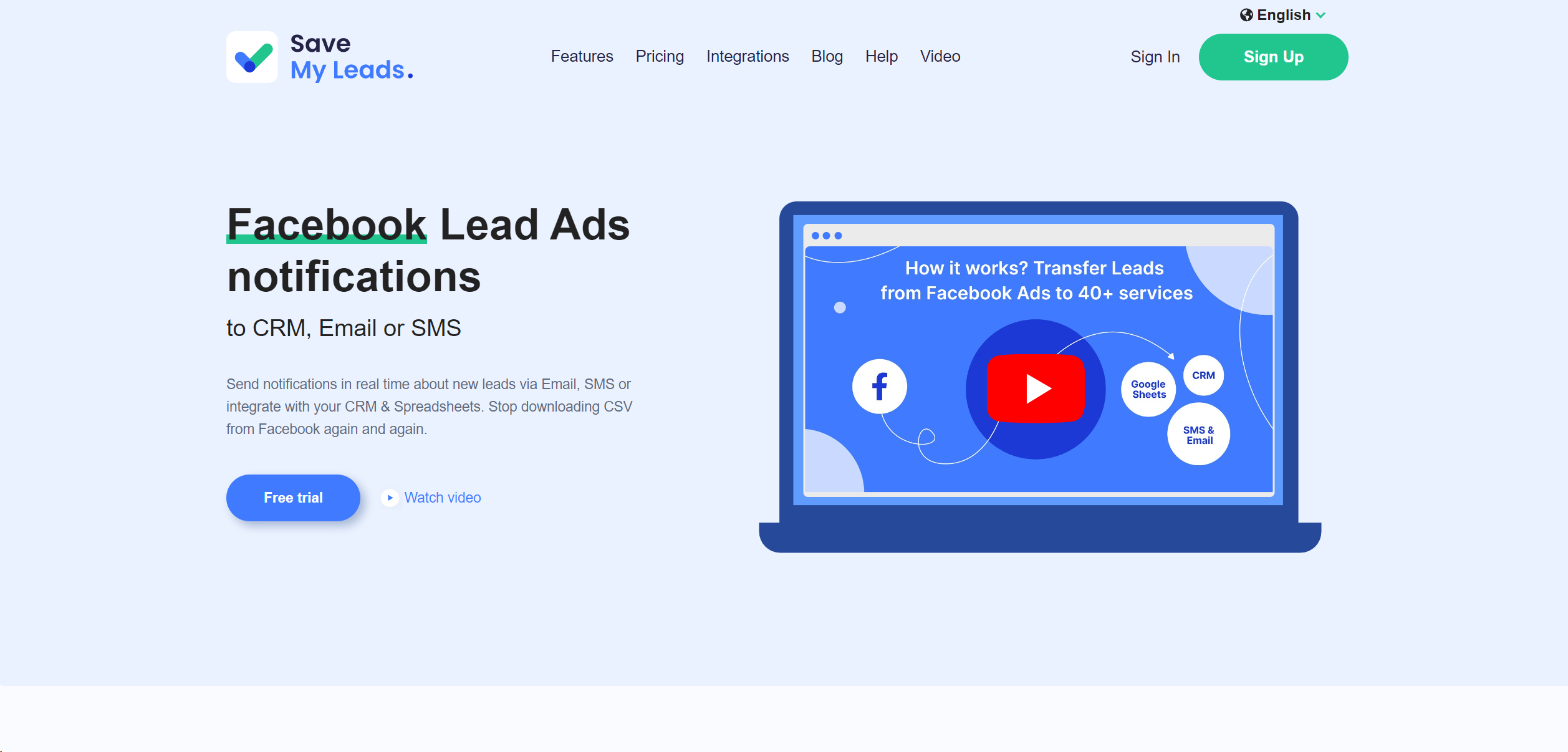
Product Visuals (1 images)
Strengths
- Increased Productivity: Drastically reduces the time and effort required to manually input leads into CRM systems.
- Enhanced Lead Management: Streamlines the lead management process, ensuring no lead is missed or overlooked.
- Real-Time Data Transfer: Immediate synchronization allows for timely follow-ups, increasing the chances of conversion.
- Ease of Use: Features an intuitive interface that simplifies the setup and management of lead transfer workflows.
Limitations
- Learning Curve: New users may require some time to fully understand and utilize all the features effectively.
- Integration Limitations: While it supports many tools, there might be specific CRM systems or sales applications not yet supported.
- Cost Consideration: Small businesses or freelancers on a tight budget may find the pricing a consideration, especially for premium features.
Building your AI toolkit?
Save SaveMyLeads and 1,000+ tools — free with Google, no spam
What You Get
Key Features
- Automated Lead Capture: Automatically imports leads from Facebook Ads, Google Ads, and other digital platforms into your chosen CRM or sales application.
- Seamless Integrations: Offers seamless integration with a wide array of CRM systems, email marketing tools, and other sales-related applications.
- Real-Time Synchronization: Ensures leads are transferred in real-time, enabling immediate follow-up and engagement.
- Customizable Workflows: Users can create custom workflows to automate specific tasks and processes, saving time and reducing manual effort.
- ProsIncreased Productivity: Drastically reduces the time and effort required to manually input leads into CRM systems.Enhanced Lead Management: Streamlines the lead management process, ensuring no lead is missed or overlooked.Real-Time Data Transfer: Immediate synchronization allows for timely follow-ups, increasing the chances of conversion.Ease of Use: Features an intuitive interface that simplifies the setup and management of lead transfer workflows.ConsLearning Curve: New users may require some time to fully understand and utilize all the features effectively.Integration Limitations: While it supports many tools, there might be specific CRM systems or sales applications not yet supported.Cost Consideration: Small businesses or freelancers on a tight budget may find the pricing a consideration, especially for premium features.
Best For
- Digital Marketing Agencies: Employing the tool to automate lead transfer and management for multiple clients.
- E-commerce Businesses: Utilizing SaveMyLeads to capture and follow up on leads from online advertising campaigns.
- Sales Teams: Leveraging the platform to ensure a seamless flow of leads into their sales pipelines.
- Small Business Owners: Using the tool to maximize the efficiency of limited resources in capturing and managing leads.
- Uncommon Use Cases: Non-profit organizations adopting SaveMyLeads for fundraising campaigns; Educational institutions using it to track inquiries and applications.
Integrations
CRM Systems: Fully compatible with popular CRM platforms like Salesforce, HubSpot, and Zoho CRM. Email Marketing Tools: Integrates effortlessly with Mailchimp, Constant Contact, and other email marketing services. Custom API Access: Provides API access for custom integrations, catering to unique business requirements. Third-Party Tools: Supports a wide range of third-party tools for enhanced functionality and flexibility.
Similar Tools
Weekly Issue
⚡
Marketing tools · weekly digest
The AI Weekly — free in your inbox
New AI tools, pricing changes, expert picks, and hidden gems — curated by Mr. Spark every week. Join 5,000+ readers who stay ahead of the AI curve.
No spam, ever
Unsubscribe anytime
100% free