
Pricing Details
Free Tier: Get started with Sidekick with a basic free version. Pro Tier: The Pro Tier starts at $10 per month. Disclaimer: Please note that pricing information may not be up to date. For the most accurate and current pricing details, refer to the official Sidekick website.
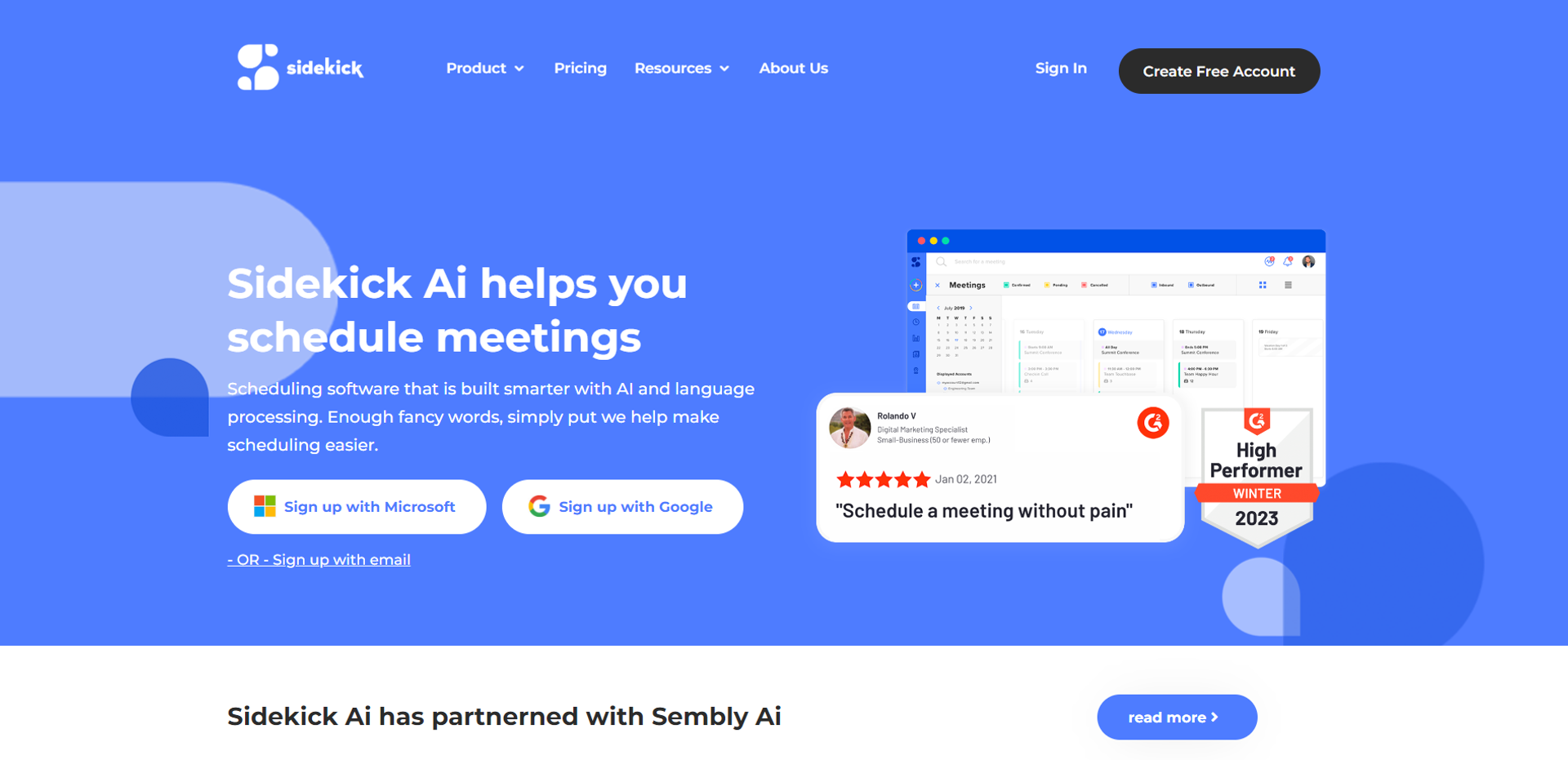
Product Visuals (1 images)
Strengths
- Increased Productivity: Significantly reduces the time spent on scheduling meetings.
- User-Friendly Interface: Intuitive design makes it easy for anyone to start using it with minimal learning curve.
- Seamless Integration: Easily integrates with most calendar and email applications.
- Customization Options: Offers extensive customization to fit various scheduling needs.
Limitations
- Internet Dependency: Requires a continuous internet connection to function effectively.
- Subscription Model: While affordable, the lack of a permanent purchase option might not appeal to everyone.
- Limited Offline Functionality: Most features are unavailable without an internet connection.
What You Get
Key Features
- Smart Scheduling: Automatically finds the best meeting times by analyzing calendars and preferences.
- Email Integration: Seamlessly works with popular email services to manage invitations and responses without leaving your inbox.
- Customizable Reminders: Set up personalized reminders for appointments to ensure you never miss a meeting.
- Multi-Timezone Support: Ideal for global teams, providing clear scheduling across different time zones to avoid confusion.
- ProsIncreased Productivity: Significantly reduces the time spent on scheduling meetings.User-Friendly Interface: Intuitive design makes it easy for anyone to start using it with minimal learning curve.Seamless Integration: Easily integrates with most calendar and email applications.Customization Options: Offers extensive customization to fit various scheduling needs.ConsInternet Dependency: Requires a continuous internet connection to function effectively.Subscription Model: While affordable, the lack of a permanent purchase option might not appeal to everyone.Limited Offline Functionality: Most features are unavailable without an internet connection.
Best For
- Small to Medium Enterprises (SMEs): Utilizing the tool to manage team schedules efficiently.
- Freelancers: Employing the tool to handle client appointments without administrative help.
- Educational Institutions: Facilitating the scheduling of academic consultations and staff meetings.
- Healthcare Professionals: Using the tool to book and manage patient appointments effectively.
- Uncommon Use Cases: Non-profits use it to coordinate volunteer activities; Event planners use it for seamless event scheduling.
Integrations
Google Calendar Integration: Sidekick syncs with Google Calendar for real-time scheduling updates. Outlook Compatibility: Connects effortlessly with Microsoft Outlook to streamline appointment management. Zoom Integration: Directly integrates with Zoom to schedule and manage virtual meetings. API Access: Offers API integration for developers to customize and extend functionality.
Similar Tools



Weekly Issue
⚡
Personal Assistant tools · weekly digest
The AI Weekly — free in your inbox
New AI tools, pricing changes, expert picks, and hidden gems — curated by Mr. Spark every week. Join 5,000+ readers who stay ahead of the AI curve.
No spam, ever
Unsubscribe anytime
100% free