
Pricing Details
Free Tier: Get started with Sketch2App with a generous free trial period. Subscription Plan: Access premium features with a monthly subscription. Disclaimer: For the most current and accurate pricing details, please visit the official Sketch2App website. Further: Best AI Text Generators AI Website Builder Tools 3D AI Tools
Product Visuals (1 images)
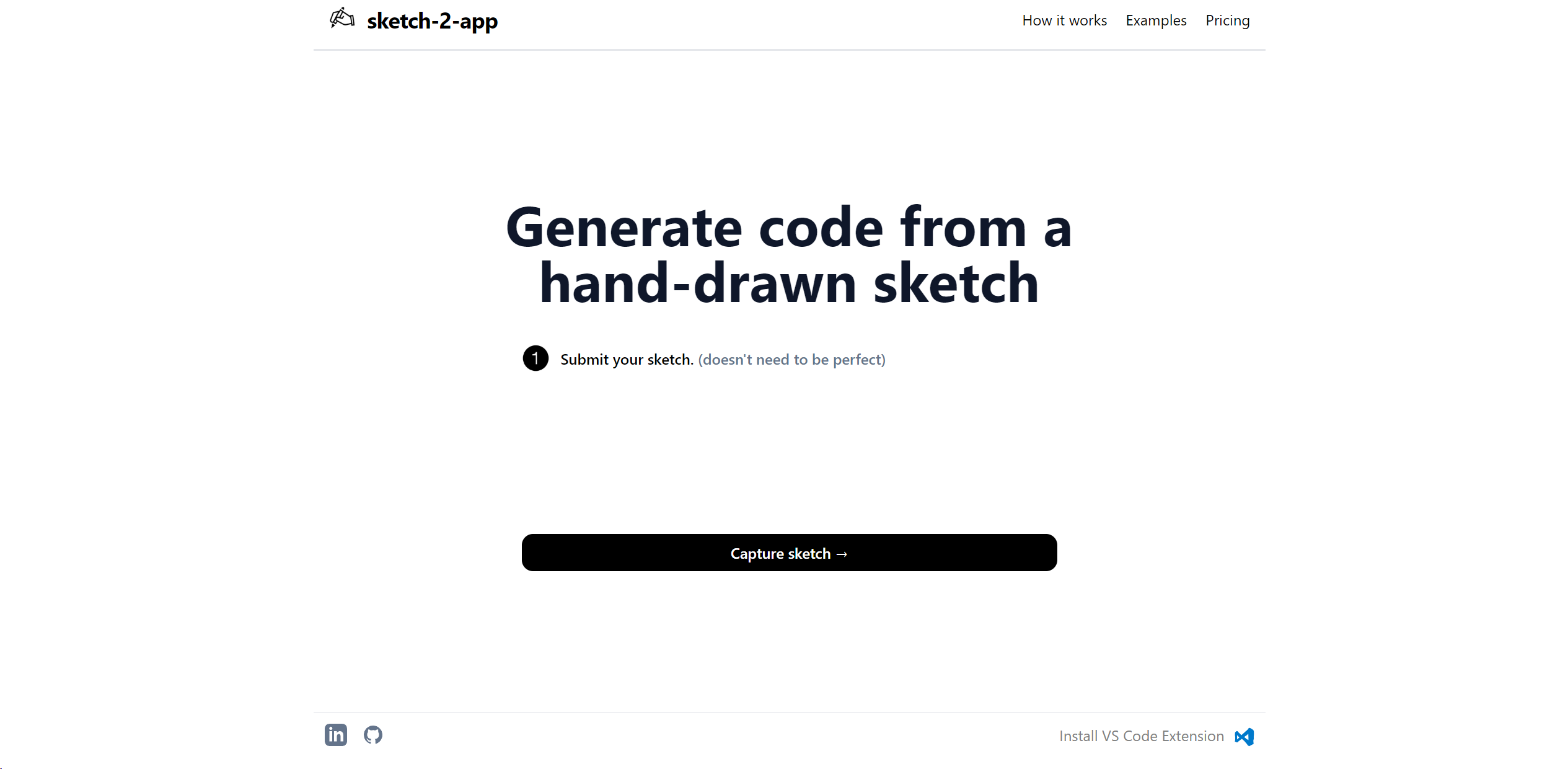
Strengths
- Rapid Prototyping: Accelerates the transition from concept to prototype, saving valuable time.
- Accessibility: Makes app development more accessible to non-coders and designers.
- Enhanced Productivity: Streamlines the design and development workflow.
- Cost-Effective: Reduces the need for multiple software tools, lowering overall project costs.
Limitations
- Fidelity Limitation: May not always capture the full intricacies of a designer's vision in the prototype.
- Learning Curve: New users may require some time to get accustomed to the tool's AI capabilities.
- Feature Limitations: While powerful, it may not yet fully replace the need for manual coding in complex app development.
Building your AI toolkit?
Save Sketch2App and 1,000+ tools — free with Google, no spam
What You Get
Key Features
- AI-Powered Prototyping: Turns hand-drawn sketches into interactive prototypes using advanced AI technology.
- User Interface Generation: Automatically generates user interface elements from sketches.
- Code Export: Provides the ability to export prototype elements into usable code for development.
- Real-Time Collaboration: Facilitates team collaboration on projects in real-time.
- ProsRapid Prototyping: Accelerates the transition from concept to prototype, saving valuable time.Accessibility: Makes app development more accessible to non-coders and designers.Enhanced Productivity: Streamlines the design and development workflow.Cost-Effective: Reduces the need for multiple software tools, lowering overall project costs.ConsFidelity Limitation: May not always capture the full intricacies of a designer's vision in the prototype.Learning Curve: New users may require some time to get accustomed to the tool's AI capabilities.Feature Limitations: While powerful, it may not yet fully replace the need for manual coding in complex app development.
Best For
- Mobile App Developers: Utilizing the tool to prototype apps quickly.
- UI/UX Designers: Employing the tool to visualize and test design concepts.
- Startups: Leveraging the tool to pitch app ideas to investors with tangible prototypes.
- Educational Institutions: Using the tool for teaching app design and development courses.
- Uncommon Use Cases: Non-profit organizations use it to design apps for social causes; Event planners create event-specific app mockups for clients.
Integrations
Cross-Platform Support: Sketch2App is compatible with various operating systems, enhancing its versatility. Design Tool Integration: Works in tandem with popular design tools for a seamless workflow. Code Integration: Exports code that is compatible with major development environments. Collaboration Tools: Integrates with project management and team collaboration platforms.
Similar Tools



Weekly Issue
⚡
Design tools · weekly digest
The AI Weekly — free in your inbox
New AI tools, pricing changes, expert picks, and hidden gems — curated by Mr. Spark every week. Join 5,000+ readers who stay ahead of the AI curve.
No spam, ever
Unsubscribe anytime
100% free