
Pricing Details
Free Trial: Get to know Skippr with a comprehensive free trial period. Subscription Plans: Detailed pricing plans are available, offering various features and benefits tailored to different needs. Disclaimer: For the most accurate and current pricing details, please refer to the official Skippr website.
Product Visuals (1 images)
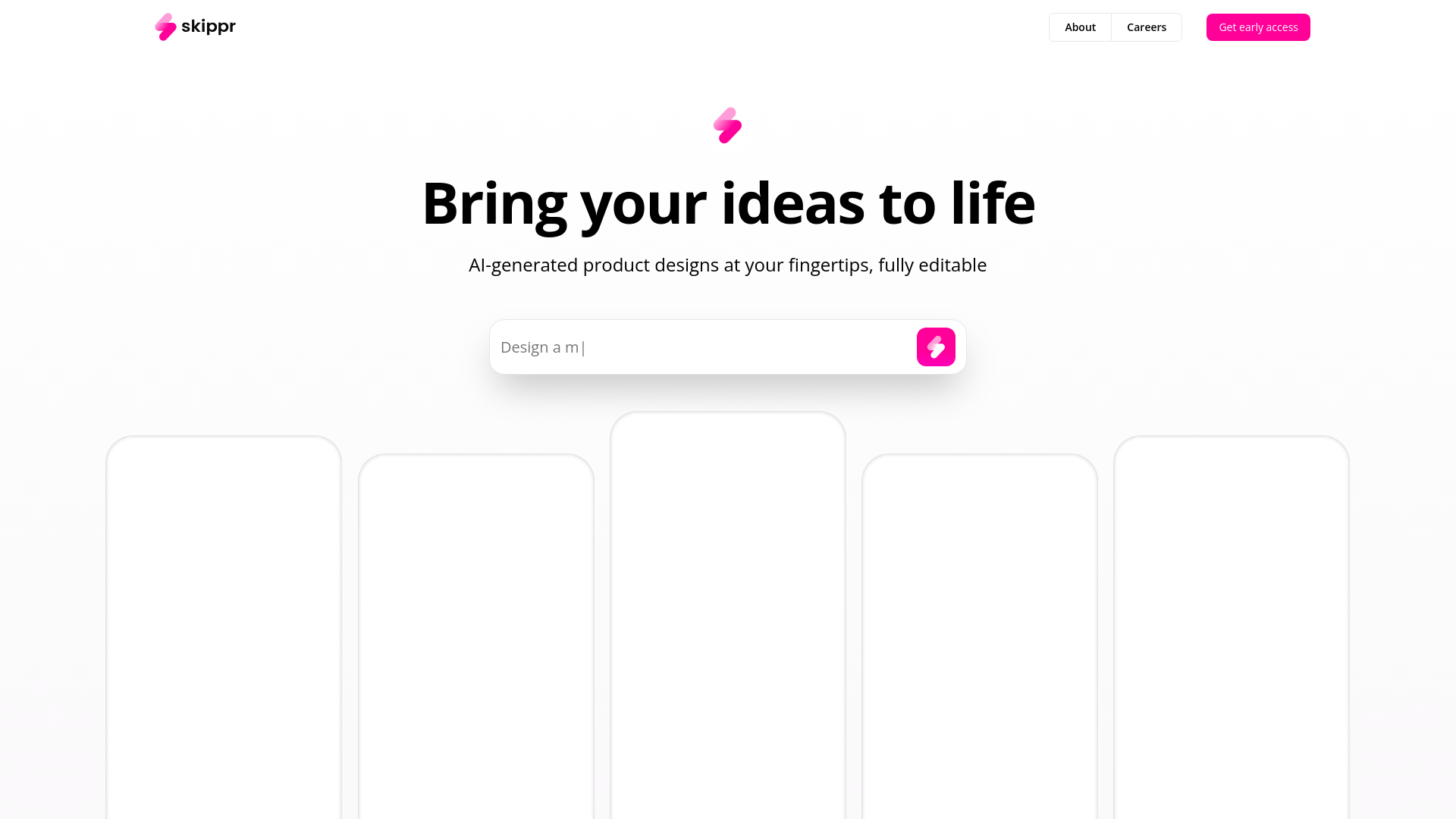
What You Get
Key Features
- AI-Generated Designs: Create fresh designs or enhance existing ones with AI that understands and adapts to your style.
- Editable Formats: All designs are delivered in a format that allows for easy editing and customization.
- Rapid Layout Generation: Generate unlimited design layouts within seconds, significantly speeding up the design process.
- Design System Management: Easily create and manage design systems, making it simpler to maintain consistency across projects.
- Pros
- Efficiency Boost: Drastically reduces the time required to create and iterate on designs.
- Enhanced Creativity: Frees up time for creative thinking by automating routine design tasks.
- Flexibility: Offers high adaptability with tools to modify and tweak AI-generated designs.
- Cost-Effective: Reduces the need for extensive design teams, cutting down on operational costs.
- Cons
- Learning Curve: New users may need some time to fully grasp the capabilities and features of the AI.
- Dependence on Technology: Relies heavily on AI, which might limit manual design inputs.
- Integration Needs: While promising, integration into existing workflows may require initial setup and adjustments.
Best For
- Skippr is rapidly becoming a go-to tool for a diverse range of users looking to enhance their design capabilities:
- Professional Designers: Utilizing the tool to quickly generate and iterate on complex design projects.
- Product Managers: Employing AI to visualize product enhancements and modifications swiftly.
- Startup Teams: Leveraging the tool to create multiple design options without the need for large design departments.
- Educational Institutions: Incorporating Skippr into curriculum to teach students about AI's role in creative industries.
- Uncommon Use Cases: Non-profits using Skippr to design promotional materials; event planners creating visual concepts for events.
Integrations
Seamless Workflow Integration: Easily integrates with popular design tools and platforms to enhance existing workflows. Flexible Format Support: Supports a variety of file formats, ensuring compatibility with other design software. Cloud-Based: Access your designs anywhere, collaborate in real-time, and maintain version control without hassle. User Community: Engage with a community of designers and product managers to exchange tips and tricks.
Similar Tools



Weekly Issue
⚡
Design tools · weekly digest
The AI Weekly — free in your inbox
New AI tools, pricing changes, expert picks, and hidden gems — curated by Mr. Spark every week. Join 5,000+ readers who stay ahead of the AI curve.
No spam, ever
Unsubscribe anytime
100% free