Pricing Details
Monthly: $5 per user. Includes unlimited dynamic templates, unlimited snippets, unlimited magical access, AI access with ChatGPT/Gemini, unlimited AI credits, and support for 3 devices and 1 user. Starter (Lifetime*): $29 one-time. Includes unlimited dynamic templates, unlimited snippets, magical access, AI access with ChatGPT/Gemini, 600 AI credits per month, and support for 3 devices and 1 user. Advanced (Lifetime*): $49 one-time. Includes unlimited dynamic templates, unlimited snippets, magical access, AI access with ChatGPT/Gemini, unlimited AI credits, and support for 5 devices and 2 users. *Certain tiers of pricing are lifetime for the launch, pay once and keep full access. Disclaimer: Please note that pricing information may not be up to date. For the most accurate and current pricing details, refer to the official Slashit App website.
Product Visuals (1 images)
Strengths
- Time Efficiency: Significantly reduces time spent on repetitive typing tasks.
- User-Friendly Interface: Intuitive design that requires no steep learning curve.
- Customization: Offers flexibility in creating and managing templates to fit individual workflows.
- Cross-Platform Compatibility: Works seamlessly across various applications without the need for integration.
Limitations
- Initial Setup: Requires some initial time investment to set up templates.
- Limited Advanced Features: May lack some advanced features for power users.
- Free Version Limits: The free version might not include all premium functionalities.
Building your AI toolkit?
Save Slashit App and 1,000+ tools — free with Google, no spam
What You Get
Key Features
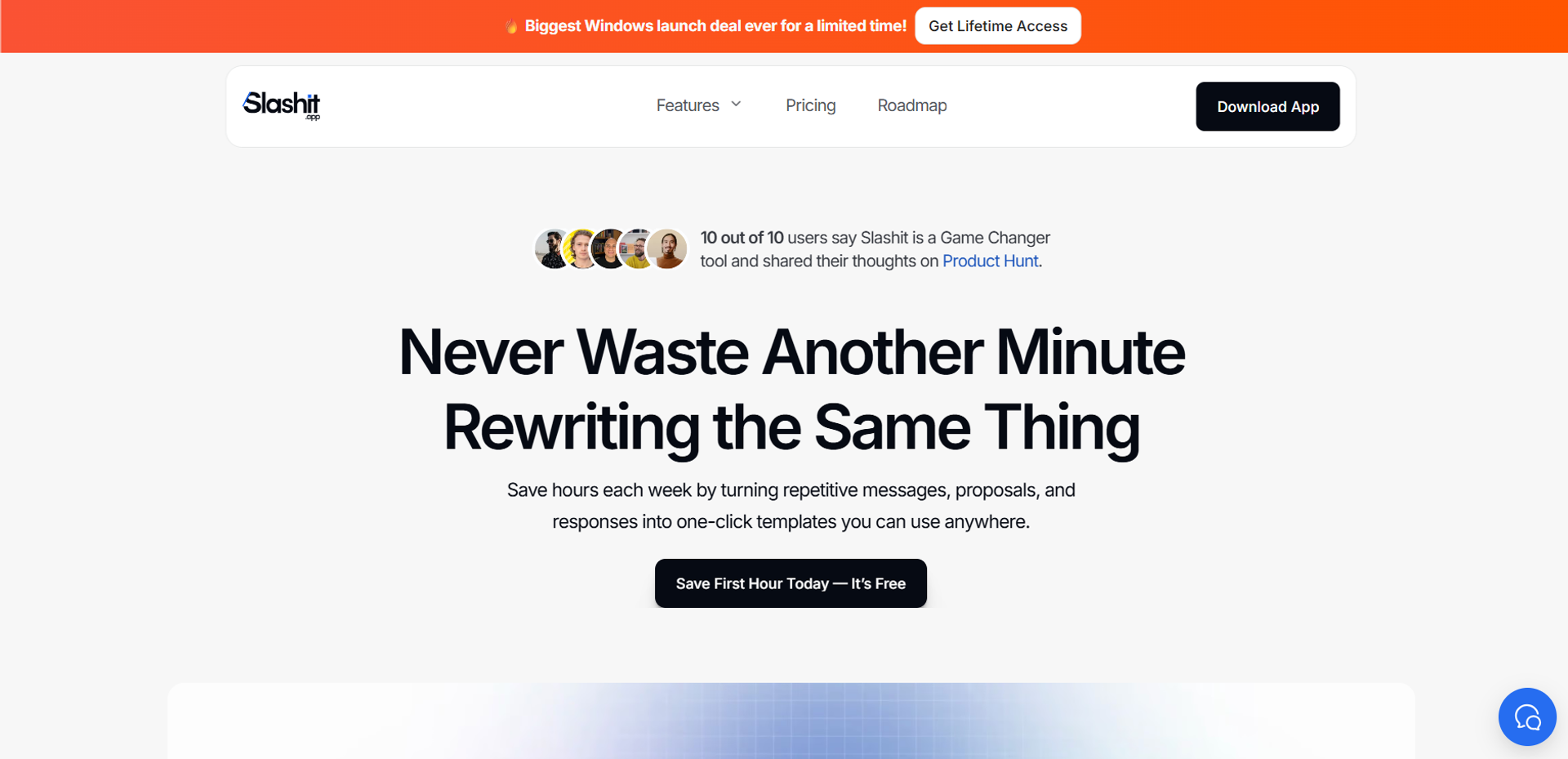
- Smart Templates: Save your frequently used messages as templates and reuse them instantly.
- AI Personalization: Add placeholders that auto-fill with the right names or context, making personalization a breeze.
- Instant Access to Copied Text: Never lose track of your copied snippets. Access them all in one view.
- Customizable Shortcuts: Trigger your saved templates anywhere and paste polished text with ease.
- ProsTime Efficiency: Significantly reduces time spent on repetitive typing tasks.User-Friendly Interface: Intuitive design that requires no steep learning curve.Customization: Offers flexibility in creating and managing templates to fit individual workflows.Cross-Platform Compatibility: Works seamlessly across various applications without the need for integration.ConsInitial Setup: Requires some initial time investment to set up templates.Limited Advanced Features: May lack some advanced features for power users.Free Version Limits: The free version might not include all premium functionalities.
Best For
- Freelancers: Utilizing the tool to streamline client communications and project proposals.
- Corporate Teams: Employing Slashit App to ensure consistent messaging across departments.
- Customer Support Representatives: Leveraging the tool to handle repetitive queries efficiently.
- Content Creators: Using it to manage content creation workflows with ease.
- Uncommon Use Cases: Adopted by educators for creating standardized communication templates; used by event planners to manage repetitive guest communications.
Similar Tools



Personal Assistant tools · weekly digest
The AI Weekly — free in your inbox
New AI tools, pricing changes, expert picks, and hidden gems — curated by Mr. Spark every week. Join 5,000+ readers who stay ahead of the AI curve.