
Pricing Details
Free Tier: Experience Snaptrude with a 14-day free trial. Disclaimer: Please note that pricing information may not be up to date. For the most accurate and current pricing details, refer to the official Snaptrude website.
Product Visuals (1 images)
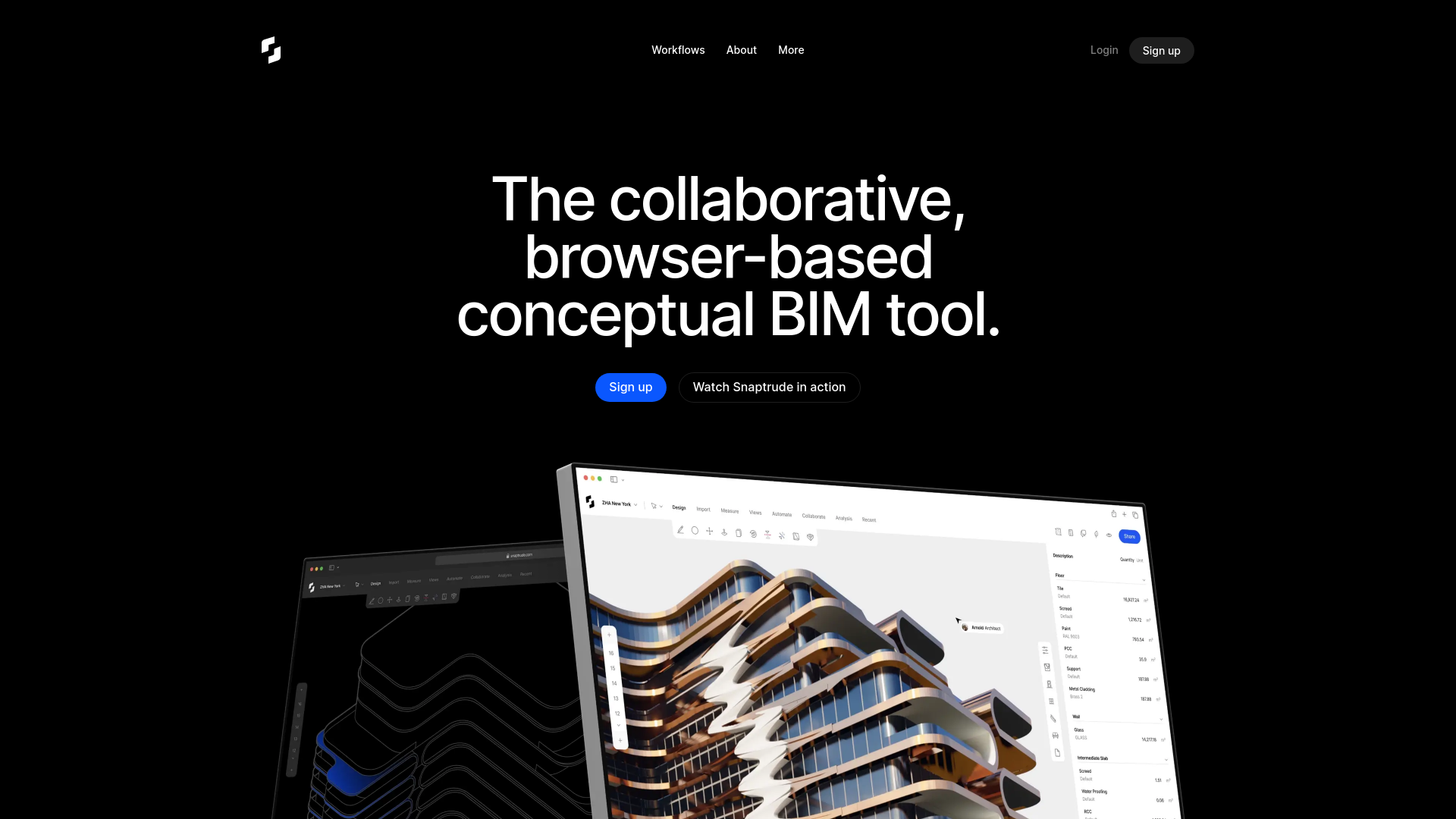
Strengths
- Time Efficiency: Significantly speeds up the design process with intelligent automation and parametric modeling.
- User-Friendly: Muscle memory shortcuts and intuitive design make it easy for users transitioning from other tools like SketchUp.
- Collaborative: Facilitates real-time collaboration and feedback, ensuring all team members are on the same page.
- Interoperability: Strong compatibility with Revit and other tools like AutoCAD, SketchUp, and Rhino, ensuring no data loss during imports and exports.
Limitations
- Initial Learning Curve: Requires some time to familiarize with advanced features and parametric design concepts.
- Browser Dependency: Performance may vary depending on browser capabilities and internet connection stability.
Building your AI toolkit?
Save Snaptrude and 1,000+ tools — free with Google, no spam
What You Get
Key Features
- Parametric Modeling and Multi Split: Automate BIM properties with features like Smart Storeys and Sketch to BIM, reducing repetitive setup tasks.
- Real-Time Collaboration: Collaborate with stakeholders in real-time from any browser or device. Share models and document communication seamlessly.
- 3D Rendering: Engage clients with high-definition 3D renders of your models directly within the browser, simply by sharing a link.
- Smart Labels and Spaces: Automatically assign properties such as height, appearance, and furniture placements to spaces, streamlining the design process.
- ProsTime Efficiency: Significantly speeds up the design process with intelligent automation and parametric modeling.User-Friendly: Muscle memory shortcuts and intuitive design make it easy for users transitioning from other tools like SketchUp.Collaborative: Facilitates real-time collaboration and feedback, ensuring all team members are on the same page.Interoperability: Strong compatibility with Revit and other tools like AutoCAD, SketchUp, and Rhino, ensuring no data loss during imports and exports.ConsInitial Learning Curve: Requires some time to familiarize with advanced features and parametric design concepts.Browser Dependency: Performance may vary depending on browser capabilities and internet connection stability.
Best For
- Architects: Leveraging Snaptrude for efficient conceptual and detailed building design.
- Interior Designers: Using the tool to enhance interior layouts and spatial planning.
- Developers: Employing Snaptrude for project visualization and stakeholder presentations.
- Contractors: Utilizing the tool for accurate BoQs and site data analysis.
- Uncommon Use Cases: Adopted by urban planners for cityscape modeling; used by educational institutions for teaching advanced design methodologies.
Similar Tools



Weekly Issue
⚡
Design tools · weekly digest
The AI Weekly — free in your inbox
New AI tools, pricing changes, expert picks, and hidden gems — curated by Mr. Spark every week. Join 5,000+ readers who stay ahead of the AI curve.
No spam, ever
Unsubscribe anytime
100% free