
Pricing Details
Free Version: Start with the basic features at no cost. Paid Plans: Upgrade for advanced features and capabilities, with pricing starting at a competitive rate. Disclaimer: The pricing details provided here may change. For the latest pricing information, please visit the Softr Studio website.
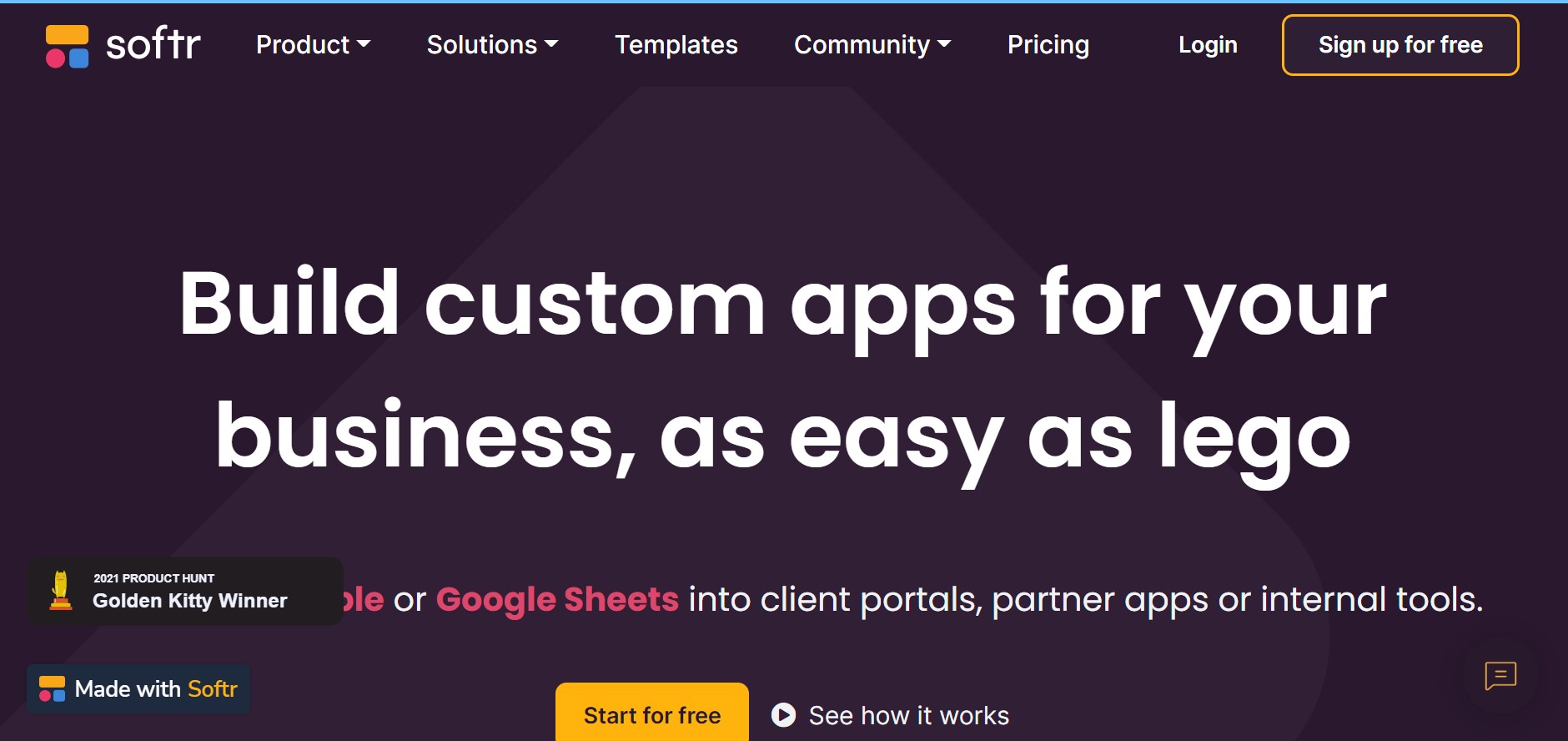
Product Visuals (1 images)
Strengths
- Speedy Development: Accelerate the app-building process, from ideation to deployment.
- Customization: Tailor applications to specific business needs without starting from scratch.
- Collaborative Features: Share and work on the app with teammates, clients, or partners.
- Template Library: Access numerous pre-built templates to kickstart your project.
Limitations
- Platform Limitations: Some complex functionalities may be limited due to the no-code nature.
- Integration Depth: While integrations are supported, they may not be as extensive as custom-coded solutions.
- Learning Curve: New users may need time to get accustomed to the block-based building approach.
Building your AI toolkit?
Save Softr Studio and 1,000+ tools — free with Google, no spam
What You Get
Key Features
- No-Code App Builder: Build custom web applications using a simple drag-and-drop interface.
- Pre-Built Functional Blocks: Incorporate various elements such as lists, charts, and forms with ease.
- Granular Permissions: Set user permissions to control access to information within your app.
- Cross-Device Publishing: Design and launch your tools on any device with a single click.
- Integration-Friendly: Connect with popular tools like Zapier, Google Analytics, and Stripe for enhanced functionality.
- ProsSpeedy Development: Accelerate the app-building process, from ideation to deployment.Customization: Tailor applications to specific business needs without starting from scratch.Collaborative Features: Share and work on the app with teammates, clients, or partners.Template Library: Access numerous pre-built templates to kickstart your project.ConsPlatform Limitations: Some complex functionalities may be limited due to the no-code nature.Integration Depth: While integrations are supported, they may not be as extensive as custom-coded solutions.Learning Curve: New users may need time to get accustomed to the block-based building approach.
Best For
- Small to Medium Businesses: Leveraging the tool to manage customer relationships and internal databases.
- Educational Institutions: Creating student and faculty portals for improved communication and resource sharing.
- Non-Profit Organizations: Streamlining donation tracking and volunteer management systems.
- Freelancers and Consultants: Building personalized client portals to enhance service delivery.
- Uncommon Use Cases: Food trucks utilizing the platform to manage daily inventory; Local communities creating directories for shared resources and events.
Integrations
Airtable and Google Sheets: Directly integrate your existing databases for real-time data use. Popular Business Tools: Incorporate tools like Mailchimp and Hotjar to extend the functionality of your app. Custom API Access: For advanced users, connect to other services through API integrations. Responsive Design: Ensure your app looks great on desktop, tablet, and mobile devices.
Similar Tools
Weekly Issue
⚡
Website Builders tools · weekly digest
The AI Weekly — free in your inbox
New AI tools, pricing changes, expert picks, and hidden gems — curated by Mr. Spark every week. Join 5,000+ readers who stay ahead of the AI curve.
No spam, ever
Unsubscribe anytime
100% free