
Pricing Details
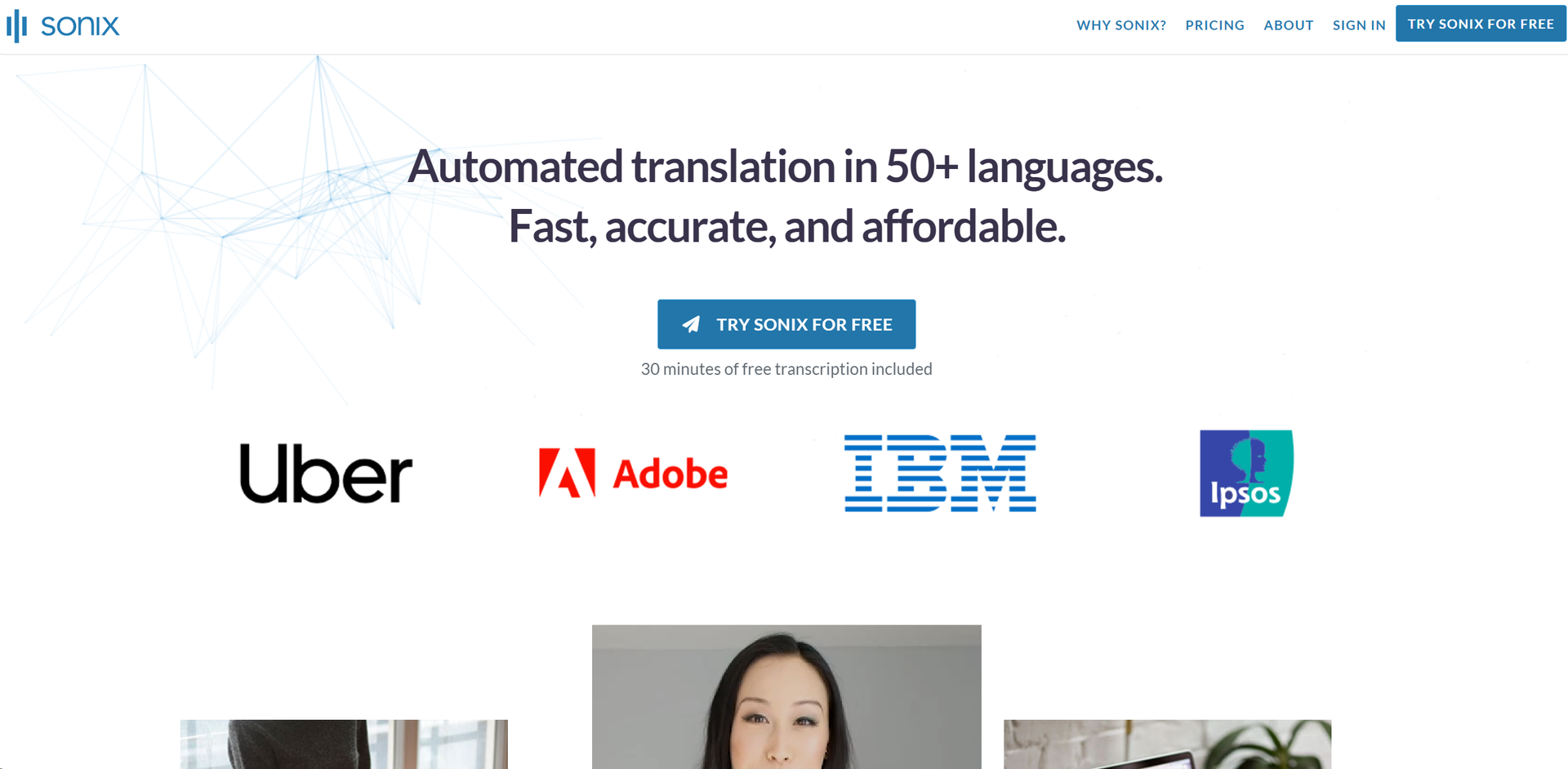
Free Tier: Try Sonix for free with 30 minutes of transcription included. Subscription Plans: Detailed pricing plans are available on the Sonix website, offering various features based on user needs. Disclaimer: For the most accurate and current pricing details, refer to the official Sonix website.
Product Visuals (1 images)
Strengths
- Efficiency: Reduces the time typically required for transcription processes significantly.
- Cost-Effective: Offers competitive pricing and a free trial, making it accessible for users on a budget.
- User-Friendly Interface: Features an intuitive web-based interface that is easy to navigate.
- High Customizability: Allows users to edit, organize, and share transcripts with great flexibility.
Limitations
- Internet Dependency: Requires a stable internet connection to access all features.
- Limited Offline Capabilities: While predominantly effective, its functionality is reduced when used offline.
- Complex Features Learning Curve: New users may require some time to fully utilize its advanced features.
What You Get
Key Features
- Fast and Accurate Transcriptions: Sonix provides rapid transcription services that maintain a high level of accuracy, even with complex audio involving multiple speakers.
- Extensive Language Support: Supports transcription in more than 49 languages, making it a versatile tool for international use.
- Advanced AI Analysis Tools: From automatic summarization to thematic and entity detection, Sonix offers cutting-edge tools to analyze and enhance your transcripts.
- Automated Subtitles: Easily convert speech from videos into subtitled content, enhancing accessibility and engagement.
- Seamless Integration: Integrates with popular platforms like Zoom and Adobe Premiere, ensuring that Sonix fits effortlessly into various workflows.
- ProsEfficiency: Reduces the time typically required for transcription processes significantly.Cost-Effective: Offers competitive pricing and a free trial, making it accessible for users on a budget.User-Friendly Interface: Features an intuitive web-based interface that is easy to navigate.High Customizability: Allows users to edit, organize, and share transcripts with great flexibility.ConsInternet Dependency: Requires a stable internet connection to access all features.Limited Offline Capabilities: While predominantly effective, its functionality is reduced when used offline.Complex Features Learning Curve: New users may require some time to fully utilize its advanced features.
Best For
- Journalists and Researchers: Utilize Sonix for transcribing interviews and sessions swiftly.
- Educational Institutions: Leverage the tool for lecture and seminar transcriptions.
- Legal Professionals: Depend on accurate transcriptions for case documentation and analysis.
- Content Creators: Use Sonix to generate subtitles for videos and enhance SEO.
- Uncommon Use Cases: Podcasters use it to transcribe episodes for better accessibility; Non-profits employ it to document and archive significant meetings and speeches.
Integrations
Video Conferencing Systems: Works with Zoom, Google Meet, and other major platforms. Video Editing Software: Compatible with Adobe Premiere. Extensive API Support: Offers comprehensive API options for custom integrations. Multi-User Collaboration: Facilitates team collaborations with varied permission settings.
Similar Tools
Weekly Issue
⚡
Research tools · weekly digest
The AI Weekly — free in your inbox
New AI tools, pricing changes, expert picks, and hidden gems — curated by Mr. Spark every week. Join 5,000+ readers who stay ahead of the AI curve.
No spam, ever
Unsubscribe anytime
100% free