
Pricing Details
Free Tier: Get started with Spikes Studio with a limited number of free clips per month to test its capabilities. Subscription Plans: Detailed pricing information is not available; interested users are encouraged to visit the Spikes Studio website for the latest updates. Disclaimer: Please note that pricing information may change. For the most accurate and current details, refer to the official Spikes Studio website.
Product Visuals (1 images)
Strengths
- Time Efficiency: Drastically reduces the time required to create social media-ready clips.
- Increased Engagement: Optimized content leads to higher engagement rates across platforms.
- Cost-Effective: Eliminates the need for expensive editing software or hiring professional editors.
- Accessibility: Offers a straightforward solution for creators to produce content, regardless of their editing skills.
Limitations
- Learning Curve: New users may need time to familiarize themselves with AI features and capabilities.
- Internet Dependency: Requires a stable internet connection for optimal functionality.
- Platform Limitations: While versatile, its focus is mainly on video content, which may not cater to all types of creators.
Building your AI toolkit?
Save Spikes Studio and 1,000+ tools — free with Google, no spam
What You Get
Key Features
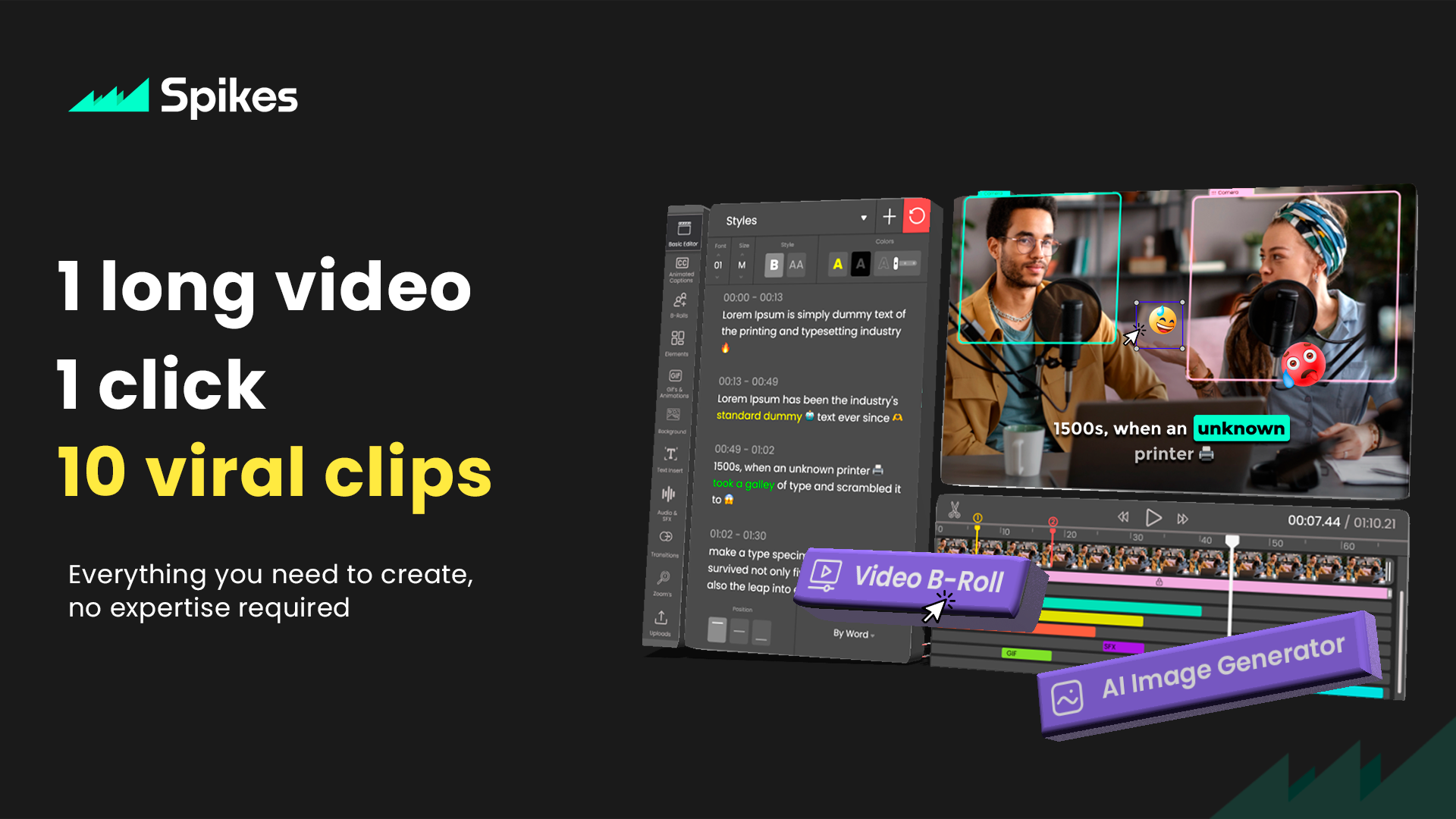
- AI-Powered Editing: Automatically generates captivating clips from longer content, making the editing process seamless and efficient.
- Platform-Specific Optimization: Tailors clips for optimal performance on YouTube, Twitch, TikTok, and Instagram Reels, considering each platform's unique requirements.
- Content Enhancement: Utilizes AI to improve video quality, ensuring that each clip is visually appealing and engaging.
- User-Friendly Interface: Designed with ease of use in mind, allowing creators of all skill levels to produce professional-grade content effortlessly.
- ProsTime Efficiency: Drastically reduces the time required to create social media-ready clips.Increased Engagement: Optimized content leads to higher engagement rates across platforms.Cost-Effective: Eliminates the need for expensive editing software or hiring professional editors.Accessibility: Offers a straightforward solution for creators to produce content, regardless of their editing skills.ConsLearning Curve: New users may need time to familiarize themselves with AI features and capabilities.Internet Dependency: Requires a stable internet connection for optimal functionality.Platform Limitations: While versatile, its focus is mainly on video content, which may not cater to all types of creators.
Best For
- Spikes Studio is rapidly becoming the go-to choice for a diverse range of content creators, including:
- YouTubers: For quickly creating highlight reels or teasers from longer videos.
- Twitch Streamers: To capture and share memorable gaming moments or stream highlights.
- Social Media Influencers: Leveraging the tool to produce eye-catching content for TikTok and Instagram Reels.
- Digital Marketers: Using AI-generated clips for engaging ad content and promotional teasers.
- Uncommon Use Cases: Educational content creators are utilizing it to distill key points from lectures; podcasters are creating video snippets of their audio content for social media promotion.
Integrations
Social Media Integration: Directly share your created clips to major platforms without leaving the Spikes Studio interface. Cloud Storage Compatibility: Seamlessly integrates with popular cloud storage services for easy access to raw and edited videos. File Format Support: Supports a wide range of video file formats, ensuring compatibility with content from various sources. Collaborative Features: Enables teams to work together on clip creation, streamlining the content production process.
Similar Tools



Weekly Issue
⚡
Video Editing tools · weekly digest
The AI Weekly — free in your inbox
New AI tools, pricing changes, expert picks, and hidden gems — curated by Mr. Spark every week. Join 5,000+ readers who stay ahead of the AI curve.
No spam, ever
Unsubscribe anytime
100% free