
Pricing Details
Strawberry Hobby: $0 per month. Designed for hobbyists and light users, it includes 200,000 monthly tokens and 5 Mac-only transcriptions. Basic browser functionality is free. Strawberry Pro: $30 per month. Built for professionals who need to summarize and research meetings efficiently. Includes 800,000 monthly tokens and 100 Mac-only transcriptions. Disclaimer: Please note that pricing information may not be up to date. For the most accurate and current pricing details, refer to the official Strawberry website.
Product Visuals (1 images)
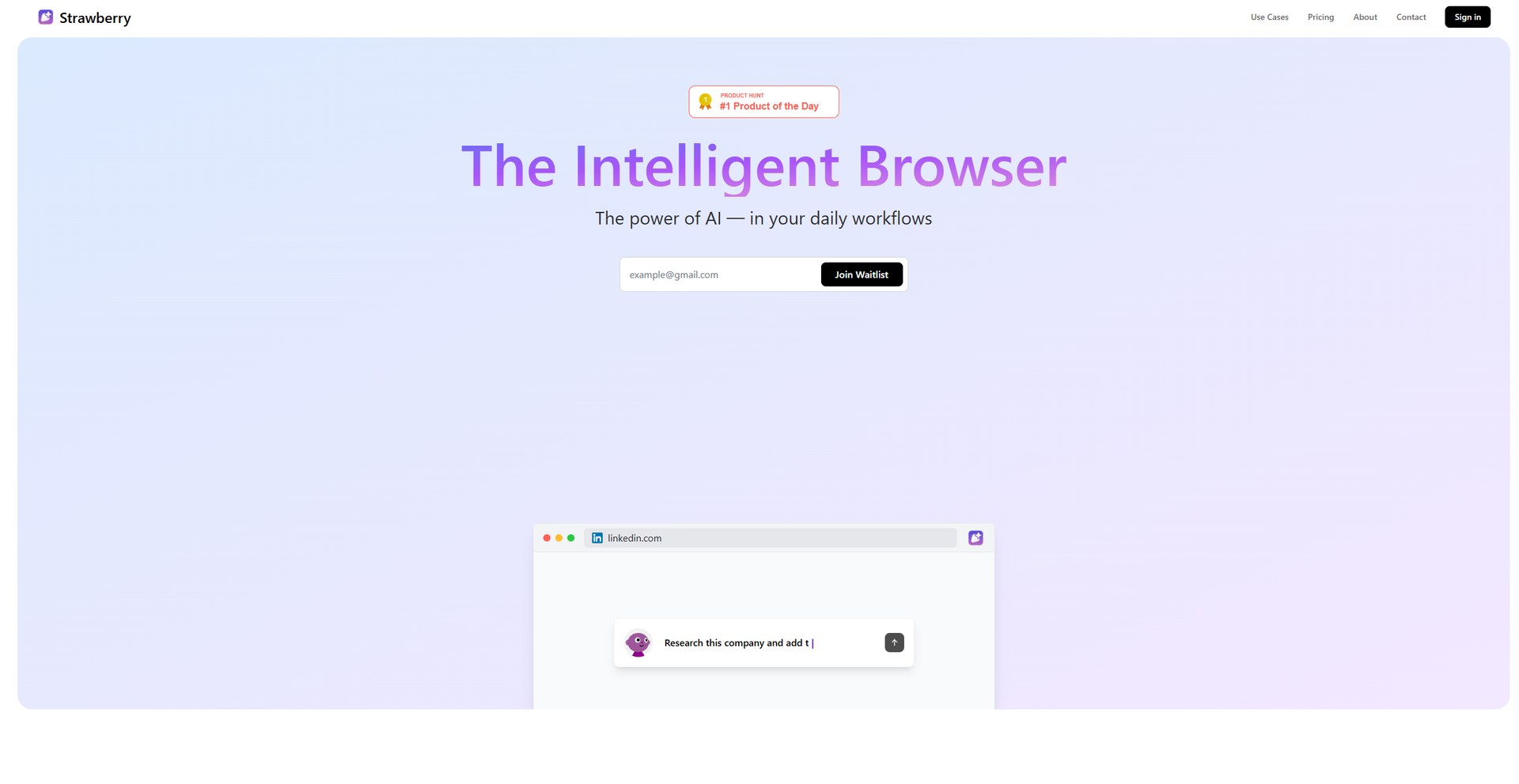
Strengths
- Seamless Automation: Automates browser tasks without interrupting your workflow, allowing you to focus on high-priority activities.
- Enhanced Privacy: Local data storage ensures that your information remains private and secure.
- User-Centric Design: Requires user approval for potentially destructive actions, such as sending emails, providing peace of mind.
- Integration Flexibility: Supports migration from existing browsers, with plans to support extensions, enhancing adaptability.
Limitations
- Initial Supervision Required: Users may need to supervise AI assistants initially to build trust in their capabilities.
- Limited Extension Support: Currently, browser extension support is in development, which might limit functionality for some users.
- Monthly Cost: At $30 per month, the subscription fee may be a consideration for some users.
Building your AI toolkit?
Save Strawberry and 1,000+ tools — free with Google, no spam
What You Get
Key Features
- AI-Driven Automation: Strawberry's AI assistants automate tasks within the browser, learning your workflows and preferences over time for personalized assistance.
- User Control and Approval: Before taking any action, Strawberry seeks user approval, ensuring you maintain control over your tasks and data.
- Local Data Storage: All data, including messages and browsing logs, is stored locally on your device, enhancing privacy and security.
- Customizable AI Companions: Users can build and tailor AI companions to specific workflows, or use pre-built assistants for common tasks.
- ProsSeamless Automation: Automates browser tasks without interrupting your workflow, allowing you to focus on high-priority activities.Enhanced Privacy: Local data storage ensures that your information remains private and secure.User-Centric Design: Requires user approval for potentially destructive actions, such as sending emails, providing peace of mind.Integration Flexibility: Supports migration from existing browsers, with plans to support extensions, enhancing adaptability.ConsInitial Supervision Required: Users may need to supervise AI assistants initially to build trust in their capabilities.Limited Extension Support: Currently, browser extension support is in development, which might limit functionality for some users.Monthly Cost: At $30 per month, the subscription fee may be a consideration for some users.
Best For
- Sales Teams: Utilizing Strawberry for automated lead management and CRM updates.
- Project Managers: Employing the tool to streamline project documentation and communication.
- Content Creators: Leveraging AI assistants for researching and drafting content efficiently.
- Data Analysts: Using Strawberry to automate data collection and analysis tasks.
- Uncommon Use Cases: Adopted by legal professionals for case management; Employed by educators for automating administrative tasks.
Similar Tools



Personal Assistant tools · weekly digest
The AI Weekly — free in your inbox
New AI tools, pricing changes, expert picks, and hidden gems — curated by Mr. Spark every week. Join 5,000+ readers who stay ahead of the AI curve.