
Pricing Details
Free Access: Sign up for Stylar and receive 200 free credits weekly during beta testing. Subscription Plans: Details forthcoming as the tool evolves through beta. Disclaimer: Refer to the Stylar website for the most current and accurate pricing information.
Product Visuals (1 images)
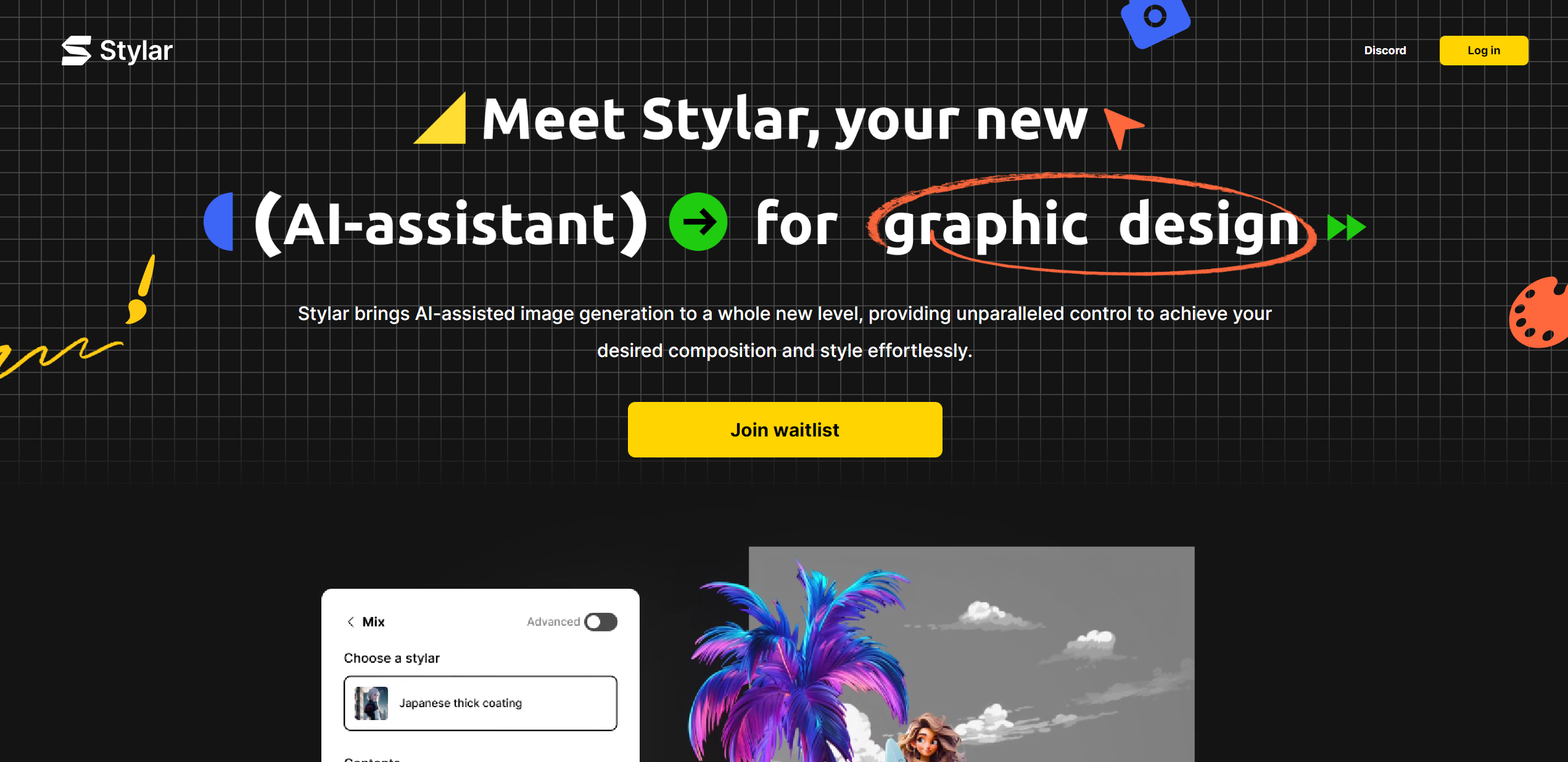
Strengths
- Intuitive User Experience: User-friendly interface accessible to designers of all skill levels.
- Advanced Composition Control: Intuitive drag-and-drop layering for complex designs.
- Versatile Design Capabilities: From predefined styles to sketching tools, Stylar caters to diverse design needs.
- Seamless Integration: Effortlessly integrates with existing design workflows, enhancing productivity.
Limitations
- Beta Phase Limitations: May encounter occasional bugs or incomplete features during beta.
- Learning Curve: Mastering the full range of features may take time despite user-friendly design.
- Limited Third-party Integrations: Not yet integrated with all third-party platforms.
What You Get
Key Features
- Predefined Styles: Simplifies design customization without complex prompts.
- Layer-based Composition: Offers precise control over AI-generated image layout.
- Enhance Tools: Improves clarity of AI-generated faces and hands to address common challenges.
- Stylar Assistant: A conversational AI that writes prompts, enhancing the design process intuitively.
- High-Resolution Export: Supports up to 6144px by 6144px for high-quality outputs suitable for various mediums.
- Free Credits During Beta: Provides 200 free credits weekly during beta to encourage user feedback and engagement.
- ProsIntuitive User Experience: User-friendly interface accessible to designers of all skill levels.Advanced Composition Control: Intuitive drag-and-drop layering for complex designs.Versatile Design Capabilities: From predefined styles to sketching tools, Stylar caters to diverse design needs.Seamless Integration: Effortlessly integrates with existing design workflows, enhancing productivity.ConsBeta Phase Limitations: May encounter occasional bugs or incomplete features during beta.Learning Curve: Mastering the full range of features may take time despite user-friendly design.Limited Third-party Integrations: Not yet integrated with all third-party platforms.
Best For
- Graphic Designers: Creating compelling visuals quickly without compromising quality.
- Digital Marketers: Producing eye-catching campaign graphics to captivate audiences.
- Social Media Influencers: Designing unique and engaging content for various platforms.
- Web and UI Designers: Prototyping and finalizing design elements efficiently.
- Uncommon Use Cases: Academics incorporating Stylar for digital media courses; Real estate agents using it for property visualizations.
Integrations
High-Resolution Output: Compatible with high-quality print and digital mediums. Layer-based Editing: Integrates familiar design concepts into AI-powered creativity. Conversational AI Prompting: Simplifies transition from idea to visual representation. Sketching and Positioning Tools: Complements existing design software, fitting into professional workflows.
Similar Tools



Weekly Issue
⚡
Design tools · weekly digest
The AI Weekly — free in your inbox
New AI tools, pricing changes, expert picks, and hidden gems — curated by Mr. Spark every week. Join 5,000+ readers who stay ahead of the AI curve.
No spam, ever
Unsubscribe anytime
100% free