
Pricing Details
Free Trial: Start with a robust free version to explore basic features. Pro Plan: Begins at $19.99 per month, offering full access to all advanced features and tools. Disclaimer: For the most accurate and current pricing details, please visit the official SuperCreator website.
Product Visuals (1 images)
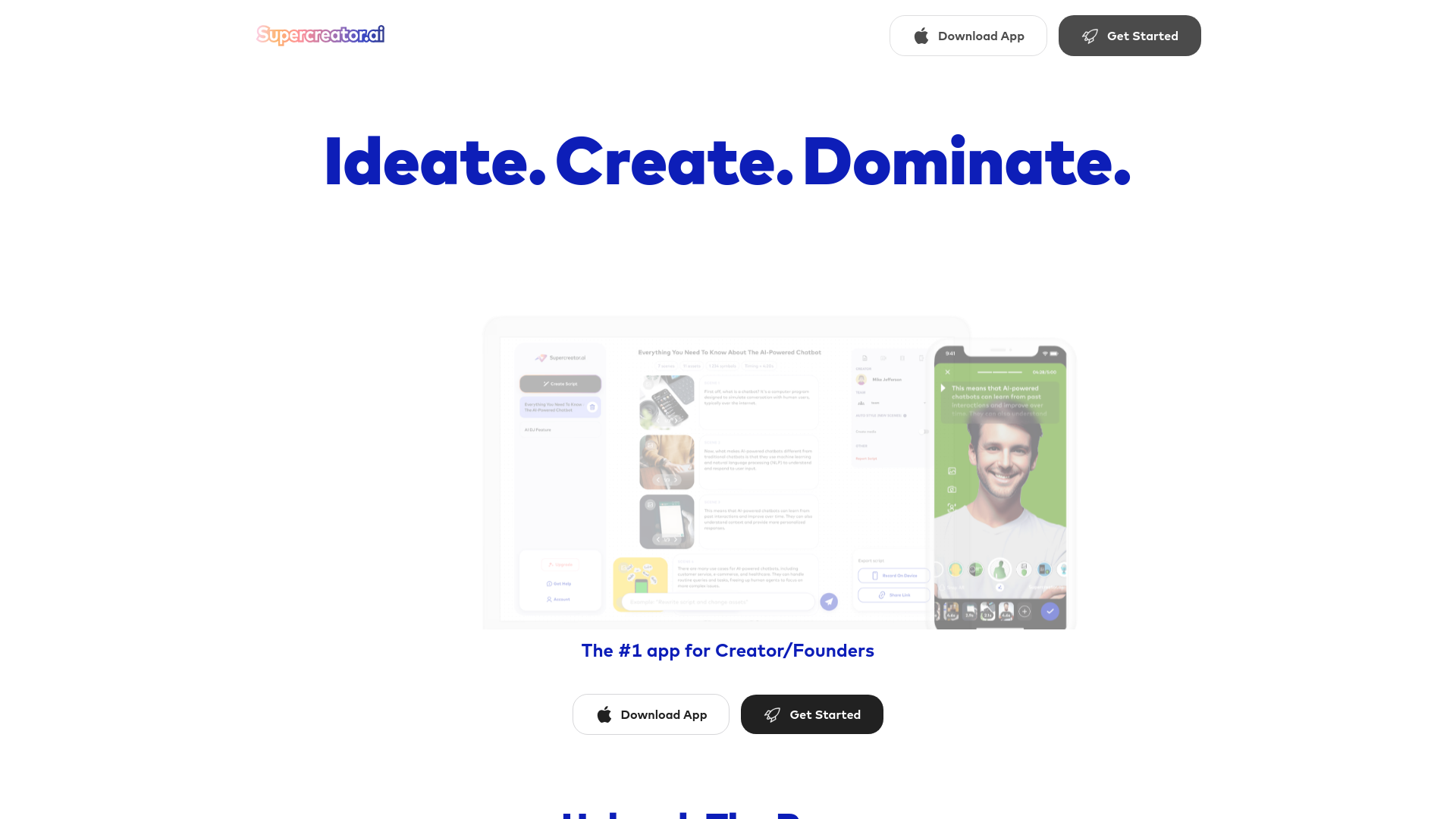
Strengths
- Time Efficiency: Reduces video production time by up to 75%, allowing creators to focus on content rather than editing.
- Ease of Use: Intuitive interface caters to both novice and experienced users.
- Quality Output: Maintains high-quality video standards even with rapid production times.
- Versatile Usage: Effective for personal branding, business marketing, and educational content.
Limitations
- Learning Curve: New users may need some time to fully exploit the advanced features.
- Internet Dependency: Requires a stable internet connection for all functionalities.
- Limited Offline Capabilities: Most features are not accessible without an online connection.
Building your AI toolkit?
Save SuperCreator and 1,000+ tools — free with Google, no spam
What You Get
Key Features
- AI-Powered Video Creation: Utilizes artificial intelligence to automate the conversion of articles, Twitter threads, and YouTube content into dynamic video scripts.
- Comprehensive Editing Suite: Features like smart trim for pauses, advanced captions, and customizable overlays ensure videos are polished and viewer-ready.
- Rapid Content Production: Average video creation time is about 3 minutes, showcasing the platform's efficiency.
- High Customizability: Adjust the teleprompter, use dynamic green screens, and apply AR filters to create unique and engaging content.
- Multi-Platform Export Options: Videos can be exported in various formats, making it easy to share across all popular social media platforms.
- ProsTime Efficiency: Reduces video production time by up to 75%, allowing creators to focus on content rather than editing.Ease of Use: Intuitive interface caters to both novice and experienced users.Quality Output: Maintains high-quality video standards even with rapid production times.Versatile Usage: Effective for personal branding, business marketing, and educational content.ConsLearning Curve: New users may need some time to fully exploit the advanced features.Internet Dependency: Requires a stable internet connection for all functionalities.Limited Offline Capabilities: Most features are not accessible without an online connection.
Best For
- Content Creators: Individuals creating daily content for platforms like TikTok, YouTube, and Instagram.
- Marketing Professionals: Crafting compelling video advertisements and social media posts.
- Educators and Trainers: Creating instructional and training videos quickly.
- Small Business Owners: Producing promotional content without needing extensive video editing skills.
- Uncommon Use Cases: Financial advisors creating educational content; chefs and bakers showcasing recipe tutorials.
Integrations
Social Media Platforms: Direct integration with platforms like TikTok, Instagram, and YouTube. Cloud Storage Services: Seamless compatibility with Google Drive and Dropbox for easy access and storage. Content Management Systems: Can be integrated into various CMS for streamlined content scheduling and posting. Collaborative Features: Supports multiple users and delegate roles, enhancing team collaboration.
Similar Tools



Weekly Issue
⚡
Video Editing tools · weekly digest
The AI Weekly — free in your inbox
New AI tools, pricing changes, expert picks, and hidden gems — curated by Mr. Spark every week. Join 5,000+ readers who stay ahead of the AI curve.
No spam, ever
Unsubscribe anytime
100% free