
Pricing Details
Starter Plan: $9 per month. Includes 50 AI thumbnails, basic face enhancement, and 20 background removals monthly. Creator Pro Plan: $29 per month. Includes 500 AI thumbnails, advanced face enhancement, unlimited background removal, and brand kit storage. Agency Plan: $90 per month. Includes 2,000 AI thumbnails, batch face enhancement, unlimited background removal with API access, team collaboration, multiple brand profiles, and 24/7 priority support. Disclaimer: Please note that pricing information may not be up to date. For the most accurate and current pricing details, refer to the official ThumbnailCreator website.
Product Visuals (1 images)
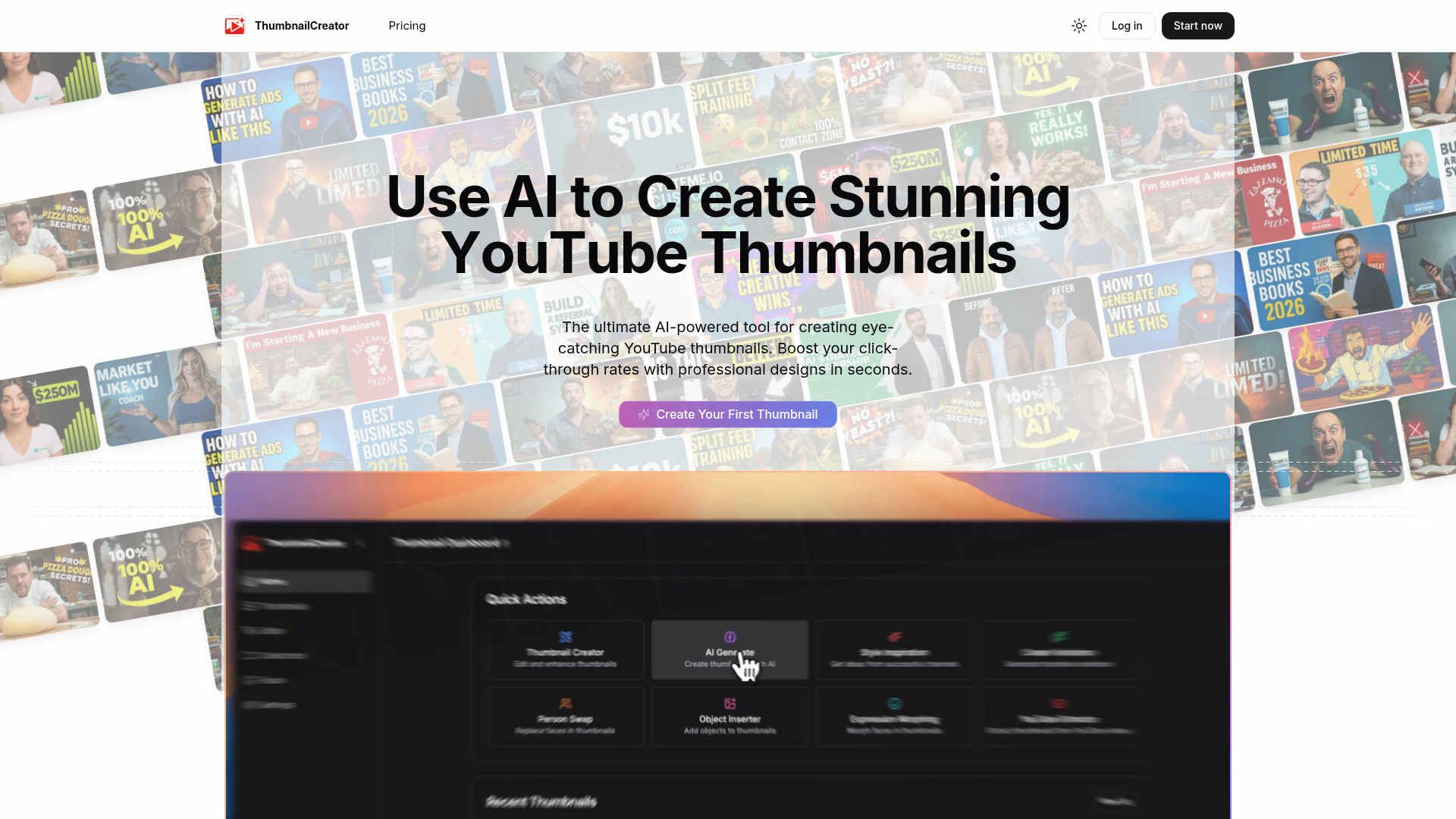
Strengths
- Significant CTR Improvement: Users have reported up to a 73% increase in click-through rates, translating to more views and engagement.
- Accessibility for All Skill Levels: Even those without design experience can create professional thumbnails, breaking down barriers for content creators.
- Cost and Time Savings: Eliminates the need for expensive design software and lengthy design sessions, freeing up resources and time for content creation.
- Large User Base and Proven Results: Trusted by over 10,000 users, the tool is trained on millions of thumbnails to ensure reliable performance.
Limitations
- Limited Customization Options: Some users may find the customization options limited compared to traditional design software.
- Dependency on Internet Connection: Requires an active internet connection for optimal functionality, which may be a limitation for some users.
Building your AI toolkit?
Save ThumbnailCreator.com and 1,000+ tools — free with Google, no spam
What You Get
Key Features
- AI-Powered Design: Utilizes advanced AI algorithms to create visually appealing thumbnails that capture attention and drive engagement.
- User-Friendly Interface: Offers an intuitive and easy-to-navigate platform, allowing users to generate thumbnails without any design skills.
- Time Efficiency: Produces high-quality thumbnails in seconds, drastically reducing the time spent on manual design processes.
- Click-Through Rate Booster: Specifically engineered to enhance video visibility and increase audience interaction by improving thumbnail effectiveness.
- ProsSignificant CTR Improvement: Users have reported up to a 73% increase in click-through rates, translating to more views and engagement.Accessibility for All Skill Levels: Even those without design experience can create professional thumbnails, breaking down barriers for content creators.Cost and Time Savings: Eliminates the need for expensive design software and lengthy design sessions, freeing up resources and time for content creation.Large User Base and Proven Results: Trusted by over 10,000 users, the tool is trained on millions of thumbnails to ensure reliable performance.ConsLimited Customization Options: Some users may find the customization options limited compared to traditional design software.Dependency on Internet Connection: Requires an active internet connection for optimal functionality, which may be a limitation for some users.
Best For
- YouTube Creators: Primarily used by YouTubers looking to enhance their video presentation and increase viewer engagement.
- Social Media Influencers: Leveraging the tool to create visually appealing content that stands out on social media platforms.
- Small Business Owners: Using thumbnails to promote products and services through video marketing.
- Educational Content Creators: Employing the tool to make educational videos more engaging and accessible.
- Uncommon Use Cases: Adopted by podcast producers for video podcast thumbnails; Used by online course creators to design appealing course previews.
Similar Tools
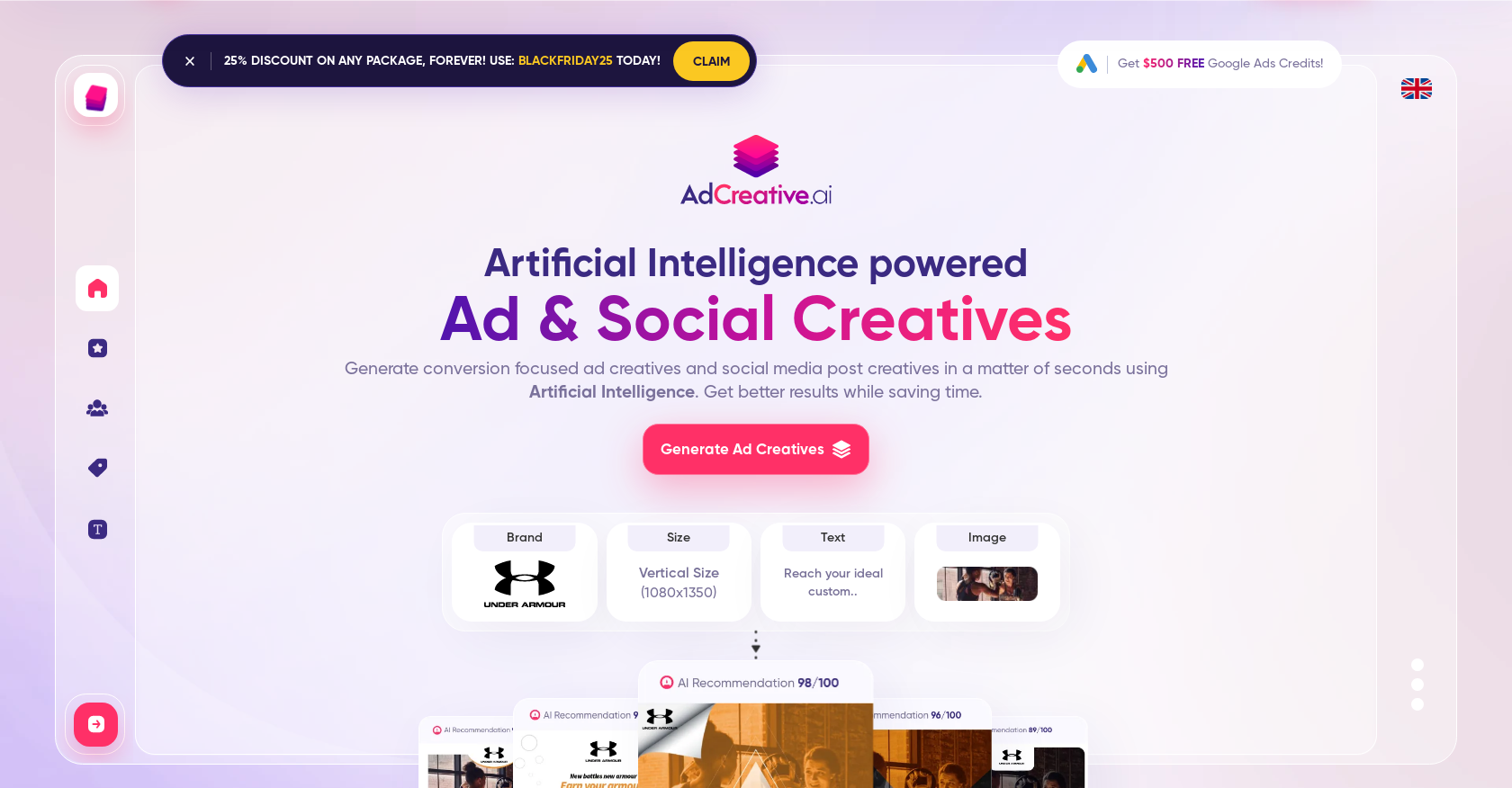
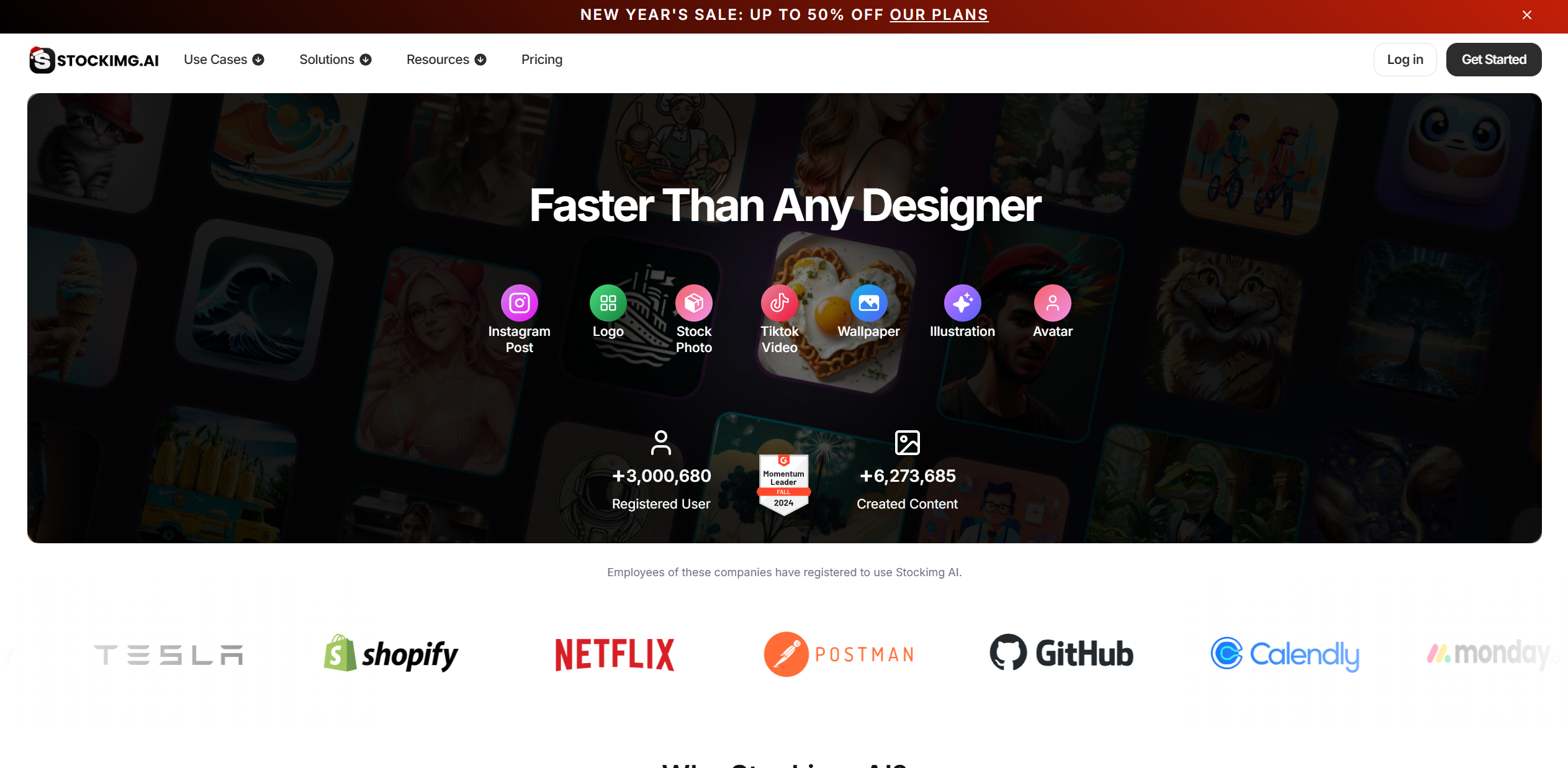
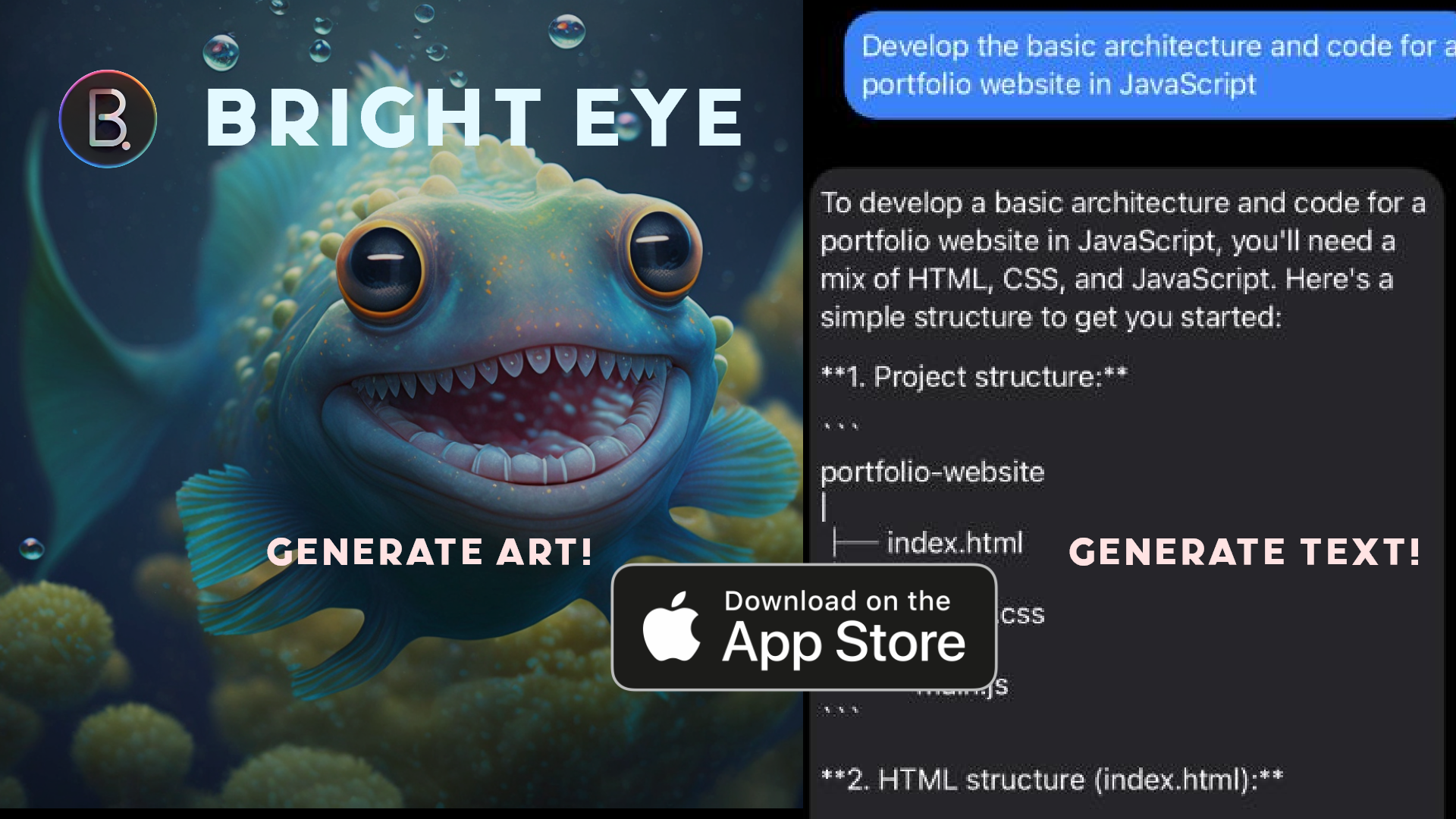
Social Media tools · weekly digest
The AI Weekly — free in your inbox
New AI tools, pricing changes, expert picks, and hidden gems — curated by Mr. Spark every week. Join 5,000+ readers who stay ahead of the AI curve.