
Pricing Details
Free Tier: Provides access to the core features, allowing users to explore the platform. Pro Tier: Starts at $29 per month, unlocking advanced features and integrations. Disclaimer: Pricing information may be subject to change. Please refer to the official timeOS website for the most current pricing details.
Product Visuals (1 images)
Strengths
- Enhanced Productivity: Automates note-taking and follow-up tasks, allowing users to focus on discussions without worrying about capturing every detail.
- Customizable Summaries: Tailor summaries according to your preferences, organizing information to maximize clarity and utility.
- Cost-Effective Solution: Saves time on manual tasks, helping businesses and teams optimize workflows efficiently without additional costs.
- Security and Privacy: timeOS employs advanced security features like SOC II Type II compliance and AES-256 encryption, ensuring your data is protected and confidential.
Limitations
- Initial Learning Curve: Users may need some time to familiarize themselves with timeOS' full feature set and integrations.
- Limited Free Usage: The free tier might not include all features, restricting initial exploration without a subscription.
What You Get
Key Features
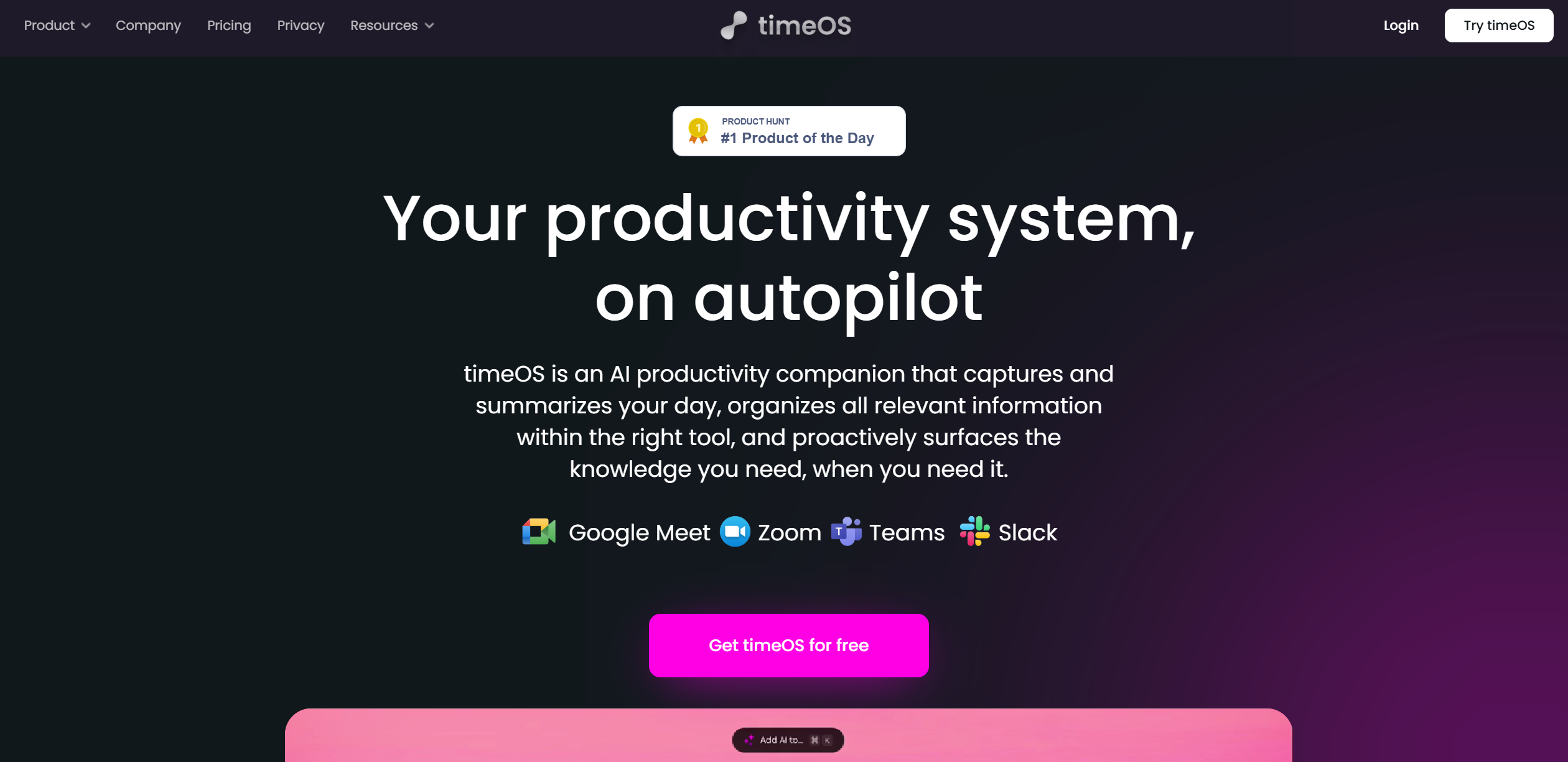
- AI-Powered Meeting Summaries: Automatically records, transcribes, and summarizes meetings on platforms like Google Meet, Zoom, and Microsoft Teams, allowing you to stay up-to-date even if you miss the session.
- Multilingual Support: timeOS supports over 60 languages, making it accessible for global teams and removing language barriers in communication.
- Seamless Integration: Integrates smoothly with popular tools like Notion, Google Docs, monday.com, and Slack, turning discussions into actionable insights and deliverables.
- Invisible AI Functionality: timeOS works discreetly in the background, providing real-time summaries without interrupting meetings, making it a truly invisible assistant.
- ProsEnhanced Productivity: Automates note-taking and follow-up tasks, allowing users to focus on discussions without worrying about capturing every detail.Customizable Summaries: Tailor summaries according to your preferences, organizing information to maximize clarity and utility.Cost-Effective Solution: Saves time on manual tasks, helping businesses and teams optimize workflows efficiently without additional costs.Security and Privacy: timeOS employs advanced security features like SOC II Type II compliance and AES-256 encryption, ensuring your data is protected and confidential.ConsInitial Learning Curve: Users may need some time to familiarize themselves with timeOS' full feature set and integrations.Limited Free Usage: The free tier might not include all features, restricting initial exploration without a subscription.
Best For
- Corporate Teams: Helping streamline meeting workflows and ensuring all team members are aligned and informed.
- Freelancers: Managing multiple client meetings and projects while maintaining high organization levels.
- Educational Institutions: Using automated meeting notes to enhance communication and collaboration between staff and students.
- Remote Workers: Managing virtual meetings efficiently, ensuring no crucial details are overlooked.
- Uncommon Use Cases: Employed by non-profits for transparent meeting documentation; legal professionals using it for accurate and secure meeting summaries.
Similar Tools



Weekly Issue
⚡
Personal Assistant tools · weekly digest
The AI Weekly — free in your inbox
New AI tools, pricing changes, expert picks, and hidden gems — curated by Mr. Spark every week. Join 5,000+ readers who stay ahead of the AI curve.
No spam, ever
Unsubscribe anytime
100% free