
Pricing Details
Pro: $19.99 per month, includes 2,400 transcription minutes, fast and accurate transcriptions, meeting and voice recording, translation, collaboration tools, and mobile app access. Team: $30 per month per seat, includes 3,000 transcription minutes per seat, shared team spaces, auto-recording with calendar integration, knowledge bases, centralized billing, and user management. Enterprise: Custom pricing per month, includes custom seats and transcription quotas, API access, custom workflows, feature development, system integrations, knowledge base insights, and advanced security. Disclaimer: Please note that pricing information may not be up to date. For the most accurate and current pricing details, refer to the official Transkriptor website.
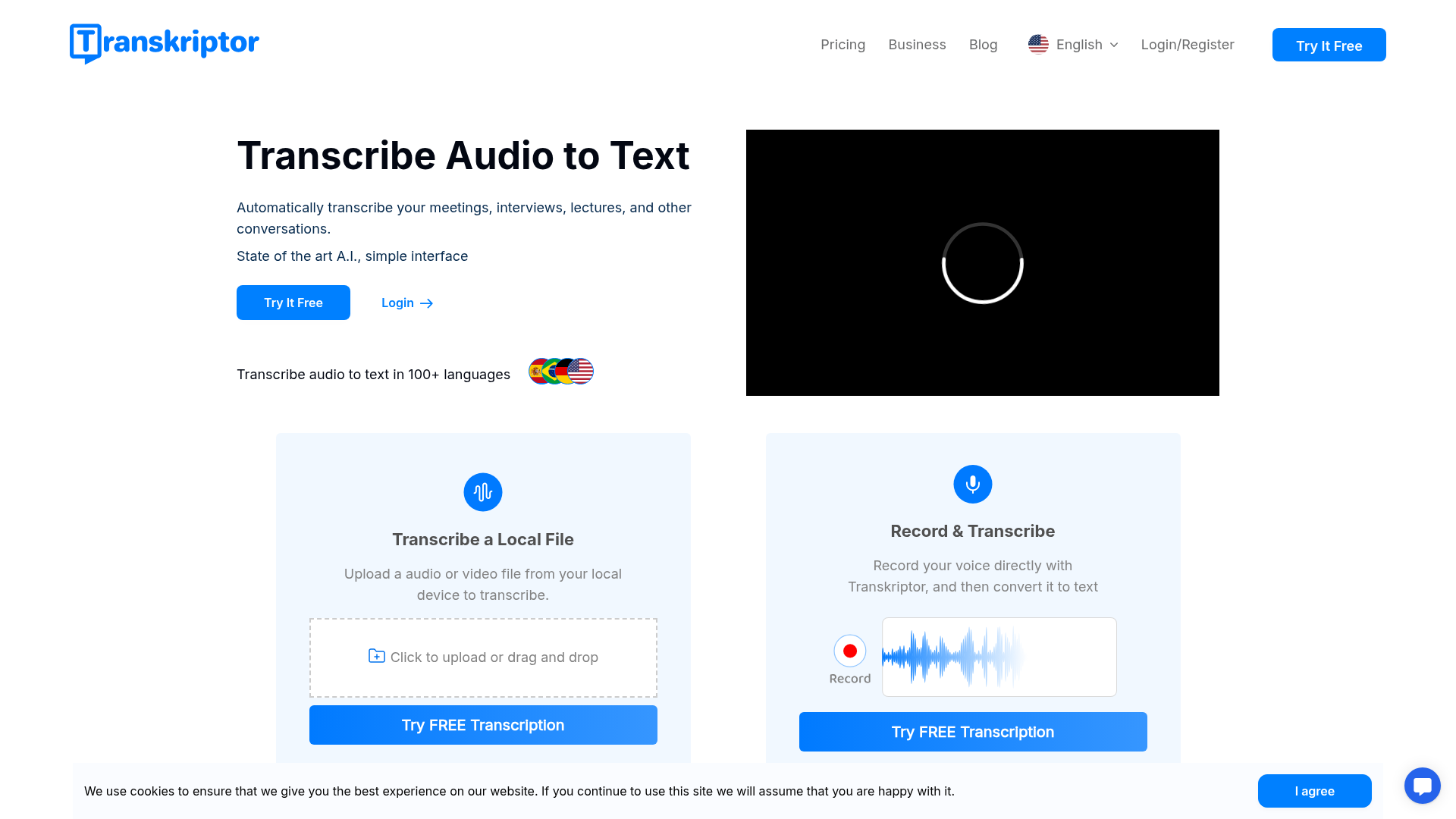
Product Visuals (1 images)
Strengths
- High Accuracy: Achieves up to 99% accuracy depending on the audio quality.
- Time-Saving: Transcribes audio in half the time it takes to listen to it.
- User-Friendly Interface: Intuitive design that simplifies the transcription process.
- Cost-Effective: Offers competitive pricing, making it accessible to a wide range of users.
Limitations
- Initial Learning Curve: Users may need some time to familiarize themselves with all features.
- Limited Integration: While it integrates with popular platforms, further expansion of integrations would enhance its utility.
- Dependency on Audio Quality: Accuracy can vary significantly with poor-quality audio.
Building your AI toolkit?
Save Transkriptor and 1,000+ tools — free with Google, no spam
What You Get
Key Features
- Automatic Transcription: Leverages advanced AI to transcribe audio and video files quickly and accurately.
- Multi-Language Support: Transcribes in over 100 languages, making it suitable for global users.
- Rich Export Options: Allows users to export transcriptions in various formats such as PDF, TXT, SRT, and Word.
- Collaboration Tools: Facilitates collaboration by enabling multiple users to edit and organize transcription files simultaneously.
- ProsHigh Accuracy: Achieves up to 99% accuracy depending on the audio quality.Time-Saving: Transcribes audio in half the time it takes to listen to it.User-Friendly Interface: Intuitive design that simplifies the transcription process.Cost-Effective: Offers competitive pricing, making it accessible to a wide range of users.ConsInitial Learning Curve: Users may need some time to familiarize themselves with all features.Limited Integration: While it integrates with popular platforms, further expansion of integrations would enhance its utility.Dependency on Audio Quality: Accuracy can vary significantly with poor-quality audio.
Best For
- Journalists: For transcribing interviews and press conferences.
- Academics: To transcribe lectures and seminars for research purposes.
- Legal Professionals: Utilize it for transcribing court hearings and legal discussions.
- Healthcare Providers: Use it to transcribe patient consultations and medical dictations.
- Uncommon Use Cases: Used by podcasters for generating episode transcripts; Employed by language learners to improve comprehension and writing skills.
Similar Tools



Personal Assistant tools · weekly digest
The AI Weekly — free in your inbox
New AI tools, pricing changes, expert picks, and hidden gems — curated by Mr. Spark every week. Join 5,000+ readers who stay ahead of the AI curve.