
Pricing Details
Free: $0 for 10 days. Includes 10 AI video minutes, 5 AI guides, 3 exports, and recordings up to 3 minutes, with access to AI video generation, avatars, translation, and basic export and sharing tools. Pro: $49 per month. Expands to 20 AI video minutes, unlimited guides and exports, and recordings up to 8 minutes. Adds watermark removal, intros/outros, captions, and screenshot editing tools. Scale: $249 per month. Increases limits to 100 AI video minutes and introduces team collaboration (3 editors), custom voices and backgrounds, branded share pages, and CTA links — ideal for professionals scaling content. Enterprise: Custom pricing. Offers custom video limits, brand templates, advanced analytics, admin dashboards, SAML SSO, and personalized onboarding for large, fast-scaling teams. Disclaimer: Please note that pricing information may not be up to date. For the most accurate and current pricing details, refer to the official Trupeer website.
Product Visuals (1 images)
Strengths
- Time Efficiency: Reduces video creation time drastically, turning hours of work into minutes.
- High-Quality Output: Delivers studio-quality voiceovers and scripts that enhance the professionalism of content.
- User-Friendly Interface: Intuitive design that requires minimal technical expertise to navigate and utilize.
- Cost Savings: Cuts down costs significantly by automating video production processes.
Limitations
- Limited Integration: May not yet support all third-party platforms some users might require.
- Initial Setup Complexity: Some users might find the initial setup process slightly challenging without prior experience.
What You Get
Key Features
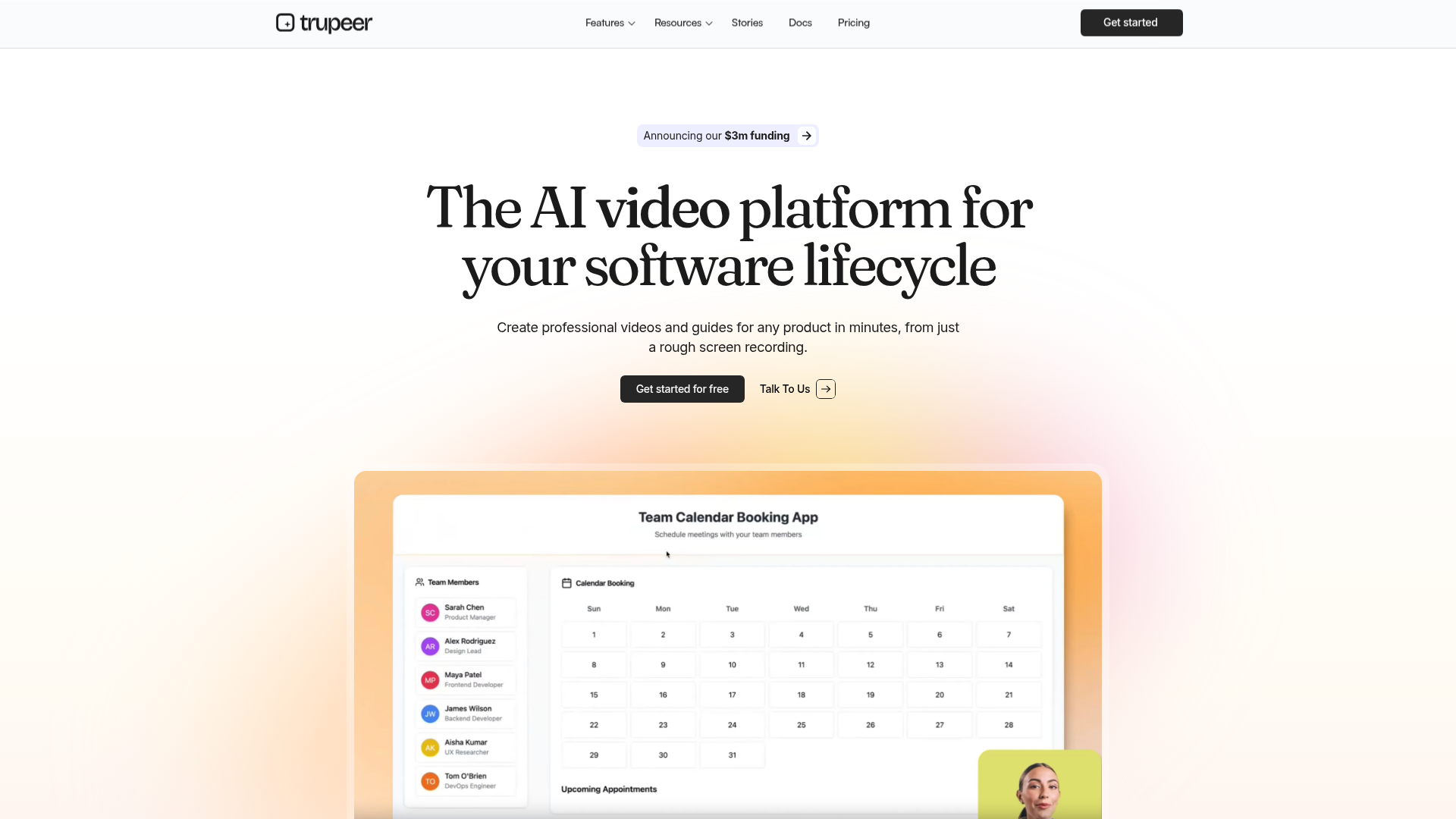
- AI Video Generation: Quickly converts rough screen recordings into professional videos with AI-generated scripts, voiceovers, and effects.
- Brand Customization: Allows users to tailor videos with logos, colors, and templates to align with their brand identity.
- Multilingual Translation: Offers translation capabilities in over 40 languages, making global reach more accessible.
- Analytics and Sharing: Provides tools to track viewer engagement and easily share content across different platforms.
- ProsTime Efficiency: Reduces video creation time drastically, turning hours of work into minutes.High-Quality Output: Delivers studio-quality voiceovers and scripts that enhance the professionalism of content.User-Friendly Interface: Intuitive design that requires minimal technical expertise to navigate and utilize.Cost Savings: Cuts down costs significantly by automating video production processes.ConsLimited Integration: May not yet support all third-party platforms some users might require.Initial Setup Complexity: Some users might find the initial setup process slightly challenging without prior experience.
Best For
- Educational Institutions: Using Trupeer to create engaging instructional videos for various courses.
- Marketing Teams: Employing the tool to develop promotional content that resonates with diverse audiences.
- Customer Support Departments: Utilizing Trupeer to produce helpful guides for product troubleshooting.
- Software Development Firms: Creating detailed product walkthroughs to aid in user training.
- Uncommon Use Cases: Adopted by legal firms to create explanatory videos for complex legal processes; Used by healthcare providers for patient education videos.
Similar Tools



Video Editing tools · weekly digest
The AI Weekly — free in your inbox
New AI tools, pricing changes, expert picks, and hidden gems — curated by Mr. Spark every week. Join 5,000+ readers who stay ahead of the AI curve.