
Pricing Details
Free Trial: Twin offers a free trial allowing users to explore its features and capabilities. Subscription Model: Post-trial, Twin operates on a subscription basis, details of which can be found on the Twin website. Disclaimer: For the most accurate and current pricing details, refer to the official Twin website.
Product Visuals (1 images)
Strengths
- Increased Productivity: Automates routine tasks, freeing up time for more valuable activities.
- High Customizability: Offers the ability to define and adjust tasks according to individual workflow requirements.
- User-Friendly Interface: Intuitive setup and interaction, even for users with minimal technical expertise.
- Reliable Performance: Designed to perform tasks with high accuracy and consistency, mimicking human precision.
Limitations
- Initial Setup Requirement: Users need to spend some time initially to configure and teach Twin specific tasks.
- Dependence on UI Consistency: Performance may degrade if the underlying application's interface changes significantly.
- Limited to Digital Tasks: Currently, Twin's capabilities are confined to digital environments and do not extend to physical task automation.
What You Get
Key Features
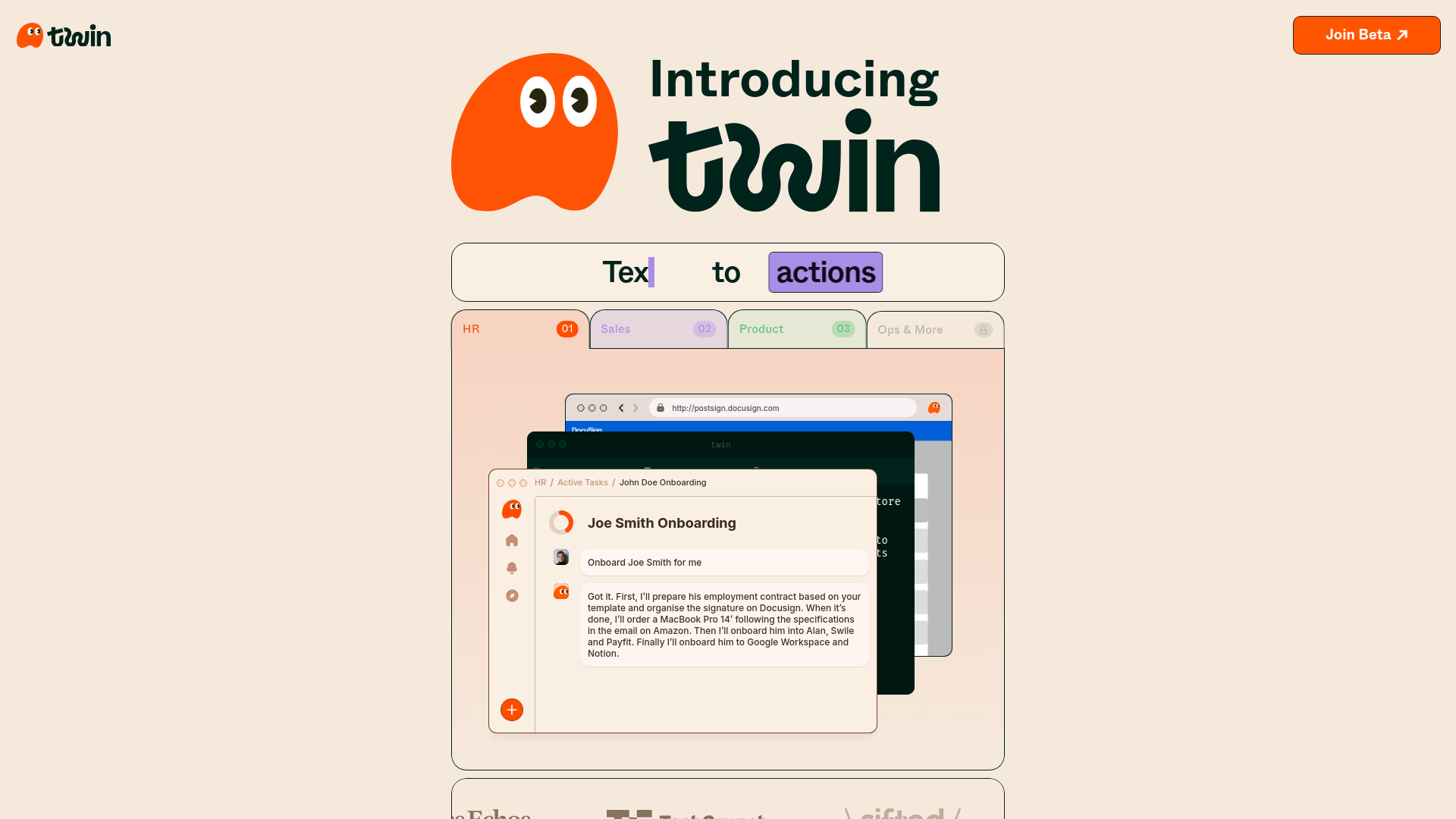
- Action-Driven Automation: Twin specializes in learning and replicating user actions to automate repetitive tasks across different software applications.
- Advanced Computer Vision: Employs cutting-edge computer vision to understand and interact with the user interface of any application.
- Natural Language Processing: Allows users to command and interact with the AI using simple, conversational language.
- Custom Task Definition: Users can define and customize tasks using natural language, making it easy to tailor Twin to specific needs.
- ProsIncreased Productivity: Automates routine tasks, freeing up time for more valuable activities.High Customizability: Offers the ability to define and adjust tasks according to individual workflow requirements.User-Friendly Interface: Intuitive setup and interaction, even for users with minimal technical expertise.Reliable Performance: Designed to perform tasks with high accuracy and consistency, mimicking human precision.ConsInitial Setup Requirement: Users need to spend some time initially to configure and teach Twin specific tasks.Dependence on UI Consistency: Performance may degrade if the underlying application's interface changes significantly.Limited to Digital Tasks: Currently, Twin's capabilities are confined to digital environments and do not extend to physical task automation.
Best For
- Small to Medium Enterprises (SMEs): Employing Twin to handle routine administrative and operational tasks.
- Freelancers: Utilizing the tool to manage repetitive tasks like invoicing and communications.
- Educational Institutions: Integrating Twin into administrative functions to automate scheduling, student communications, and record management.
- Tech Startups: Leveraging Twin to streamline development operations and project management tasks.
- Uncommon Use Cases: Artists and designers use Twin to automate repetitive parts of their creative processes; Event planners use it for guest list management and event scheduling.
Integrations
Cross-Platform Usability: Compatible with various operating systems including Windows and macOS. Browser-Based Integration: Works seamlessly within web browsers to perform tasks. Extensive App Compatibility: Functions across a wide range of applications from email clients to advanced CRM systems. API for Custom Integrations: Offers an API for developers to create custom integrations and extend functionality.
Similar Tools



Weekly Issue
⚡
Personal Assistant tools · weekly digest
The AI Weekly — free in your inbox
New AI tools, pricing changes, expert picks, and hidden gems — curated by Mr. Spark every week. Join 5,000+ readers who stay ahead of the AI curve.
No spam, ever
Unsubscribe anytime
100% free