
Pricing Details
Free Tier: Uizard offers a generous free trial for users to experience the tool. Subscription Plans: Various pricing tiers cater to different needs and scales of use. Disclaimer: Pricing details provided are indicative. For the latest and most accurate pricing, visit the Uizard website.
Product Visuals (1 images)
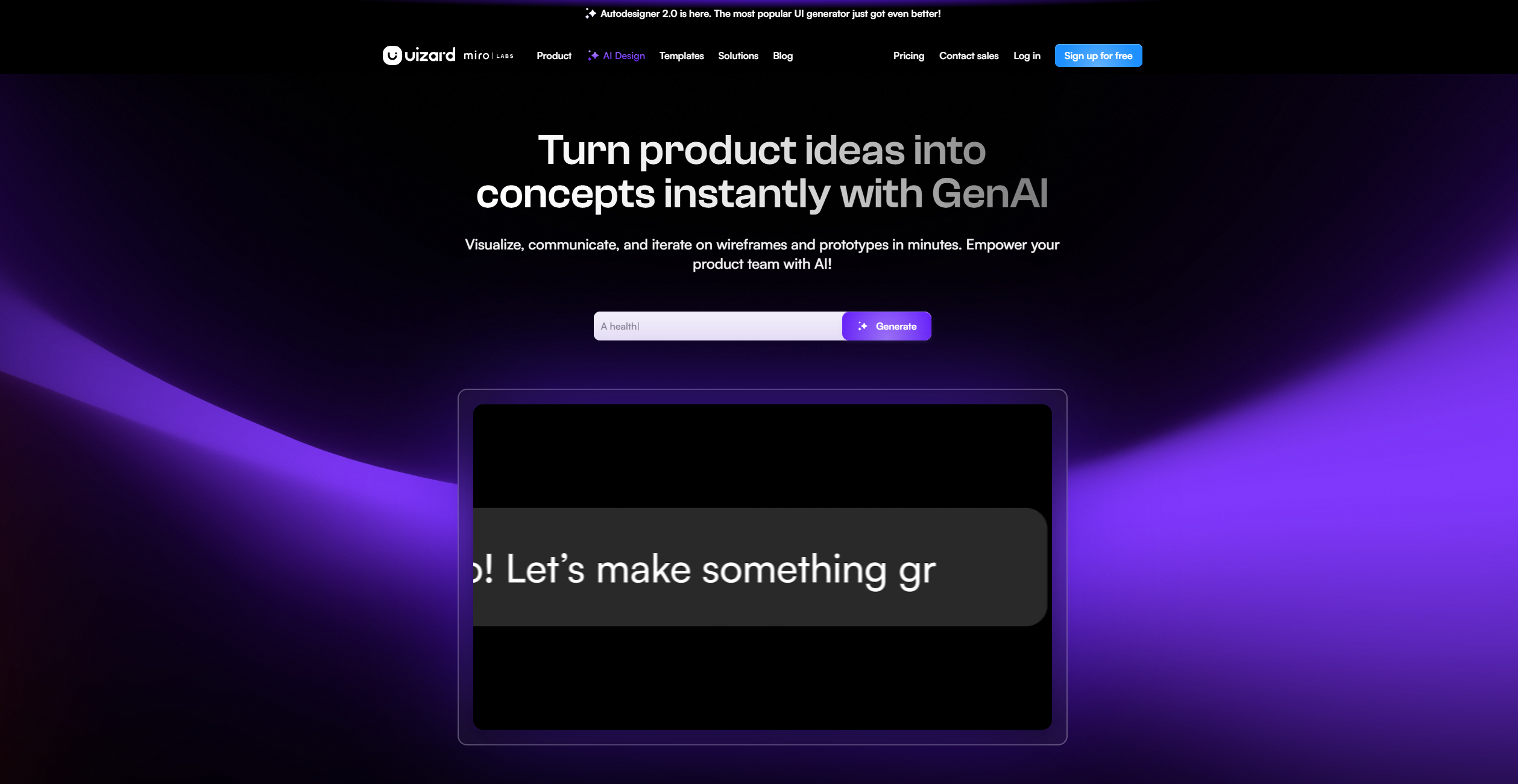
Strengths
- Speed of Execution: Accelerates the design process, enabling the creation and validation of concepts in minutes.
- Accessibility: Demystifies UI design, making it easy for non-designers to create professional-looking mockups.
- Collaboration Features: Enhances team productivity by allowing real-time collaboration and feedback.
- AI Design Assistance: Features like Autodesigner aid in generating design elements swiftly.
Limitations
- Feature Familiarity: New users may require some time to become accustomed to the AI features and the tool's full capabilities.
- Customization Limits: While AI-generated designs are editable, there may be constraints in terms of customization options.
What You Get
Key Features
- AI-Powered Design: Utilizes artificial intelligence to transform text prompts into editable mockups and screens.
- Drag-and-Drop Editor: Offers an intuitive editor accessible to users of all skill levels.
- Real-Time Collaboration: Facilitates teamwork by enabling multiple users to collaborate on designs simultaneously.
- Prototyping Made Easy: Quickly converts UI designs into clickable, interactive prototypes with no prior design experience required.
- Screenshot and Wireframe Scanners: Converts screenshots and hand-drawn wireframes into digital, editable formats.
- ProsSpeed of Execution: Accelerates the design process, enabling the creation and validation of concepts in minutes.Accessibility: Demystifies UI design, making it easy for non-designers to create professional-looking mockups.Collaboration Features: Enhances team productivity by allowing real-time collaboration and feedback.AI Design Assistance: Features like Autodesigner aid in generating design elements swiftly.ConsFeature Familiarity: New users may require some time to become accustomed to the AI features and the tool's full capabilities.Customization Limits: While AI-generated designs are editable, there may be constraints in terms of customization options.
Best For
Integrations
Real-Time Collaboration: Uizard's platform is optimized for team collaboration, supporting simultaneous editing and feedback. Prototyping for Various Platforms: Supports the creation of mockups and prototypes for mobile, web, and tablet applications. Export Options: Users can export designs to various formats for further development or presentation. Design Template Library: Access a vast library of design templates and UI components to kickstart projects.
Similar Tools



Weekly Issue
⚡
Design tools · weekly digest
The AI Weekly — free in your inbox
New AI tools, pricing changes, expert picks, and hidden gems — curated by Mr. Spark every week. Join 5,000+ readers who stay ahead of the AI curve.
No spam, ever
Unsubscribe anytime
100% free