
Pricing Details
Free Tier: Vectorizer.ai offers a free version with basic functionality. Premium Options: Advanced features and higher processing limits are available through subscription plans. Disclaimer: Please note that pricing information may fluctuate. For the most accurate and current pricing details, refer to the Vectorizer.ai website.
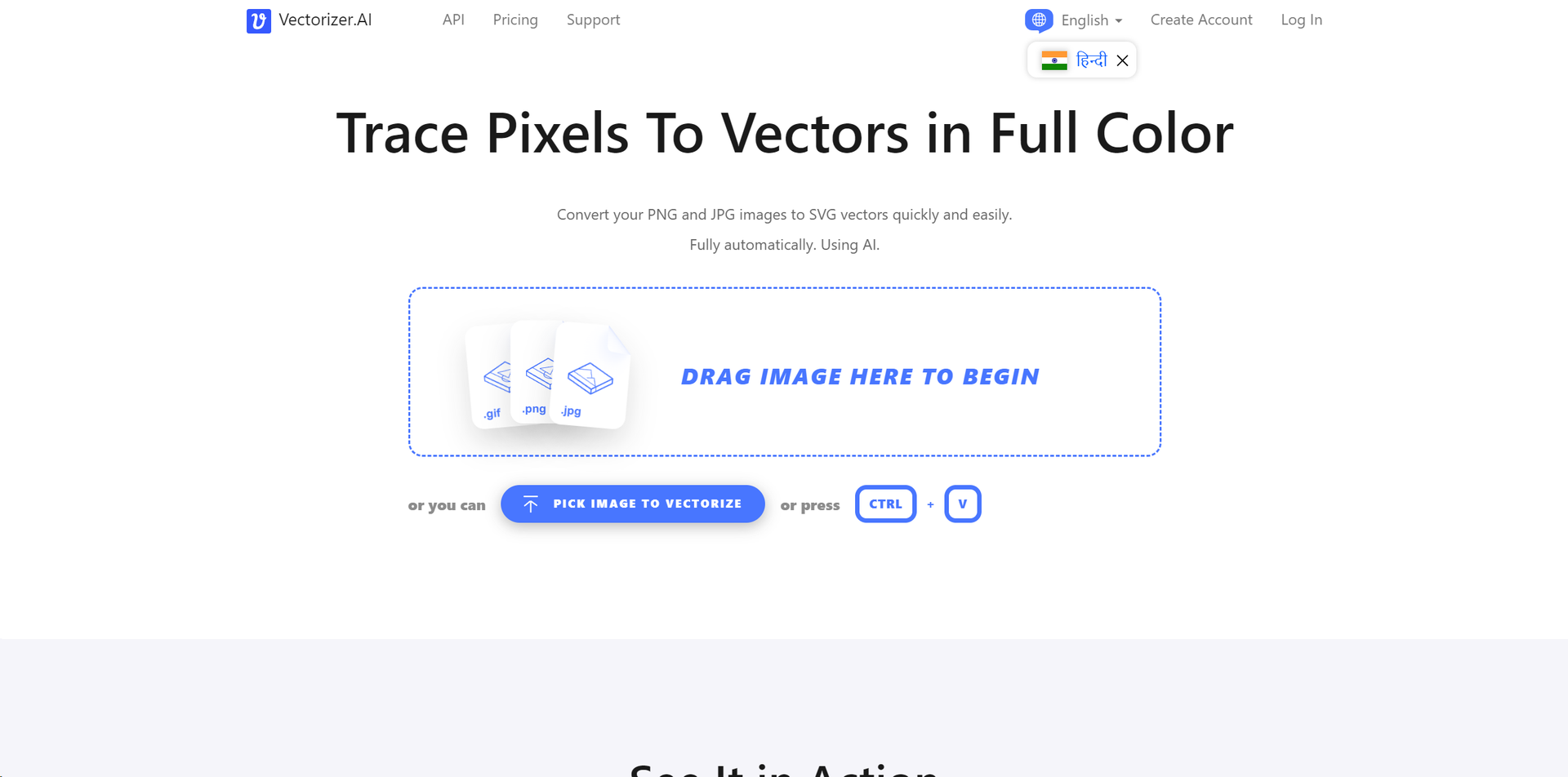
Product Visuals (1 images)
Strengths
- Ease of Use: The fully automatic process simplifies vectorization, making it accessible to users at all skill levels.
- Quality of Output: Produces high-quality vectors with sub-pixel precision and detailed curve fitting.
- Speed: Fast processing times mean users don't have to wait long to receive their vectorized images.
- Versatility: Supports a wide range of input and output formats, making it suitable for various professional and personal projects.
Limitations
- Learning Curve: Despite being user-friendly, new users may need to familiarize themselves with vector graphics concepts to fully appreciate the tool's capabilities.
- File Size Limitations: There are restrictions on the maximum image size and resolution, which could be a limitation for users working with very high-resolution images.
Building your AI toolkit?
Save Vectorizer.ai and 1,000+ tools — free with Google, no spam
What You Get
Key Features
- Full-Featured Deep Vector Engine: Built on 15 years of experience, Vectorizer.ai employs deep learning networks and classical algorithms to convert images with unmatched precision.
- Full Shape Fitting: Beyond simple curves, the tool fits complex geometric shapes for a perfect representation of the original image.
- Curve Support: Supports a wide range of curve types, offering more natural transitions between shapes.
- High Performance: Utilizes state-of-the-art GPUs and multi-core CPUs to deliver fast processing times, respecting user's time and efficiency.
- Sub-Pixel Precision: Capable of identifying features smaller than a pixel for incredibly detailed results.
- Fully Automatic: Requires no user input, making the vectorization process seamless and straightforward.
- ProsEase of Use: The fully automatic process simplifies vectorization, making it accessible to users at all skill levels.Quality of Output: Produces high-quality vectors with sub-pixel precision and detailed curve fitting.Speed: Fast processing times mean users don't have to wait long to receive their vectorized images.Versatility: Supports a wide range of input and output formats, making it suitable for various professional and personal projects.ConsLearning Curve: Despite being user-friendly, new users may need to familiarize themselves with vector graphics concepts to fully appreciate the tool's capabilities.File Size Limitations: There are restrictions on the maximum image size and resolution, which could be a limitation for users working with very high-resolution images.
Best For
- Graphic Designers: For creating scalable designs without losing quality.
- Digital Marketers: For enhancing online adverts with high-quality graphics.
- Web Developers: Employing vector graphics for crisp, scalable web elements.
- Print Media Professionals: Using vectors for print materials that require resizing without quality loss.
- Uncommon Use Cases: Academics and researchers utilize Vectorizer.ai for presenting high-quality visual data; hobbyists in model making use it for creating detailed designs.
Integrations
File Format Support: Extensive support for various image formats including JPEG, PNG, WEBP, BMP, and GIF. Output Formats: Offers a range of output options including SVG, PDF, EPS, DXF, and PNG. Software Compatibility: The vectors produced are compatible with standard vector editing and viewing software.
Similar Tools



Weekly Issue
⚡
Design tools · weekly digest
The AI Weekly — free in your inbox
New AI tools, pricing changes, expert picks, and hidden gems — curated by Mr. Spark every week. Join 5,000+ readers who stay ahead of the AI curve.
No spam, ever
Unsubscribe anytime
100% free