
Pricing Details
Paid Tier: Set at $67 per month, providing access to all features and tools. Disclaimer: Please note that pricing information may not be up-to-date. For the most accurate and current pricing details, refer to the official Vid.AI website.
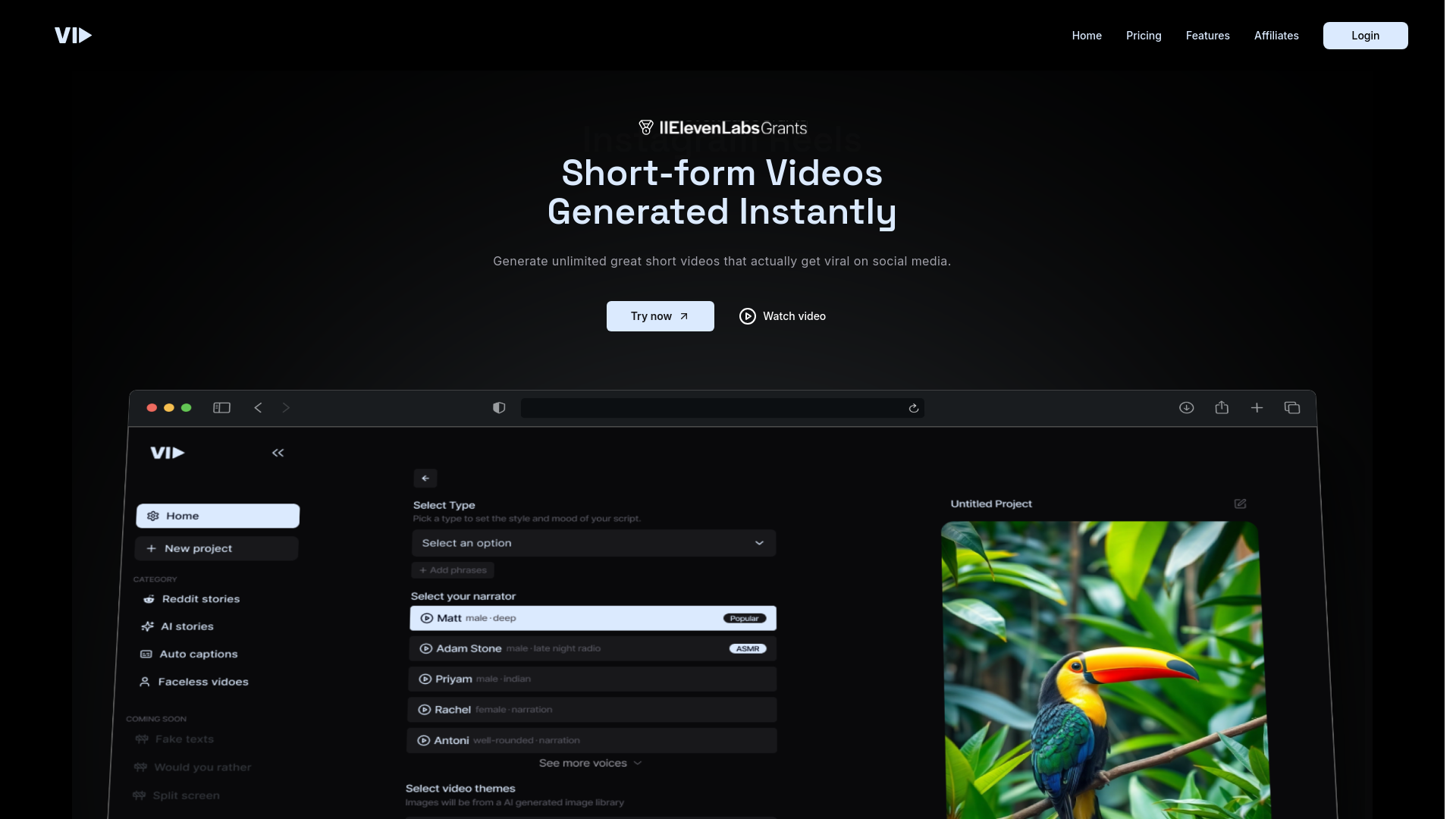
Product Visuals (1 images)
Strengths
- Time Efficiency: Significantly reduces the time required to produce professional-quality videos.
- User-Friendly Interface: Intuitive design ensures ease of use, even for beginners.
- Scalability: Suitable for projects of all sizes, from small-scale productions to large campaigns.
- Cost-Effective: Reduces the need for expensive video production resources and personnel.
Limitations
- Initial Learning Curve: Some users may need time to fully understand all features and functionalities.
- Limited Third-Party Integrations: Currently supports a limited range of external applications and platforms.
- Occasional Software Bugs: Users have reported minor glitches that can interrupt workflow.
What You Get
Key Features
- AI-Powered Editing: Utilizes machine learning to automate video editing processes, enhancing speed and precision.
- Template Library: Offers a vast collection of customizable templates suitable for various industries and purposes.
- Real-Time Collaboration: Facilitates seamless teamwork with features that allow multiple users to work on a project simultaneously.
- Advanced Analytics: Provides detailed insights into video performance, helping users optimize their content strategy.
- ProsTime Efficiency: Significantly reduces the time required to produce professional-quality videos.User-Friendly Interface: Intuitive design ensures ease of use, even for beginners.Scalability: Suitable for projects of all sizes, from small-scale productions to large campaigns.Cost-Effective: Reduces the need for expensive video production resources and personnel.ConsInitial Learning Curve: Some users may need time to fully understand all features and functionalities.Limited Third-Party Integrations: Currently supports a limited range of external applications and platforms.Occasional Software Bugs: Users have reported minor glitches that can interrupt workflow.
Best For
- Content Creators: Utilizing Vid.AI to produce engaging YouTube and social media videos.
- Marketing Agencies: Employing the tool to create compelling ad content and promotional videos.
- Education Professionals: Leveraging Vid.AI for creating online course materials and educational videos.
- Media Companies: Using the platform for news and entertainment video production.
- Uncommon Use Cases: Non-profit organizations using it for awareness campaigns; Fitness trainers creating instructional workout videos.
Similar Tools



Weekly Issue
⚡
Video Editing tools · weekly digest
The AI Weekly — free in your inbox
New AI tools, pricing changes, expert picks, and hidden gems — curated by Mr. Spark every week. Join 5,000+ readers who stay ahead of the AI curve.
No spam, ever
Unsubscribe anytime
100% free