
Pricing Details
Free Tier: Experience Video-to-Blog with a limited free trial. Pro Tier: Starts at $14 per month with additional features and higher usage limits. Disclaimer: Please note that pricing information may not be up to date. For the most accurate and current pricing details, refer to the official Video-to-Blog website.
Product Visuals (1 images)
Strengths
- Time Efficiency: Quickly transforms videos into blog content, significantly reducing content creation time.
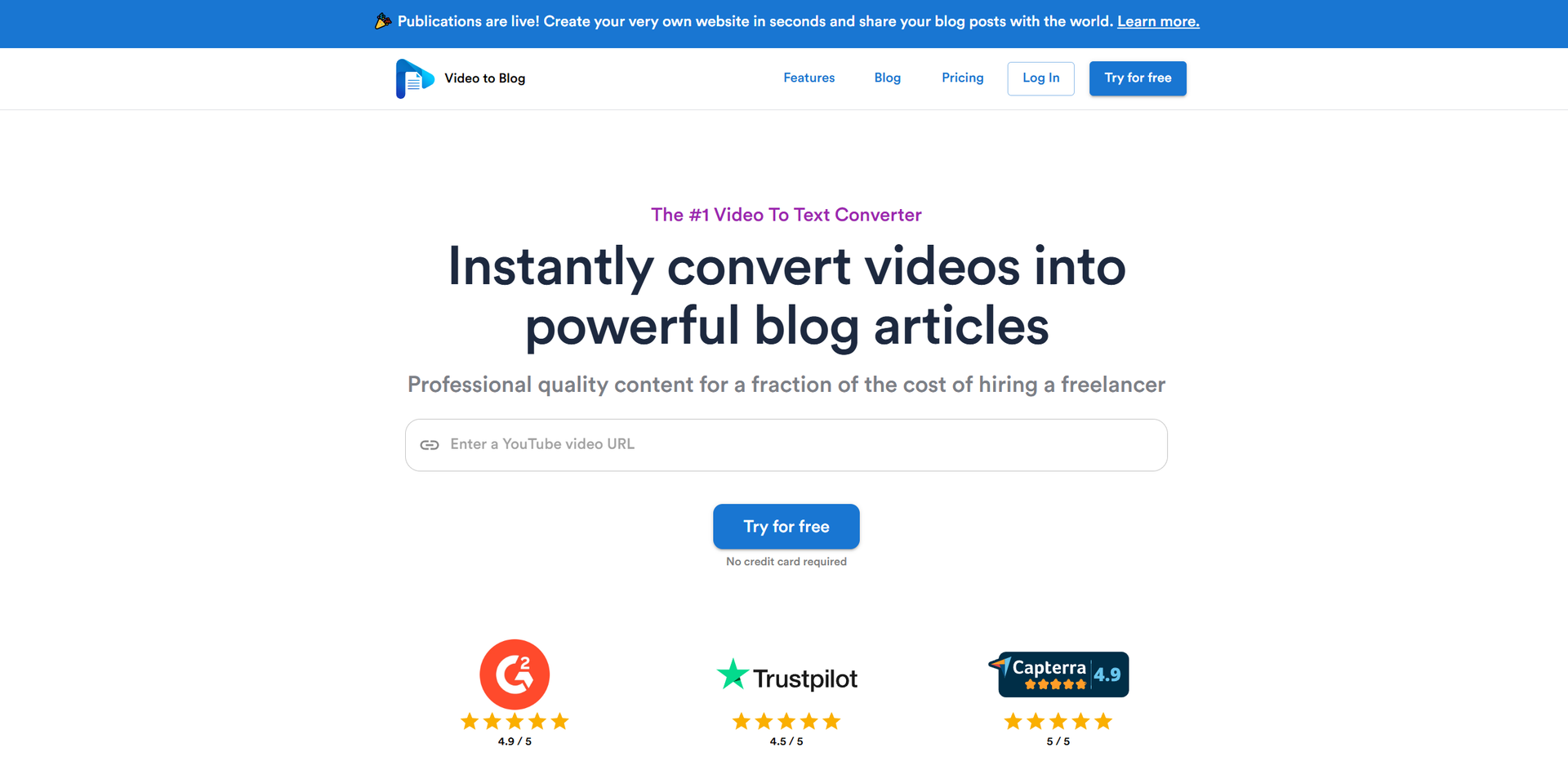
- Cost-Effective: Offers professional quality content creation at a fraction of the cost of hiring freelancers.
- Ease of Use: Simple interface requiring just a video link or upload to get started.
- Versatile Content: Supports adding images, including screenshots, stock images, and AI-generated visuals, enhancing the article's appeal.
Limitations
- Initial Learning Curve: Some users may need time to master the customization features fully.
- Video Length Limitation: Currently supports videos up to 3 hours long, which might not suit all content needs.
- Limited to Videos with Spoken Audio: Videos without spoken audio or only music cannot be converted.
Building your AI toolkit?
Save Video to Blog and 1,000+ tools — free with Google, no spam
What You Get
Key Features
- Instant Video Conversion: Convert YouTube links or uploaded videos into blog posts with just a click.
- Multilingual Support: Generate content in over 30 languages, allowing for global audience engagement.
- AI-Powered Customization: Customize articles to match your tone and style, ensuring the content feels personal and authentic.
- SEO Optimization: Articles are crafted with SEO best practices to help boost search engine rankings.
- ProsTime Efficiency: Quickly transforms videos into blog content, significantly reducing content creation time.Cost-Effective: Offers professional quality content creation at a fraction of the cost of hiring freelancers.Ease of Use: Simple interface requiring just a video link or upload to get started.Versatile Content: Supports adding images, including screenshots, stock images, and AI-generated visuals, enhancing the article's appeal.ConsInitial Learning Curve: Some users may need time to master the customization features fully.Video Length Limitation: Currently supports videos up to 3 hours long, which might not suit all content needs.Limited to Videos with Spoken Audio: Videos without spoken audio or only music cannot be converted.
Best For
- Content Creators: Transform YouTube videos into engaging blog posts effortlessly.
- Digital Marketers: Utilize the tool for quick content repurposing, enhancing marketing strategies.
- Educational Institutions: Convert lecture videos into written content for educational blogs.
- Podcasters: Turn podcast episodes into blog articles, reaching wider audiences.
- Uncommon Use Cases:
- Used by multilingual businesses to create content in multiple languages; Employed by non-profit organizations for creating awareness articles from documentary videos.
Similar Tools

Weekly Issue
⚡
Marketing tools · weekly digest
The AI Weekly — free in your inbox
New AI tools, pricing changes, expert picks, and hidden gems — curated by Mr. Spark every week. Join 5,000+ readers who stay ahead of the AI curve.
No spam, ever
Unsubscribe anytime
100% free