
Pricing Details
Free Tier: Get started with VideoGen with no initial cost. Pro Tier: Advanced features and unlimited video creation starting at a competitive monthly rate. Disclaimer: For the most accurate and current pricing details, refer to the official VideoGen website.
Product Visuals (1 images)
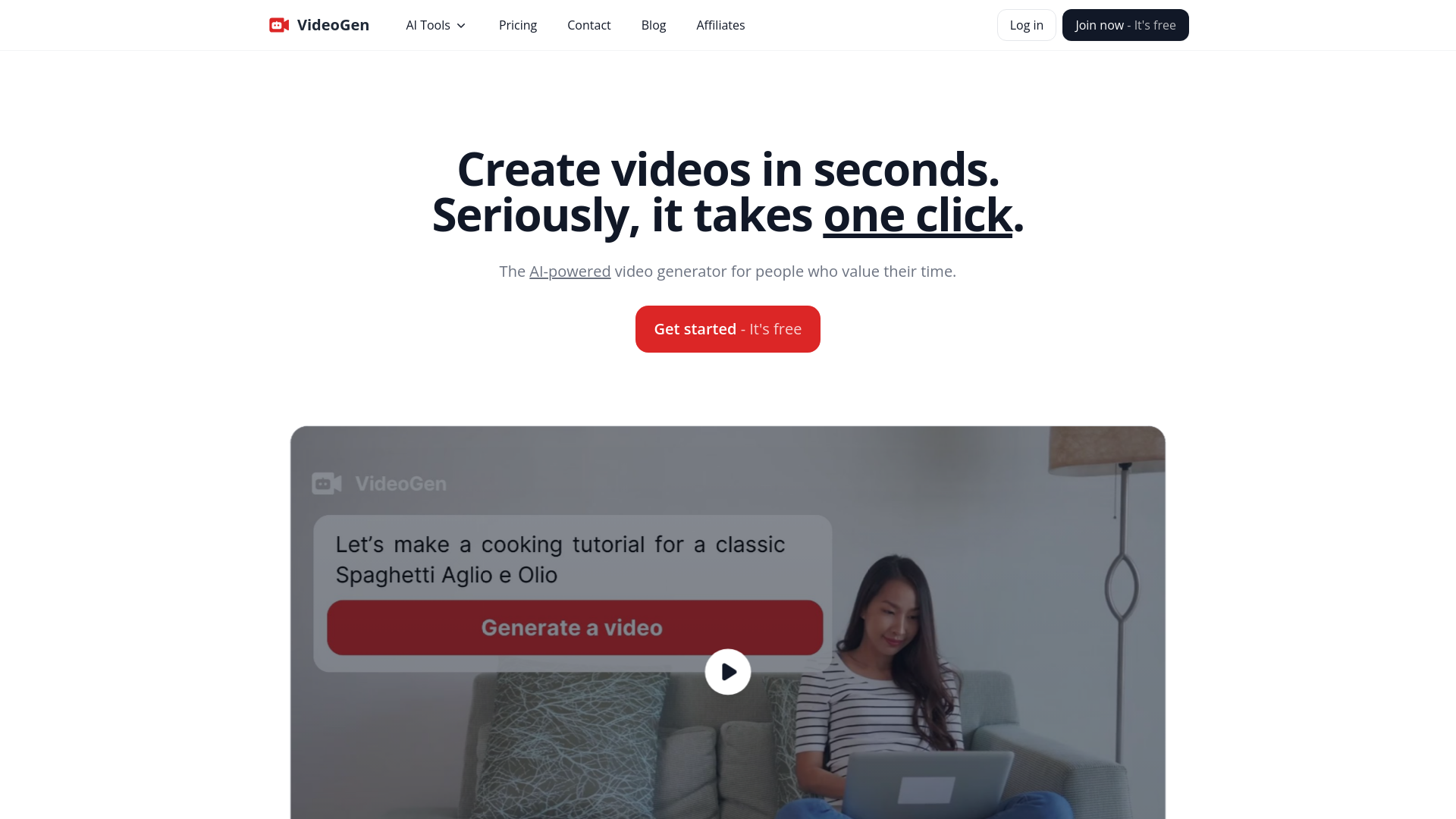
Strengths
- Efficiency: Reduces video production time dramatically, from days to minutes.
- Cost-Effective: Offers significant cost savings compared to traditional video production methods.
- High-Quality Output: Produces high-quality videos that can compete with professional standards.
- Ease of Use: User-friendly interface that caters to both beginners and experienced users.
Limitations
- Internet Dependency: Requires a stable internet connection to utilize all features.
- Learning Curve: New users may need some time to fully grasp all functionalities.
- Subscription Model: While cost-effective, the ongoing cost may be a consideration for some users.
What You Get
Key Features
- One-Click Video Creation: Generate videos with a single click, streamlining the video production process.
- Extensive Stock Library: Access over 3 million copyright-free assets, ensuring a diverse range of video content.
- Advanced Text-to-Speech Engine: Utilize over 150 unique voices in more than 40 languages, indistinguishable from human voices.
- Browser-Based Editing: Edit videos directly in your browser with an optimized video editor designed for speed and ease of use.
- Commercial Use Compatibility: Create videos that are safe for commercial use, enhancing business marketing strategies.
- ProsEfficiency: Reduces video production time dramatically, from days to minutes.Cost-Effective: Offers significant cost savings compared to traditional video production methods.High-Quality Output: Produces high-quality videos that can compete with professional standards.Ease of Use: User-friendly interface that caters to both beginners and experienced users.ConsInternet Dependency: Requires a stable internet connection to utilize all features.Learning Curve: New users may need some time to fully grasp all functionalities.Subscription Model: While cost-effective, the ongoing cost may be a consideration for some users.
Best For
- Marketing Professionals: Employing the tool to rapidly produce and test different marketing video creatives.
- Content Creators: Generating regular content for platforms like TikTok and YouTube with minimal effort.
- Corporate Trainers: Creating training videos quickly for employee education and development.
- Small Business Owners: Producing promotional videos to engage with customers without needing extensive resources.
- Uncommon Use Cases: Utilized by educators for creating interactive learning materials; used by real estate agents to create dynamic property tours.
Integrations
Browser Compatibility: Fully functional on major web browsers for seamless creation. Stock Footage Integration: Integrates with a vast library of stock footage, providing a wealth of video resources. Language Support: Offers extensive language options for global user accessibility. Third-Party Integration: Compatible with various platforms for easy content distribution.
Similar Tools



Weekly Issue
⚡
Video Editing tools · weekly digest
The AI Weekly — free in your inbox
New AI tools, pricing changes, expert picks, and hidden gems — curated by Mr. Spark every week. Join 5,000+ readers who stay ahead of the AI curve.
No spam, ever
Unsubscribe anytime
100% free