
Pricing Details
Free Tier: Users can access basic features of Video Shorts without any cost. Premium Options: Advanced features and capabilities are available for a fee. Disclaimer: For the most up-to-date and precise pricing details, always refer to the official Video Shorts website.
Product Visuals (1 images)
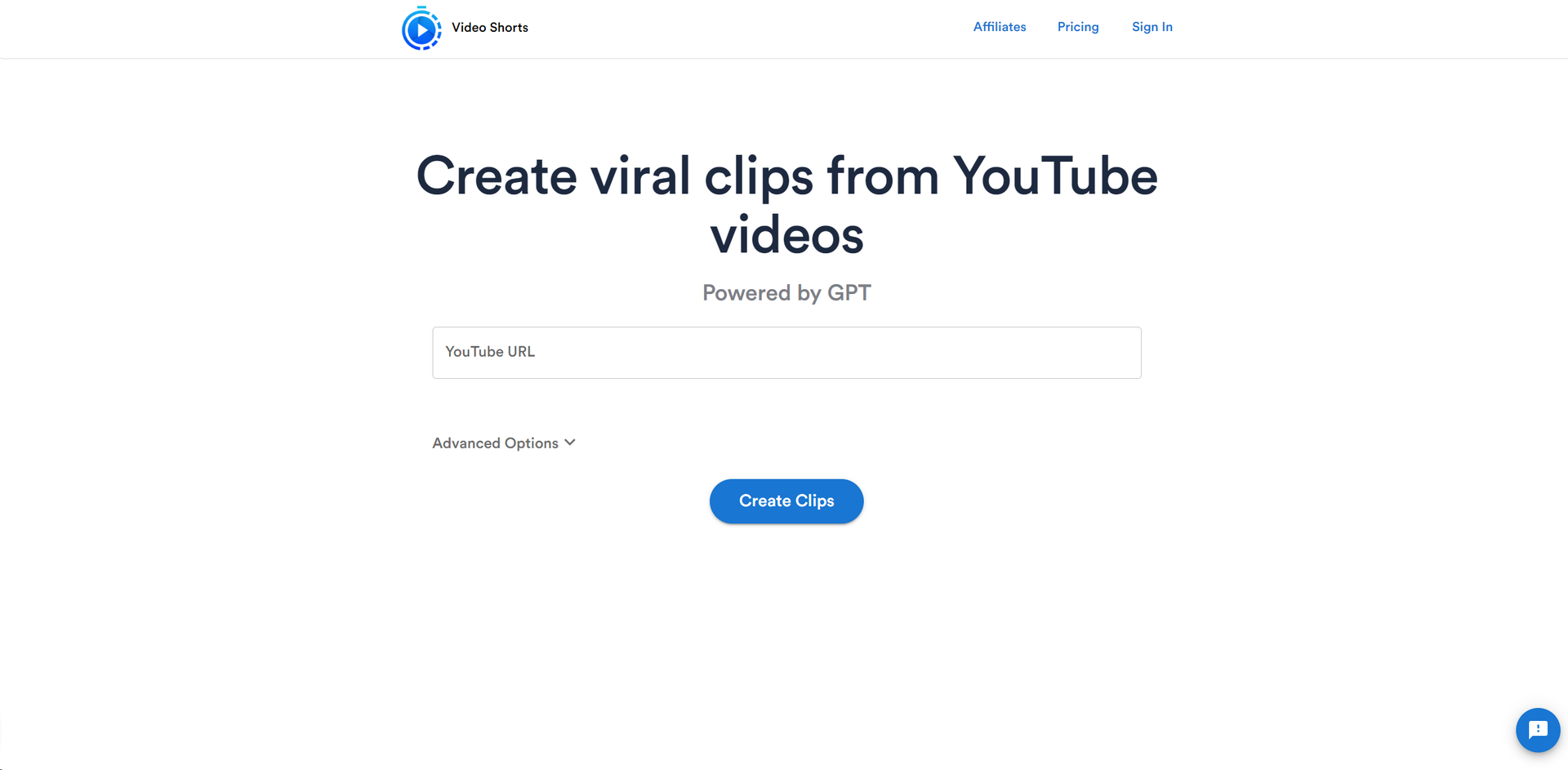
Strengths
- Time-Saving: Drastically cuts down video editing time, allowing for quick content generation.
- Ease of Use: Intuitive design ensures that even novices can create professional-looking clips.
- No Download Required: Operates entirely online, eliminating the need for software installation.
- Viral Potential: Designed to help users create content that is more likely to gain traction on social media.
Limitations
- Platform Dependency: Limited to YouTube videos, which may not cater to all users' needs.
- Internet Reliance: Requires a stable internet connection for optimal functionality.
- Learning Curve: While user-friendly, new users may need time to explore and utilize all advanced options effectively.
Building your AI toolkit?
Save VideoShorts and 1,000+ tools — free with Google, no spam
What You Get
Key Features
- AI-Powered Editing: Leverages GPT and machine learning to automate the clip creation process.
- User-Friendly Interface: Simplifies the experience with a straightforward workflow.
- Customization Options: Advanced options to tailor the clips to specific needs and styles.
- Social Media Ready: Generates clips that are optimized for sharing across various social media platforms.
- ProsTime-Saving: Drastically cuts down video editing time, allowing for quick content generation.Ease of Use: Intuitive design ensures that even novices can create professional-looking clips.No Download Required: Operates entirely online, eliminating the need for software installation.Viral Potential: Designed to help users create content that is more likely to gain traction on social media.ConsPlatform Dependency: Limited to YouTube videos, which may not cater to all users' needs.Internet Reliance: Requires a stable internet connection for optimal functionality.Learning Curve: While user-friendly, new users may need time to explore and utilize all advanced options effectively.
Best For
- Content Creators: Enhancing their video offerings by creating engaging clips to share with followers.
- Social Media Managers: Crafting bite-sized content for brand promotion and engagement.
- Digital Marketers: Generating promotional clips to highlight products or services.
- Event Organizers: Sharing highlights from events to reach a broader audience.
- Uncommon Use Cases: Utilized by educators to share educational content snippets; Adopted by podcasters to share visual excerpts of audio episodes.
Integrations
Social Media Integration: Directly share your clips on various social media platforms. YouTube Integration: Specifically designed to work with YouTube links for clip generation. Browser-Based Compatibility: Accessible from any modern web browser without the need for additional software. Cloud-Based Storage: Saves your created clips online for easy access and sharing.
Similar Tools



Weekly Issue
⚡
Video Editing tools · weekly digest
The AI Weekly — free in your inbox
New AI tools, pricing changes, expert picks, and hidden gems — curated by Mr. Spark every week. Join 5,000+ readers who stay ahead of the AI curve.
No spam, ever
Unsubscribe anytime
100% free